New Topics
Showing topics posted in for the last 365 days.
- Past hour
-

[Solved] Application to be a volunteer on Morty Upgrade
Krydos replied to seintitus's topic in Customer Service
Probably referring to the latest news post. You've been added to the list of first to move. You'll receive an email when the move begins. Thanks for volunteering. - Today
-
Domains added. It can take up to 2 hours to start working.
-
Morty is getting upgraded! Our fastest and most up-to-date server is getting even faster and even more up-to-date. We will be starting a major upgrade soon, and wanted to let you know what to expect if you're on the Morty plan. What is changing: PHP: All of the versions of PHP currently available on Morty will still be available after the upgrade. Node.js: We are adding versions 25 and 24. All other versions of Node.js currently available on Morty will remain available after the upgrade. Python: We are adding version 3.14. Version 3.9 will remain the same. Version 3.12 will be removed. Django: We are adding version 6.0.4 running on Python 3.14. We are removing version 6.0.3 running on Python 3.12. Flask: We are adding version 3.1.3 running on Python 3.14. We are removing version 3.0.3 running on Python 3.12. Unfortunately, we don't have a way of tracking which accounts are using which Python modules right now. So if you're using any modules, please take a look at https://morty2-info.heliohost.org/pyinfo/info3.14.py as soon as possible, and request any modules that you'll need that aren't already available. In the future, we plan to add a system for tracking which modules each account needs, allowing us to pre-install them before an account is moved. For now, you will need to re-request them. You can reply to this email or click the contact support button below to let us know if any modules you need are missing. Another thing to keep in mind during an upgrade like this is that your IP address will be changing. If you use our nameservers, ns1.heliohost.org and ns2.heliohost.org, your DNS records will be updated to the new values for you. If you use external DNS, such as Cloudflare, you'll need to manually update your DNS records yourself. You will receive an email with the correct values when it's time to change them. If you don't want downtime due to incorrect DNS records, you could temporarily use our DNS until you're moved, and then go back to the external DNS afterwards. You will receive an email when your account begins its migration to the new hardware, and a second email when the move has completed. We are taking volunteers to be the first ones to experience the upgraded speed and features, so if you're ready to move, let us know. If you need a little more time to make sure your website is ready for the upgrade, let us know, and we can move you to the end of the list too. If we don't hear from your we will assume you're ready to move now. Let us know if you have any questions.
-
Domain renamed. It can take up to 2 hours to function.
-
We can see which email address is attached to your forum account to confirm your identity. You do not need to share your email address publicly, so I've removed it from your post. Looks like your account was suspended for exceeding the storage limit. You were using 1023.16 MB when the limit is 1000 MB. I've reset your account as requested. You should receive an email shortly so you can take the next steps to recreate it. I made a backup before the reset, so if you discover you need any of your old files, you can download the backup here: https://heliohost.org/backup If you're not sure how to extract the backup files, please follow our how-to guide here: https://wiki.helionet.org/Account_Backups Next time, if you exceed the storage limit, you've got 2 other options besides an account reset: 1. You are able to regain access to your account immediately without waiting for an admin by increasing your account's storage space here: https://heliohost.org/dashboard/storage/ This storage space upgrade is good for the life of the account, and has no monthly cost. 2. Tell us which files you would like deleted and an admin can delete them for you to get you back under your current storage limit. If you're not sure which files are taking up all of your space an admin can provide a detailed storage space usage report for you.
-
That domain is currently on your account as an addon domain. If you want it to become your new main domain, this will require an account reset because in every case where a user has asked to switch an addon domain to be their main domain, the rapid adding and deleting of DNS records ends up breaking their account in some irreparable way, causing an account reset to be necessary to fix it anyway. Please review the details on this page, which will explain how to make an account backup and dowload it to your computer before the reset is done. This is strongly recommended since the reset wipes your account, as if it were a brand new account once again: https://wiki.helionet.org/Changing_Your_Main_Domain#Account_Reset_is_Required_to_Swap_Main_and_Addon_Domain Let us know when you're ready for the reset, and we can start that process for you. Then, during the account recreation, you can set the main domain to be the new one you want.
- Yesterday
-

[Solved] Can't sign up as your system threw an err
DevArya replied to DevArya's topic in Customer Service
Hi, Thanks for the prompt response and solution. I indeed received the invitation email and was able to create an account. The issue therefore can be considered as resolved and this ticket may be closed. Thanks for the support once again. Regards, Dev Arya -

[Solved] Change Main Domain - editer le nom du domaine
KazVee replied to achillemutombo97's topic in Customer Service
Yeah, it's not possible to just name a random domain name that you don't own and have it work. If this was possible, I'd own google.com by now and it'd just have a bunch of raccoon photos on the website. If you want a custom domain name, you will need to purchase it from a domain registrar. HelioHost has an affiliate agreement with Namecheap, so if you're in the market for a new domain we highly recommend purchasing it from them: https://wiki.helionet.org/What_HelioHost_is_Not#Namecheap If you want a free HelioHost domain, there was information about this in the Wiki link provided to you in my last post.If the link did not work for you when you clicked on it, please let me know what error message you received, so we can investigate this further: https://wiki.helionet.org/Addon_Domains#How_can_I_create_an_Addon_Domain? To get a free domain name, please provide: Your hosting account username The full addon domain name you want, including the top-level domain (TLD): To use a free HelioHost's domain, specify either helioho.st or heliohost.us -

[Solved] please add the domain taoismchinese.com
MoneyBroz replied to lismo's topic in Customer Service
Domain added. It can take up to 2 hours to start working. - Last week
-
I've added that domain to your account for you. Please note that it may take up to 2 hours for the domain change to take effect, and it will not work until you set up your DNS with your domain registrar. To configure your DNS, please see the steps provided on our Wiki to either set NS records pointed at the HelioHost nameservers, or create A/AAAA records and point them to your server's IPv4/IPv6 address: https://wiki.helionet.org/Addon_Domains#Custom_Addon_Domains If after a full 2 hours it doesn't work on your side, please make sure you clear your web browser cache: https://wiki.helionet.org/Clear_Your_Cache
- 1 reply
-
- 1
-

-

[Solved] Please add the domain ai2ai.homes, to morty
wolstech replied to alberto4's topic in Customer Service
Domain added. Please be sure to configure DNS. The domain can take up to 2 hours to function. -

Main Domain Change AND Addon Domain Request - User: ryotagtagtag
game_ryo replied to game_ryo's topic in Customer Service
I was unaware that I had violated the terms of service. I am truly sorry. -
I have started the rebuild, and you'll get an email in 10-30 minutes when it is complete. Your next free rebuild will be available on 2026-05-24. If you need a rebuild before then they can be purchased for $1 each.
-
Happy New LTS Ubuntu Day! To those who celebrate the holiday anyways. The resolute raccoon just showed up at HelioHost and demanded a spot on our VPS operating system list, so we were happy to add him. He's too darn cute to say no to. For those who don't know what is going on, every two years in April the Ubuntu operating system releases their new long term support stable version, and it always has a cute animal name with an alliteration adjective. Two years ago it was noble numbat, which sounds suspiciously uncute until you google it, and now it's resolute raccoon, which everyone can agree is about as cute as it gets. We've added Ubuntu 26 to our custom VPS OS selection. Since it's so new, it will be a few months before we make it the default though. If you choose any of the VPS options that aren't on the custom page it will continue to build with Ubuntu 24 for now. If you have an existing VPS you can request a free rebuild to try out the new version if you want, but make sure all of your software that you're planning on running supports it. We've also added AlmaLinux 10, Rocky 10, and Debian 13 for the people who prefer those operating systems. Let us know if you have any questions about the new OS options.
-

[Solved] Account suspended for no reason
astaroth replied to astaroth's topic in Suspended and Queued Accounts
hello. i enter y account and checking to see if i could find all the sudden missing space from my account it seems that the "logs" directory is now 170mb larger than before, but i checked it and i see no larger files or an amount of small files to add to that amount of lost space, and i would like to know if i delete all of them will i get the stolen space back, is there a chance a hidden file would be there taking that much space??? could you please check on that, there wasnt any of this a few days back when i logged in las time the only thing i am always aware is my this space, something must have happened in the last coupe of days taking that space from my accoumt and crating this mess i didn't even know about till today when i tried to login again -
[Inactive] Changing to VPS: No need to move data or anything
Krydos replied to devzx's topic in Escalated Requests
Closing due to inactivity since there has been no response in this thread for over a week. If you're still having this issue or need help with something else please open a new ticket. -
[Solved] How to enable rest of SSL certificates of my domain?
wolstech replied to zaisty's topic in Customer Service
Glad to hear. Please let us know if you need anything else. -
As MoneyBroz said, this behavior is by design. If the system is unable to verify that a domain is actually hosted with us, it is disabled to conserve resources. Domains are considered to be hosted with us if: Their A or AAAA record points to our server IP. Their MX is pointed to our server IP. For domains using Cloudflare, they can be validated via DNS if proxy is disabled, or by checking if a challenge file placed on the account by the verification system is reachable via your domain (which proves that the origin is set to us on CF), if the proxy function is used. Note if you use our server for email only, you need to actually put tommy.heliohost.org as the MX for it to validate (email forwarder/mail server proxies are not supported). Since you use cloudflare, you need to make sure that your origin is actually set to our servers, and that the WAF is not set to with rules that could block traffic from our server (e.g. a geo-restriction that blocks the USA would cause validation to fail). Your domains are on CF, have an email forwarding service, and the websites worked for me while disabled in Plesk (which indicates they aren't hosted here), so they are being correctly disabled. I did enable them again for you, but you'll need to actually make one of the changes above to keep them active.
-
Domains added. They can take up to 2 hours to function.
- 1 reply
-
- 1
-

-
Could you please add again my free heliohost domain to my account onsocial.heliohost.us onsocial.helioho.st Thank you
-
Your site is working properly on my side. Is this still an issue?
-
Domain added, it'll take effect within 2 hours. You'll need to switch to HelioHost's nameservers or create an A/AAAA record to Tommy's IP for the domain to work.
-
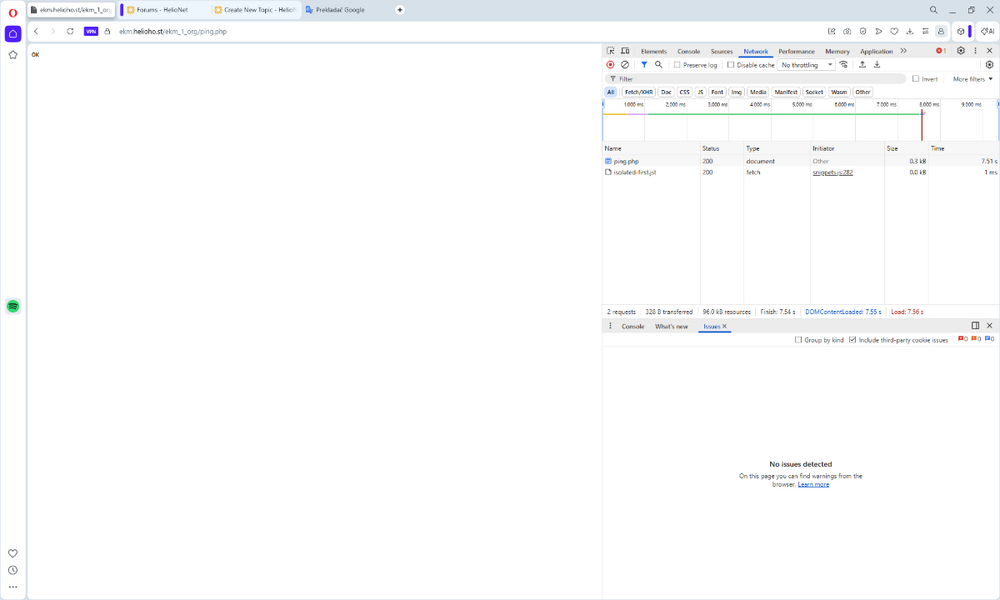
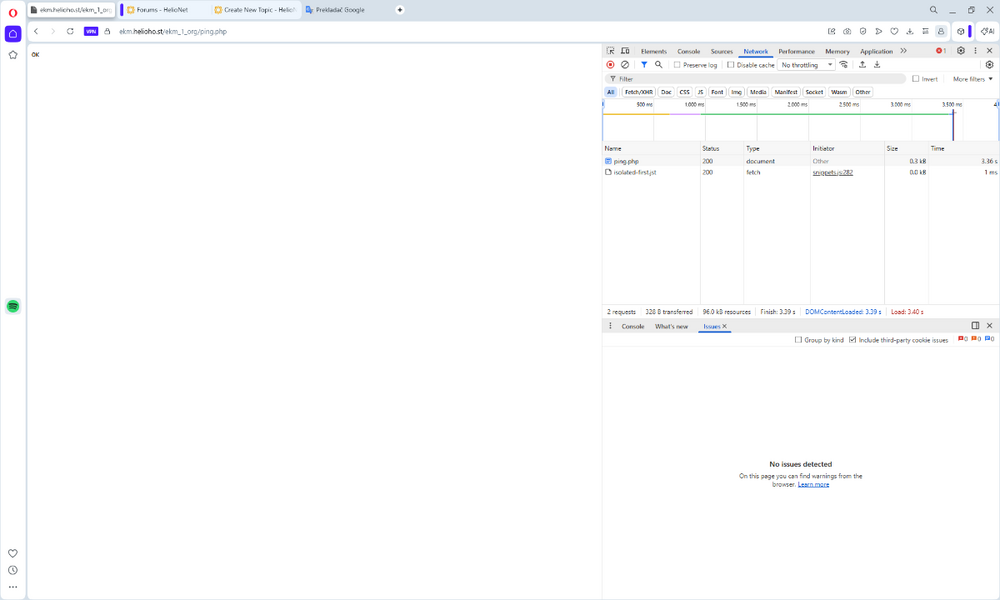
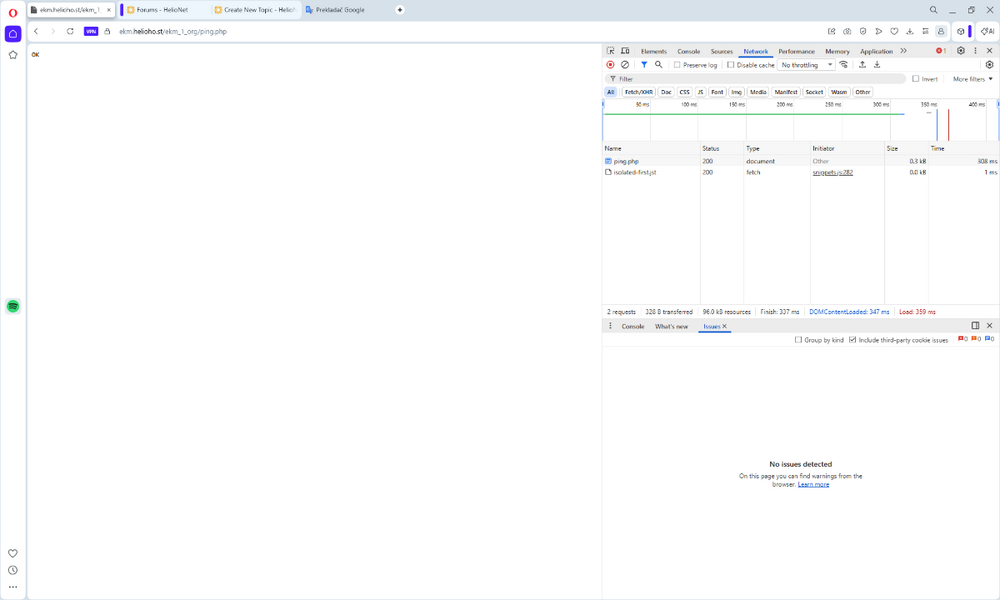
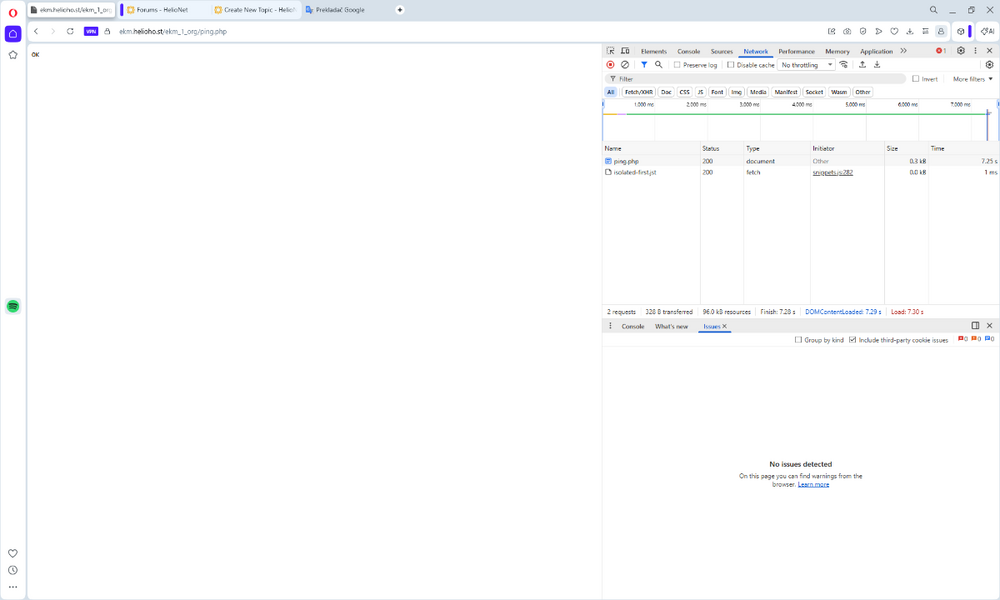
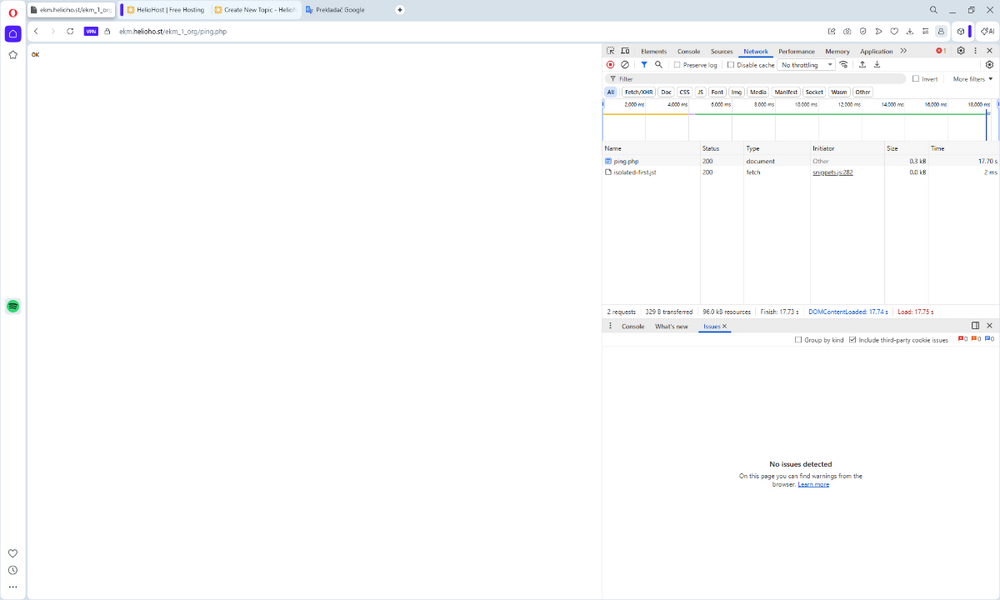
hi. I have a problem loading the page. The first time it loads it takes an extremely long time. Within 10 to 15 seconds. Then the page refreshes are fine. After a short time, the loading time is again extremely long. It acts as if the server is sleeping. Is there anything that can be done about it? Today it is a little better than yesterday.
-
[Solved] Warning of violation of Heliohost terms and conditions
KazVee replied to joyatour's topic in Customer Service
Thank you for letting us know the situation. I have cancelled the pending suspension for your account as well as your colleague's account. We love referrals, so if there are others at your workplace who might benefit from an account, please let us know before anyone else signs up so we can proactively update the multiple account detection service. If we don't know in advance and a 3rd person signs up, the the system will just suspend all three of you at that point. But if you let us know ahead of time, we can prevent that inconvenience to you all. Please give it a few minutes for both your accounts to fully reinstate. -
[Solved] Add New Domain to Existing Account
Krydos replied to pptvirtual's topic in Escalated Requests
Your main domain has been changed. As long as your DNS settings are correct it should start working in about 20 minutes. If any of your files went missing I made a full backup prior to the domain change which you can download from https://heliohost.org/backup if needed.