New Topics
Showing topics posted in for the last 365 days.
- Past hour
-
 Hello Support Team, Since the option to add domains is currently disabled in the new control panel, I would like to request adding a new domain to my account. Username: fathleslam73 Domain to be added: [sakhr-ye.com] Please let me know once it is ready. Thank you.
 - Today
-
are you able to rename my domain "pizgdps.helioho.st" to "pzgdps.helioho.st"? im changing hex values in a game and miscounted it by 1 character somehow.
- Yesterday
-
If you use external DNS, Cloudflare is a popular free option, you can manage your DNS yourself, and add domains entirely without admin help. We don't mind helping you with DNS records, but it definitely isn't required to use our nameservers for a domain that isn't helioho.st or heliohost.us if you don't want to.
-

WSGI Control Access Request - Tommy - ctrlroom.heliohost.us
MoneyBroz replied to ksuresh's topic in Customer Service
You can also purchase a VPS for WSGI Control Access. -
Thanks for the info. I think I will go with let's encrypt by now, because I saw that I can reissue the certificate using namecheap, but right now it is showing me errors, so I will have to wait for their support to answer me. Again, thanks a lot
-
I've added that domain to your account for you and removed the one you didn't need anymore. Please note that it may take up to 2 hours for the domain changes to take effect, and the new domain added it will not work until you set up your DNS with your domain registrar. To configure your DNS, please see the steps provided on our Wiki to either set NS records pointed at the HelioHost nameservers, or create A/AAAA records and point them to your server's IPv4/IPv6 address: https://wiki.helionet.org/Addon_Domains#Custom_Addon_Domains If after a full 2 hours the one we added doesn't work on your side, please make sure you clear your web browser cache: https://wiki.helionet.org/Clear_Your_Cache Please note there is a risk of data loss when domains are removed, since the folder for the domain inside Plesk will be deleted. I made a full account backup for you before I removed the domain, in case you need any of the old files. You can download the backup here: https://heliohost.org/backup If you're not sure how to extract the backup files, please follow our how-to guide here: https://wiki.helionet.org/Account_Backups
-

[Inactive] connectivity issues (ssh / sftp, and http)
Krydos replied to ajaxStardust's topic in Escalated Requests
Closing due to inactivity since there has been no response in this thread for over a week. If you're still having this issue or need help with something else please open a new ticket. - Last week
-
 OK thanks
 -
Yeah you had a ton of load coming from Python (note these numbers have dropped off a bit because you've been suspended for a little while). 66.38 GB 120.2 /usr/bin/python3.12 -u -O /home/dragoe.helioho.st/httpdocs/AppFiles/Moonlark/moonlark.py -n DragoE 56.11 GB 28.1 /usr/bin/python3.12 -u /home/dragoe.helioho.st/httpdocs/AppFiles/Watchman-main/Watchman.py There was also resources being used by the system due to the long-running python processes (about 14GB as of this post), which you can't really do anything about...it's just the nature of linux managing sessions. Please reduce the memory consumption quickly. Unsuspended. It may take a few minutes to work again. Domains can take up to 2 hours to function.
-
[Solved] Request to Add Domain (shawon.pro)
MoneyBroz replied to shawonxmax's topic in Customer Service
Domain added. It can take up to 2 hours to start working. -
[Solved] i want to add a doamin to my account
MoneyBroz replied to bankbkms's topic in Customer Service
Domain added. It can take up to 2 hours to start working. -
[Solved] Request to Add Domain (shawon.icu) to My Account
MoneyBroz replied to shawonxmax's topic in Customer Service
Domain added. The correct nameservers are ns1.heliohost.org and ns2.heliohost.org -
I've added that domain to your account for you. Please note that it may take up to 2 hours for the domain change to take effect, and it will not work until you set up your DNS with your domain registrar. To configure your DNS, please see the steps provided on our Wiki to either set NS records pointed at the HelioHost nameservers, or create A/AAAA records and point them to your server's IPv4/IPv6 address: https://wiki.helionet.org/Addon_Domains#Custom_Addon_Domains If after a full 2 hours it doesn't work on your side, please make sure you clear your web browser cache: https://wiki.helionet.org/Clear_Your_Cache
-
The only payment methods for debit/credit cards we accept are PayPal or Stripe. You could also alternatively donate using cryptocurrency or one of the other methods listed here: https://heliohost.org/donate/.
-

[Solved] Changing to VPS: No need to move data or anything
devzx replied to devzx's topic in Escalated Requests
Thanks a lot, I have been working on it by now. It is going as expected. And yes, I will use the paypal link soon, I will be needing this vps a few months, so that's about right. Again, thanks a lot. -
[Solved] Support Ticket: Reset Account
MoneyBroz replied to heliohostletharg's topic in Customer Service
Account has been reset, and a new invite has been sent to your email address. You can also download a backup of your account before the reset at https://heliohost.org/backup -
Information sent by PM.
-
That account looks like it has already been moved to Morty and unsuspended.
-
[Inactive] Python Support and Package Installation Request
Krydos replied to diegoanc280's topic in Escalated Requests
Closing due to inactivity since there has been no response in this thread for over a week. If you're still having this issue or need help with something else please open a new ticket. -
 The load mostly came from systemd, which is usually due to excessive use of scheduled tasks or FTP connections being left open. We've seen this before, and weirdly systemd-related load suspensions are always the most prevalent after a server is rebooted (Johnny was rebooted yesterday due to hardware maintenance). It usually calms down after a few weeks, and we have no idea why. Please reduce the frequency of your tasks, and if using FTP make sure you're closing your FTP connections when you're finished using them. You can watch your load here : https://heliohost.org/dashboard/load/ Unsuspended. It may take a few minutes to work again, and domains can take up to 2 hours to function.
 -
I've changed the main domain on your account for you, and added the new subdomains. Please note that it may take up to 2 hours for the domain changes to take effect, and they will not work until you set up your DNS with your domain registrar. To configure your DNS, please see the steps provided on our Wiki to either set NS records pointed at the HelioHost nameservers, or create A/AAAA records and point them to your server's IPv4/IPv6 address: https://wiki.helionet.org/Changing_Your_Main_Domain#Custom_Domains If after a full 2 hours they don't work on your side, please make sure you clear your web browser cache: https://wiki.helionet.org/Clear_Your_Cache Since there is a risk of data loss when main domains are changed, I made a full account backup for you before I made the changes, in case you need any files from the old domain. You can download the backup here: https://heliohost.org/backup If you're not sure how to extract the backup files, please follow our how-to guide here: https://wiki.helionet.org/Account_Backups
-
I've added those domains to your account for you. Please note that it may take up to 2 hours for the domain changes to take effect, and they will not work until you set up your DNS with your domain registrar. To configure your DNS, please see the steps provided on our Wiki to either set NS records pointed at the HelioHost nameservers, or create A/AAAA records and point them to your server's IPv4/IPv6 address: https://wiki.helionet.org/Addon_Domains#Custom_Addon_Domains If after a full 2 hours they don't work on your side, please make sure you clear your web browser cache: https://wiki.helionet.org/Clear_Your_Cache
-
Installed. You can see the current list of installed modules and their versions for Johnny's Python 3.12 at https://krydos2.heliohost.org/pyinfo/info3.12.py
-
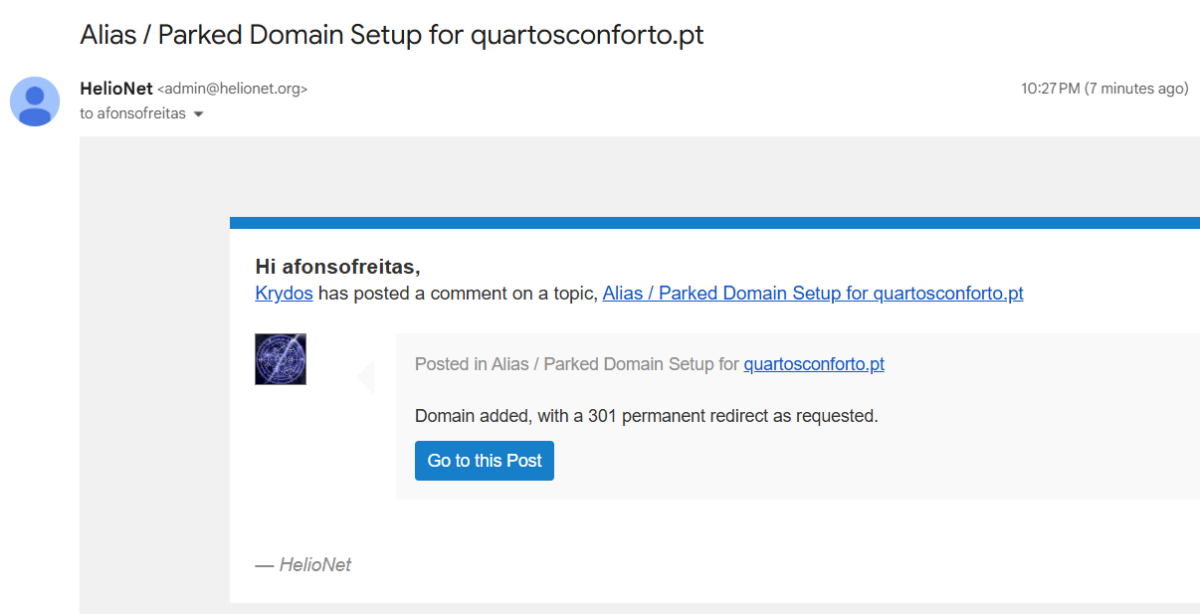
[Solved] Alias / Parked Domain Setup for quartosconforto.pt
Krydos replied to afonsofreitas's topic in Escalated Requests
It looks like the emails are working now, and you get 1 email per reply.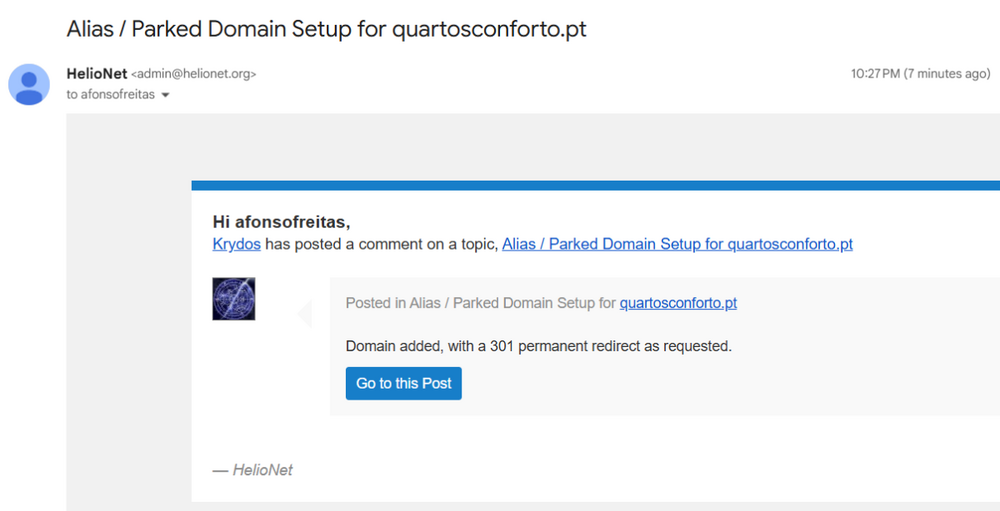
-
This is not a valid domain TLD. if you would like to use a subdomain then let us know if you would like to use heliohost.us or helioho.st