yashrs
-
Posts
1067 -
Joined
-
Last visited
-
Days Won
54







yashrs's Achievements






-
@wolstech Thanks for checking! That is weird, those PHP files you mentioned are no longer being used anywhere(and also doesn't cause any load), so I have removed them. Any other files you could see which are causing a load spike? Those disabled domains can be removed , keeping their folders/data.
-
Hi team, Could you please help me locate the file which was causing the highest load so I could fix it once it is unsuspended? Thanks!
-
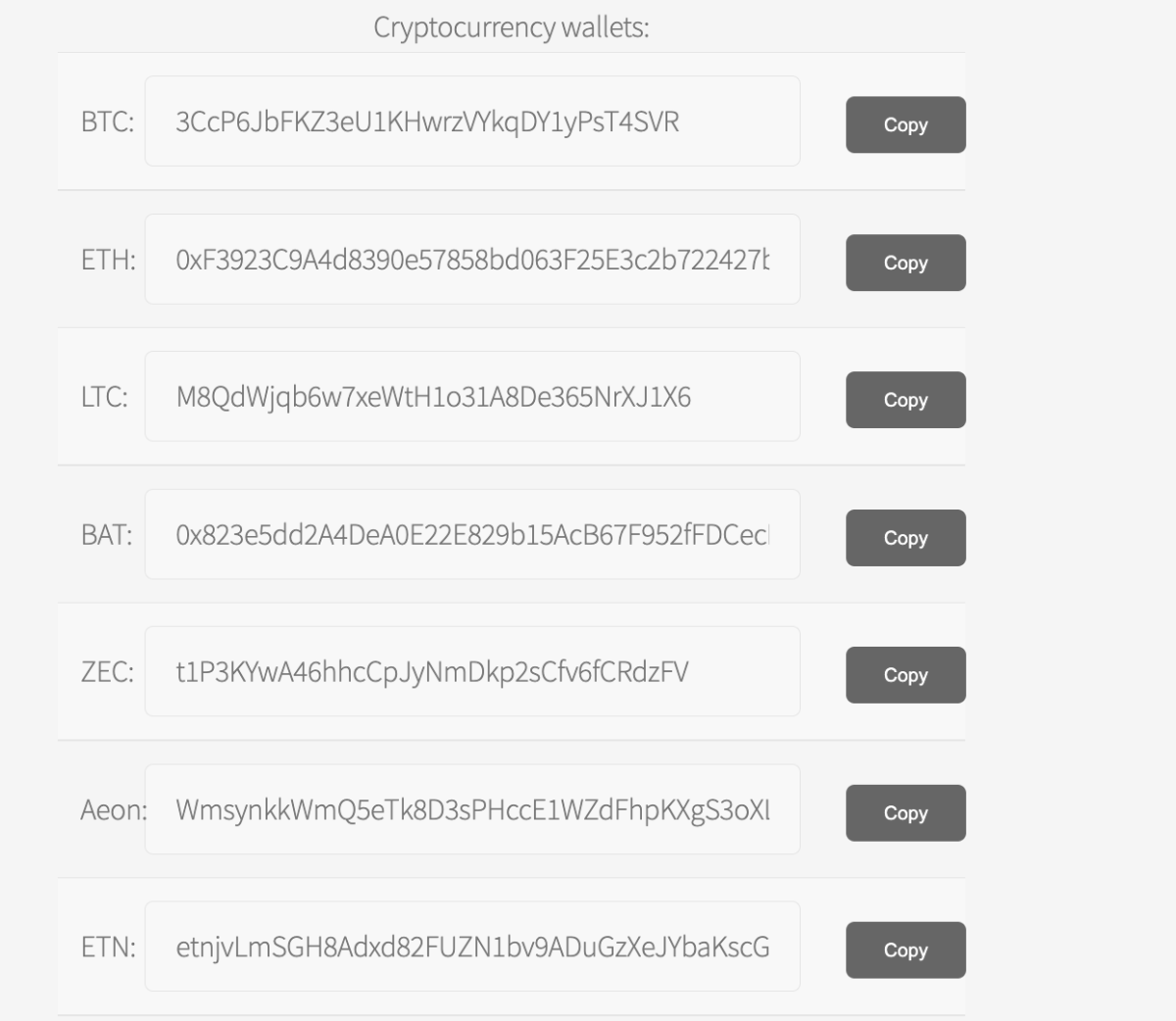
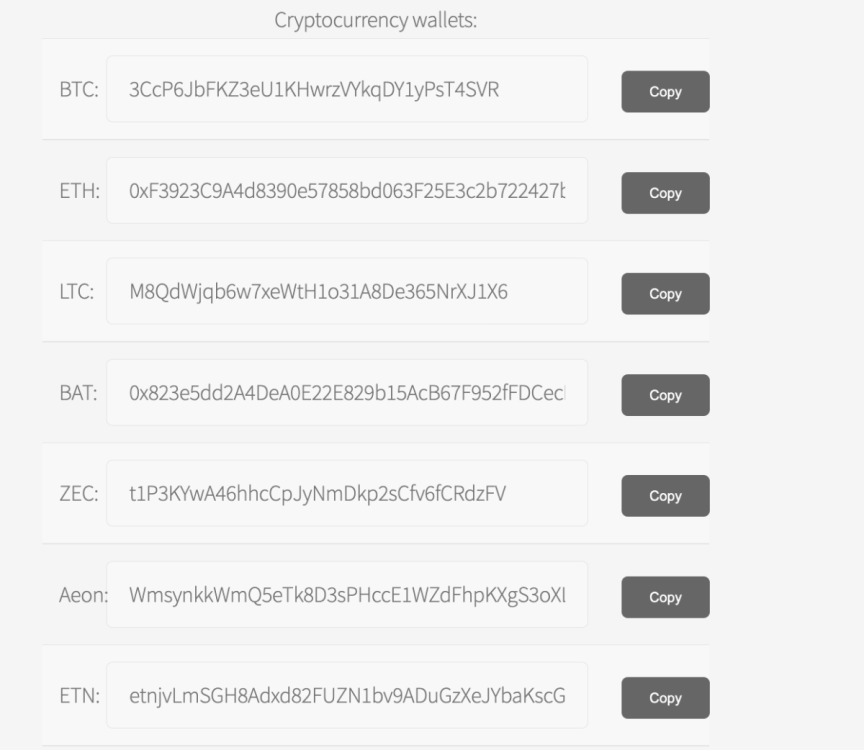
@mrj - the crypto addresses can be found here: https://www.heliohost.org/donate/
-
@robev, you can backup by using ssh, zip the folder and transfer the files. You can then generate a mysql (.sql file) dump using phpmyadmin, and import it to Plesk's mysql. Alternatively, you can use any wordpress extension to transfer the website as well
-
@david1pl you can login at https://tommy2.heliohost.org/
-
[Solved] How can i restart vps when it goes down?
yashrs replied to aitmf's topic in Customer Service
This was solved over Discord -
The VPS has been shutdown. Thanks for using HelioHost VPS. You may need to cancel the recurring subscription from PayPal if it is still on.
-
Hi - I did not understand your exact issue. You should be able to login using the VPS credentials that you entered during the signup. Please describe the issue in more detail for us to understand and address it
-
Yup. You can opt for a wildcard certificate as well if you have many subdomains
-
The DNS entry has been setup => vps67.heliohost.us now points to your VPS IP. Yup it can automate Lets Encrypt certificates as well. But as you already have setup Apache and Let's Encrypt, it should be good to go! Regarding pointing another domain to your VPS, just create an A record on the domain (say abcd.com) by going to their domain control panel (like GoDaddy) to 65.19.191.150. Then you'll need to add a VirtualHost in Apache corresponding to that domain.
-
Hi @ballagyrm, We will add an A record to vps67.heliohost.us soon, it was a miss from my end - that's why it is not responding to ping. We usually add the A record before sending the VPS email itself. Regarding hosting, the VPS comes with only a fresh OS installed. To use, Apacha/Nginx you will have to install them manually and configure them or you can use a free control panel software like HestiaCP on your VPS.
-
This is done. Please check your email @yoreparo
-
This is in progress
-
@robev - It should be working now. Apache and PHP FPM services weren't working. Restarting those services fixed it. Before # v-list-sys-services NAME STATE CPU MEM UPTIME ---- ----- --- --- ------ apache2 stopped 0 0 0 php7.4-fpm stopped 0 0 0 nginx running 0 10 226 bind9 running 0 77 227 exim4 running 0 5 220 dovecot running 0 0 227 spamassassin stopped 0 0 0 mariadb running 0 385 227 vsftpd running 0 0 226 cron running 0 0 226 ssh running 0 2 226 iptables running 0 0 0 fail2ban running 0.4 137 226 After: # service apache2 start # service php7.4-fpm start # v-list-sys-services NAME STATE CPU MEM UPTIME ---- ----- --- --- ------ apache2 running 0 445 0 php7.4-fpm running 1.8 8 0 nginx running 0 10 228 bind9 running 0 77 228 exim4 running 0 5 222 dovecot running 0 0 229 spamassassin stopped 0 0 0 mariadb running 0 385 228 vsftpd running 0 0 227 cron running 0 0 227 ssh running 0 2 227 iptables running 0 0 0 fail2ban running 0.4 137 227
-
@robev - We are working on it, please give us some time to investigate