All Activity
- Today
-

[Krydos] Subject: Urgent: Lost all data and no backup available
wolstech replied to a2025's topic in Escalated Requests
An email with a backup link for account a2025 has been sent to you. It looks like its a dump of your home folder from the day of the crash. You should be able to open that with a tool like 7zip and extract your files, then reupload them. It's possible that a full account archive with databases may also be available. Your account looks like it got archived on March 29 for inactivity (which effectively creates a backup), so its possible that file may be recoverable. Escalating to Krydos to see if this is recoverable. -
Which domain is this for?
-
It's because your account was deleted. When the accounts recover from the Johnny crash, it only comes back with whatever main domain you pick. I've added mydigitallife.tk back to the account for you. It should work within 2 hours. Free subdomains ending in heliohost.org are no longer available to users, and have been restricted to system functions and staff accounts for several years now. It's just that a few users like you have been here so long that they still had them on legacy accounts. I've temporarily added it back, but it will redirect users to astron.helioho.st when they visit it so bookmarks and search results for your old domain can find the new one. There will be a point where the .org domain stops working, so please notify your users. It can take up to 2 hours to function. You have to unpack that on your PC and manually restore the files. You can't use the built-in Plesk restore function to restore it. Depending on the format, it's either a plain tar.gz archive containing a copy of your home folder, or a plesk backup (which can unpacked using these instructions: https://wiki.helionet.org/Account_Backups#How_to_Extract_Your_Account_Data_from_the_Backup_File)
-
Oh yeah, that domain could be an issue if changing it means having to update/replace the firmware on old embedded devices. I'll put it back for now for you as an alias so you have both. It could take up to 2 hours to work, and will show the same content as the .us domain. In the meantime, please update your service/documentation so that new users and updates going forward will access your service through the .us domain instead. There will eventually be a point where we eliminate the remaining .org domains from user accounts.
-
 chimendex joined the community
 -
Everything is the same, I still can't access anything via ftp or ftps. I used to have two domains: https://astron.heliohost.org/ and a parked domain http://mydigitallife.tk/, they still don't work. They are not at all visible on Plesk. The only place I can access now is https://astron.helioho.st/getting_started.html. There, a timer appears, which ticks, but doesn't go anywhere if time ends. When I can get to the Plesk panel https://johnny.heliohost.org/smb/web/view, I tried to restore using the recovery files (the backup I got when the server crashed), but the upload starts and takes a while, a message appears that it cannot be restored because the recovery file is corrupted or made with an older Plesk version. So, what to do next or what can I do?
-
 SNA Associates joined the community
 -
Fabulous! All working now, after upload via Plesk 🙏
-
 needlepit joined the community
 -
Thanks a lot, the most recent logs tell me about remaining daily users too.👍 These are on devices abandoned by their vendor 15 years ago, but popular among expats, and more recently, kids. Keeping the .org TLD might spare them the hassle of reflashing to a new server's address.
-
Hi. Sorry, me again. Looks like some dependencies didn't get properly installed with my last request for whatever reason, so I'm back with Account Username: dragoe Sever: Johnny Version: Python 3.14 Modules: Sniffio tzlocal Apologies and thank you very much
-
24 hours... 😓 Well, now we know if someone else has trouble with git, I guess! Glad it's all sorted out! 🙂
-
Thank you so much for your help! I wanted to let you know that the repository has finally loaded. It took about 24 hours to finish, but it is no longer stuck in the queue. Since it loaded, we won't need to do the account reset. Thank you again for your support!

-

[Solved] My account is suspended?
keibeeit replied to keibeeit's topic in Suspended and Queued Accounts
Ah. I think Solid Explorer on Android caused this issue. It was my first time using it to connect to tommy ftp. I will just not use it for tommy anymore. Sorry for the trouble and thank you. -
Oh, I see. I saw the "Deploying files to hotel.helioho.st" message and since that's the domain that was just added, I thought you'd tried again since the changes without waiting 2 hours. Since there doesn't seem to be a way to stop or reset the git queue, it may be that you'll need to wait for it to timeout. But this is just a guess and I have no idea how long the timeout might take. The nuclear option could be to try an account reset. And then once the account is recreated wait the full 2 hours and try the git integration again. It's up to you if you want to try that. I was able to import your git repo to my own test account so that part seems to be working fine in Plesk.
-
[Solved] My account is suspended?
wolstech replied to keibeeit's topic in Suspended and Queued Accounts
You got suspended for high server load, specifically load coming from systemd. In your case, it appears to be that you left an SFTP session open too long, though this can also be caused by overusing scheduled tasks (typically running them too frequently). Please be sure to disconnect from SFTP when you're done using it. Leaving connections open can get you suspended, as SFTP uses CPU just to sit there and do nothing with the connection open. Unsuspended. It might take up to two hours before your domains work again. Edit: The unsuspend is taking a little longer than I expected. You'll be unsuspended shortly.. -
DNS recreated.
-

[Solved] Remote access to johnny postgresql database
Krydos replied to alexandrepascoal's topic in Escalated Requests
Remote access enabled. host=64.62.151.106 port=5432 user=alexandrepascoal_raptor dbname=alexandrepascoal_eagleeye password=<set in Plesk> -
 Hello, I recently reactivated my account, but all my files and databases are completely missing. I do not have a local backup of my website, and the official backup tool did not find any files for my account either. Could an administrator please check your internal server archives to see if there is any backup of my data that can be manually restored? Username: a2025 Server: Johnny Main Domain: curiosimundo.heliohost.st/es Thank you for your assistance.
 -
Hi! I've been with heliohost many years and for the first time, I just found out my account is suspended. I wasn't notified of anything regarding this. Can you let me know the reason? Thanks so much. ID: keibeeit
-
Installed. You can see the current list of installed modules for Johnny's Python 3.14 at https://johnny-info.heliohost.org/pyinfo/info3.14.py
-
Go to https://heliohost.org/backup and enter your new live.com email address to download your backup from May 8th when the server was powered off.
-
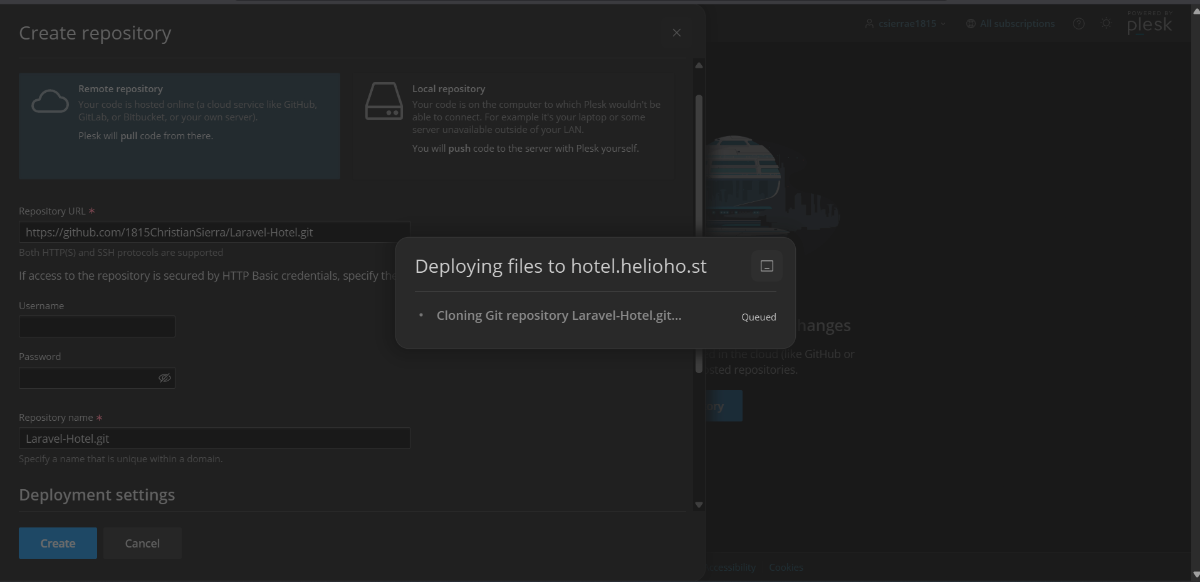
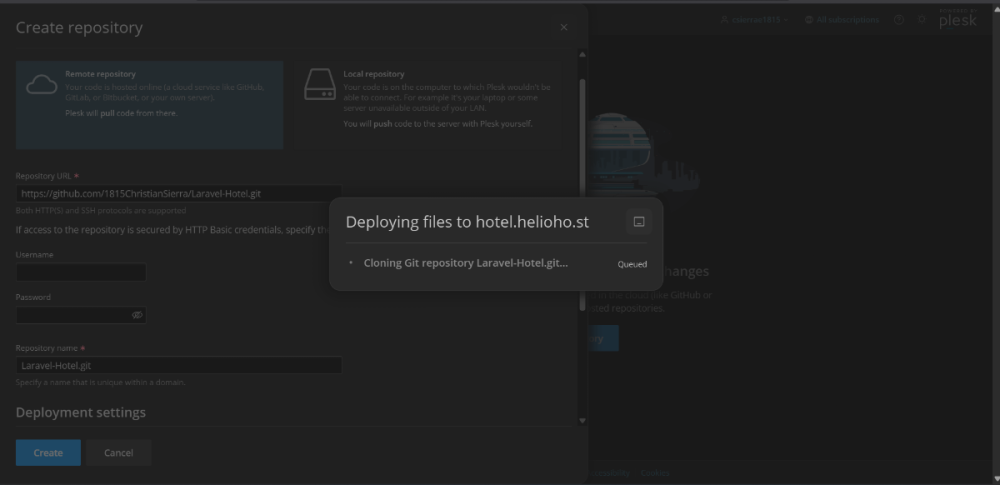
Thank you for the response, but there is a misunderstanding regarding the timeline. I did not try to deploy the repository after the main domain was changed and the subdomain was created. The issue with GitHub getting stuck in the "Queued" status started yesterday, long before any of those changes were made. Every time I try to create a repository, it just shows up as stuck in a queue. The repository has been frozen in that queue since then.
-
 cooler01 joined the community
 - Yesterday
-
It looks like you didn't wait a full 2 hours since the domain was added to try to deploy files so it, so that can explain why you got unexpected results. When we add domains, we explain that it may take up to 2 hours for your new domain to fully work. This is because domain changes need an Apache restart, and those happen every 2 hours. I was able to follow the same steps you're using and import and deploy a test repo, so it doesn't look like you're doing anything wrong there.
-
Thank you so much for updating the domains and for taking the time to create a backup of my account! I truly appreciate it. Regarding the Git repository integration, I am still facing some issues. As requested, I have attached a screenshot of my settings in Plesk's 'Create repository' window. As you can see, the process gets stuck in the pop-up window showing "Deploying files to hotel.helioho.st". The task "Cloning Git repository Laravel-Hotel.git..." remains indefinitely in a "Queued" status and never finishes processing. Not knowing what to do, I tried adding my repository again, but that attempt is now stuck in the queue as well.
-
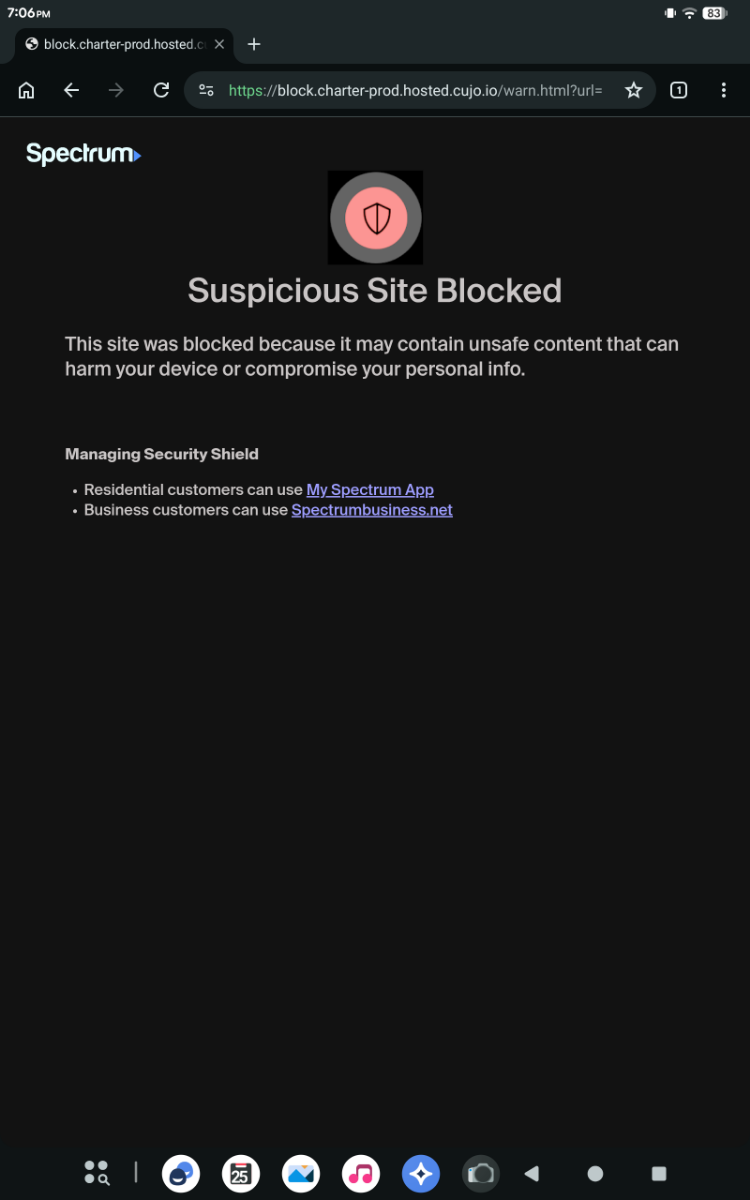
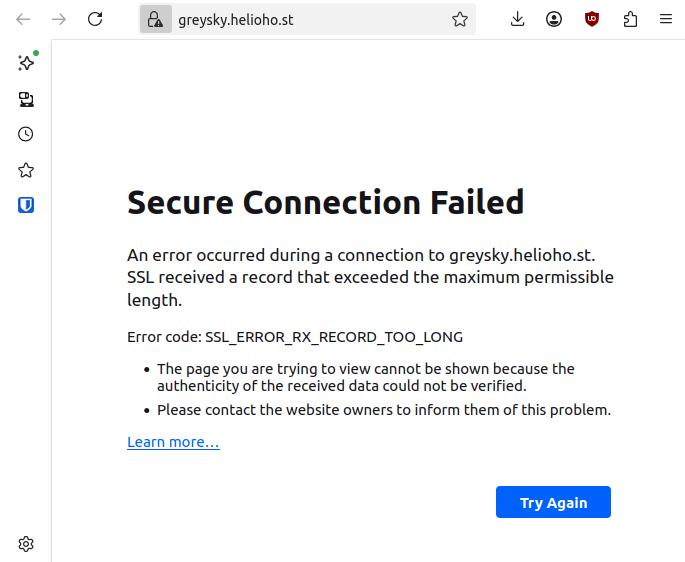
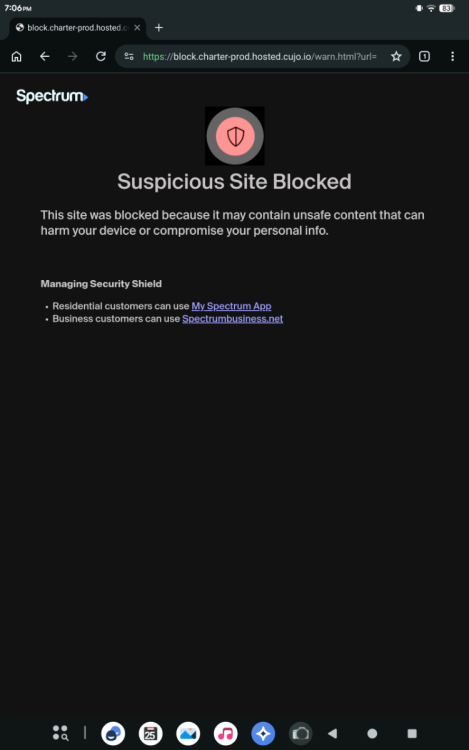
Oh, that's interesting. Because I've tried connecting to the website on my desktop, laptop and two tablets. I wonder if it's my ISP? I don't know if I need to restart my modem/router. Edit: Oh no ... It really is my ISP Edit 2: Yeah I changed the settings on my router, it works now, thanks for the help. This was an odd experience.
-
Hello, can you please add the following dns record to my site. type: txt hostname: @ data: protonmail-verification=8995d526f4c0470fc26d86dc9cbed9e6a8f0b538 Thank you
-
I've changed the main domain on your account from csierrae1815 to hotel.helioho.st and added the api subdomain. Please note that it may take up to 2 hours for your new domain to fully work. If after a full 2 hours it doesn't work on your side, please make sure you clear your web browser cache: https://wiki.helionet.org/Clear_Your_Cache Once it has been a full 2 hours, the httpdocs folder in your account will relate to the new hotel main domain. If you still run into issues connecting your git repo, please share a screenshot of the settings you're trying in Plesk's 'Create repository' window, so we can investigate this further for you. Please note there is a risk of data loss when main domains are changed, so I made a full backup for you before I made the changes, in case you need any files from the old maindomain. You can download the backup here: https://heliohost.org/backup If you're not sure how to extract the backup files, please follow our how-to guide here: https://wiki.helionet.org/Account_Backups If you're using Laravel, we recommend using the Plesk Laravel Toolkit, shown directly on the left side menu inside Plesk. We have some more guidance on Laravel on our technical documentation Wiki page at: https://wiki.helionet.org/Laravel that should be useful for you.