All Activity
- Past hour
-
 krydosm11 joined the community
 - Today
-
Logins on Tommy are working fine for me, if you forgot your password then you can reset it at https://heliohost.org/reset/
-
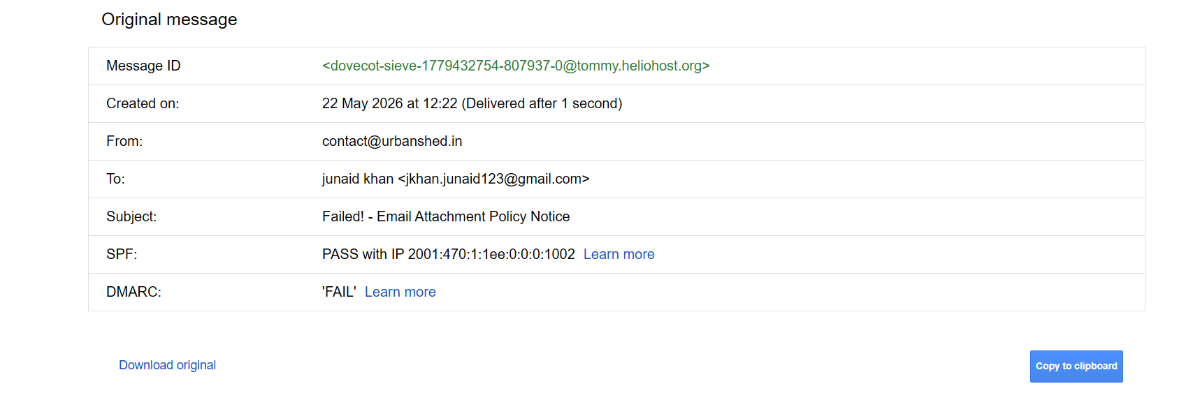
This domain is using Cloudflare, so the user has to set up DKIM, SPF, and DMARC themselves. We can only set up email for people who use ns1.heliohost.org and ns2.heliohost.org
-

[Solved] Wordpress site broken after migration
Krydos replied to thirugns's topic in Escalated Requests
Fixed.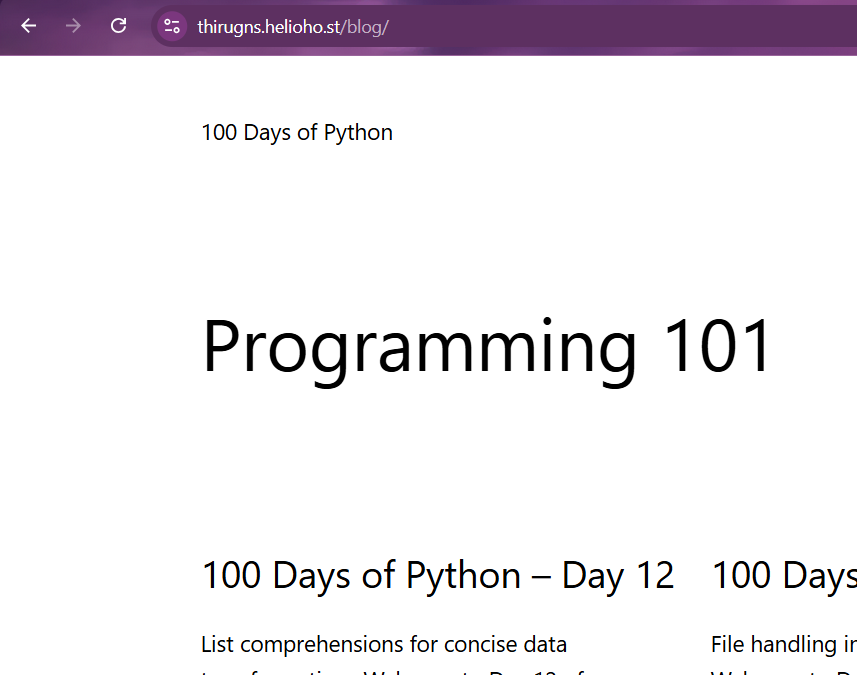
-
 weidds joined the community
 -
Hi , currently not able to login with my credentials. Could you please assist?
-
Oh and I can't seem to login to https://tommy.heliohost.org/login_up.php It says incorrect username password. But use cached credentials.
-
Hello, I received your email, and downloaded the backup. As expected and explained in the email, many files are missing. I want to double check if the directories below exist and not empty. - waken.helioho.st/t1/content/ - waken.helioho.st/jpnew/content/ If there are contents there, please attach them to me in zip here. Thank you.
-
Would you be able to point me to which processes were causing high CPU?
-
Great thanks, I ll investigate high CPU usage.
-

[Solved] Stuck ‘Account Creation In Progress’
KazVee replied to sportnix's topic in Customer Service
The server your account is on (Johnny) crashed 2 weeks ago. Please see https://helionet.org/index/topic/67733-when-it-rains-it-pours/ for more information. Once the server is back up, we'll be able to look into the account creation issue, if it doesn't resolve on its own once the server is running again. Once more news is available about the Johnny rebuild, it wil be posted in the News section of the forum here: https://helionet.org/index/forum/1-news/ -
 liscate234 joined the community
 -
Hi, My HelioHost Johnny account has been stuck on ‘Account Creation In Progress’ for 2 days, showing 5% complete. I’ve cleared cache and tried multiple browsers, but it still does not move. Please check whether the account is stuck in provisioning. user: phink Thanks!
-
 uugg joined the community
 -
“Are Sieve vacation/autoreply emails DKIM signed for custom domains? My autoresponder mails fail DMARC.” normal mails are delivering successfully.
-
Your account was actually suspended for high CPU usage. I've unsuspended your account, but you'll need to either figure out a way to reduce your CPU usage or upgrade to Morty or a VPS.
-
This looks like you don't have DKIM/DMARC configured, which is something an administrator would need to setup for you.
-
Service Unavailable Hi , Got this error message on the website and also not able to logon to admin panel. Could please check ? The server is temporarily unable to service your request due to maintenance downtime or capacity problems. Please try again later.
-
I am facing an issue where emails sent from my domain are being delivered to recipients’ spam/junk folders, mainly on Gmail and Yahoo. This is also happening when I reply to emails that I have already received from those recipients.
-

[Solved] Wordpress site broken after migration
thirugns replied to thirugns's topic in Escalated Requests
https://thirugns.helioho.st/blog/ still has the same issue -
 krydosm10 joined the community
 -
That domain has already been added.
- 1 reply
-
- 1
-

- Yesterday
-
Thank. you that was great.
-

[Solved] accidentally deleted website folder!!!
wolstech replied to urbanshed's topic in Suspended and Queued Accounts
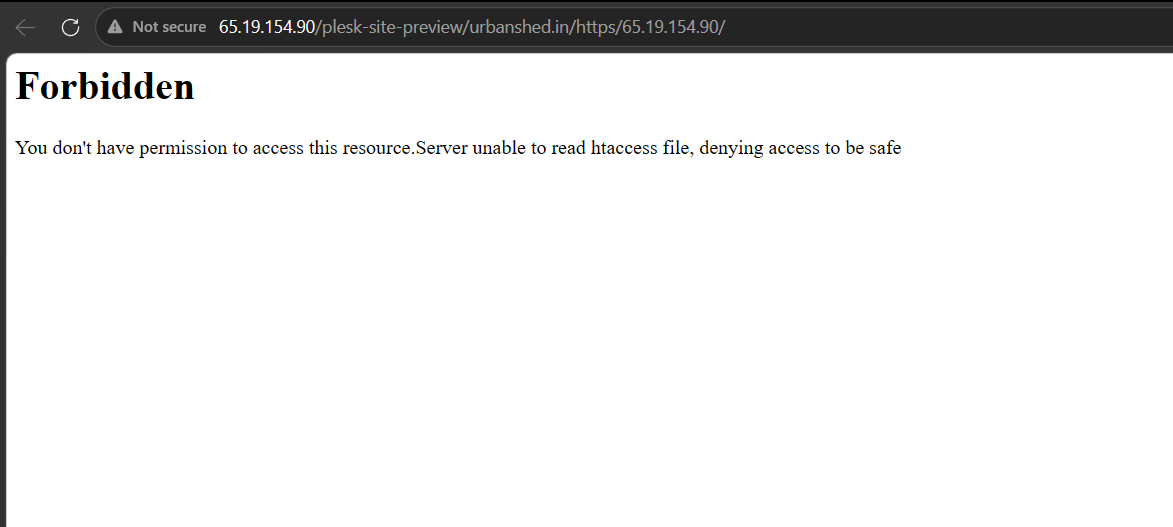
Fixed. If you delete the document root folder, you'll break the domain. There are special permissions on those folders that you can't set yourself, so even if you recreate the folder, you still have to contact support to have the permissions fixed.- 1 reply
-
- 1
-

-
 i have accidentally deleted my website folder urbanshed.in and after that i have copied again at same location but my webisite is not loading this is the error in attached screenshot.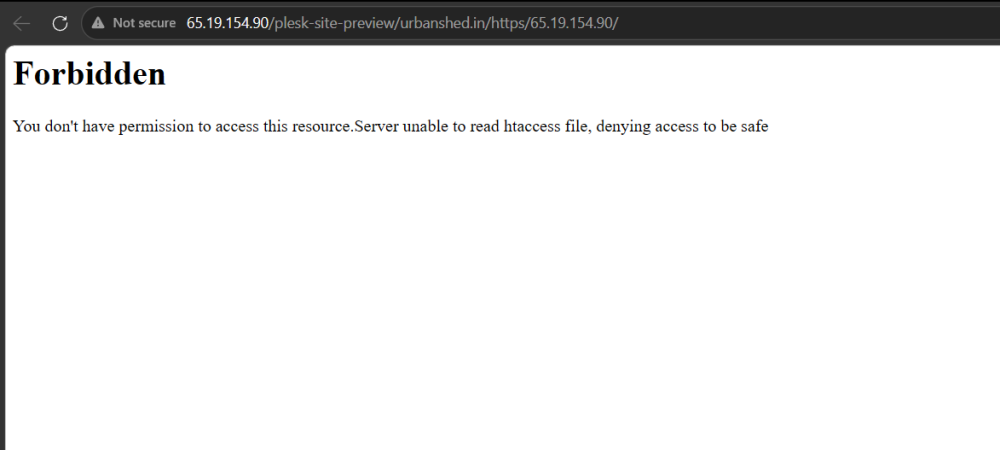
-
The directory /var/www/html/files/c-cloud and all contents have been deleted. If you realize you need something that was inside there, or if I misunderstood what you wanted, I made a backup first and put it in /home/marcomessina/c-cloud.tar.gz for you.
-
Still one issue remains. Using SFTP I deleted the folder https://files.mm1.helioho.st/c-cloud/ if I http to https://files.mm1.helioho.st that folder is no longer visible, but if i use the complete explicit URL, the old files are still there. SFTP still sees them but if I try to delete the folder it refuses. How do I clear https://files.mm1.helioho.st/c-cloud/ permanently? Or could you? Thanks Marco
-
 locknchase changed their profile photo
 -
thank you for sharing storage screenshots and helping me, getting to my mails so that I can delete them.
-
Hello, I would like to add main domain atrium.city/ to username locknchase Thank you so much
-
[Krydos] Database Missing After Server Migration
Krydos replied to pptvirtual's topic in Escalated Requests
So, Morty and Morty2 are using much newer versions of MariaDB than Tommy. When you went from Morty to Tommy some of your new collation doesn't exist on Tommy's older MariaDB so it wasn't able to create those tables. ERROR 1273 (HY000) at line 766 in file: '/tmp/pmm-ru-udb-dump-yVJTNQ/backup_sqldump_2605201808': Unknown collation: 'utf8mb4_uca1400_ai_ci' We're going to be upgrading Tommy to use the same version of MariaDB as Morty2 as soon as the Johnny rebuild is finished. You've got enough Morty balance now to last probably 2 years with no overages, so it probably won't be an issue again for you. I found 6 databases, and put them in your home folder for you as .sql files. You'll probably need to recreate the database, and then import the .sql file in. Since you're on Morty2 now there shouldn't be any issue with the collation anymore. Let us know if you're still missing anything.