All Activity
- Past hour
-
Hi all, I've managed to follow the link again and create an account thanks for the quick responses
-
 forcept joined the community
 -
Domain added. It can take up to 2 hours to function. We don't offer self-service DNS editing at this time. You would need to provide the records you need and we would have to change them on our end if you need custom entries when using our name servers.
-
We found the invite. It looks like you're half-registered (it shows you clicked the link but did not finish registration, stopping at/after the password screen). Click the link in your welcome email again and see if it will let you complete the registration.
-
 You're welcome Glad to see you were able to get the logs and fix the code issue. Please let us know if you need anything else.
 -
I see your email address in the account requests list. Could you please provide the transaction ID of the payment, so we can investigate this further? Thanks!
- Today
-
Glad you sorted it out, I'll mark this request as [Answered]. For other forum users who see this post: We offer information on how to connect with FileZilla in our technical documentation at: https://wiki.helionet.org/Uploading_Files For most support requests, a quick search on the main page of the Wiki should offer some guidance: https://wiki.helionet.org/
-
oh, i forgot to edit a file in my site lol...
-
Solved again lol
-
nvm i fixed i t
-
Solved
-
 Willis joined the community
 -
I have paid for a morty account and validated my email address. I followed the link to create an account with the username willis1927 I entered a password and confirmed but when I try to login it says no account exists Many thanks Adam
-
 ruanmingze changed their profile photo
 -
 epik5 joined the community
 -
ruanmingze joined the community
-
 djdomivox joined the community
 -
Hello, I would like to add the following sub domains to my account: Account Name: mbta98 Add Sub Domains: cv.bgs.my.id I will be moving these domains to ns1.heliohost.org and ns2.heliohost.org Where/how can I modify the DNS's value for these domain? E.g. for TXT records to enter SPF values? Thank you and kind regards
-
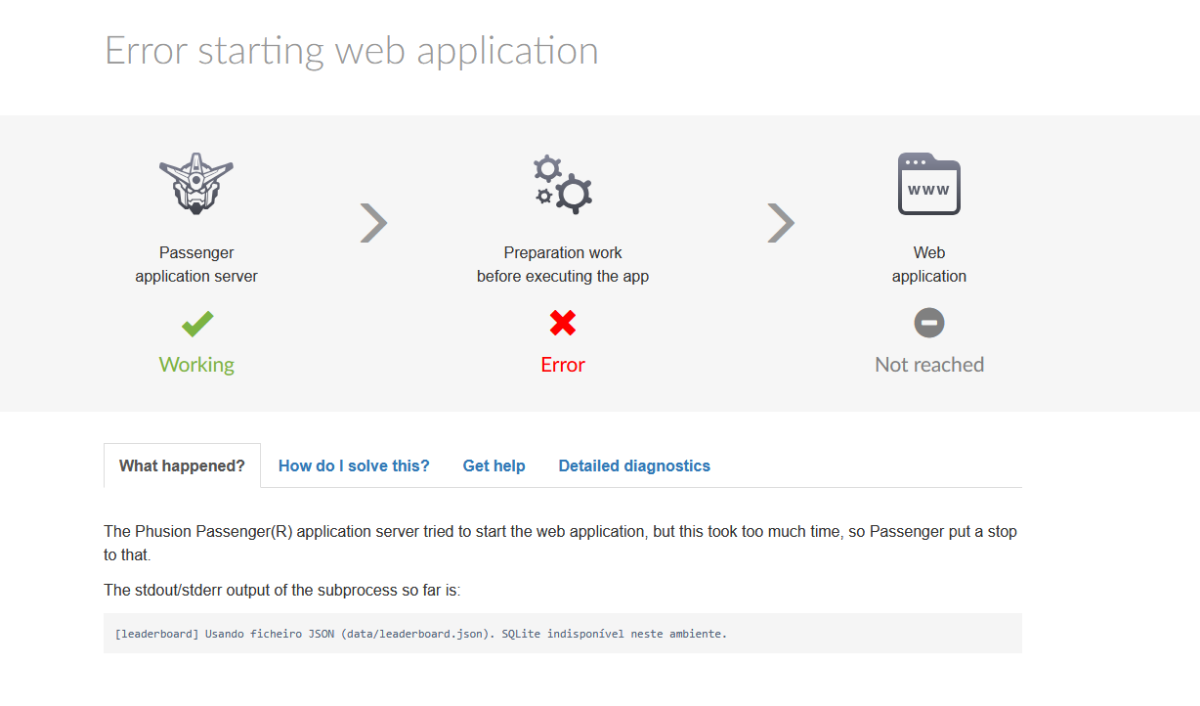
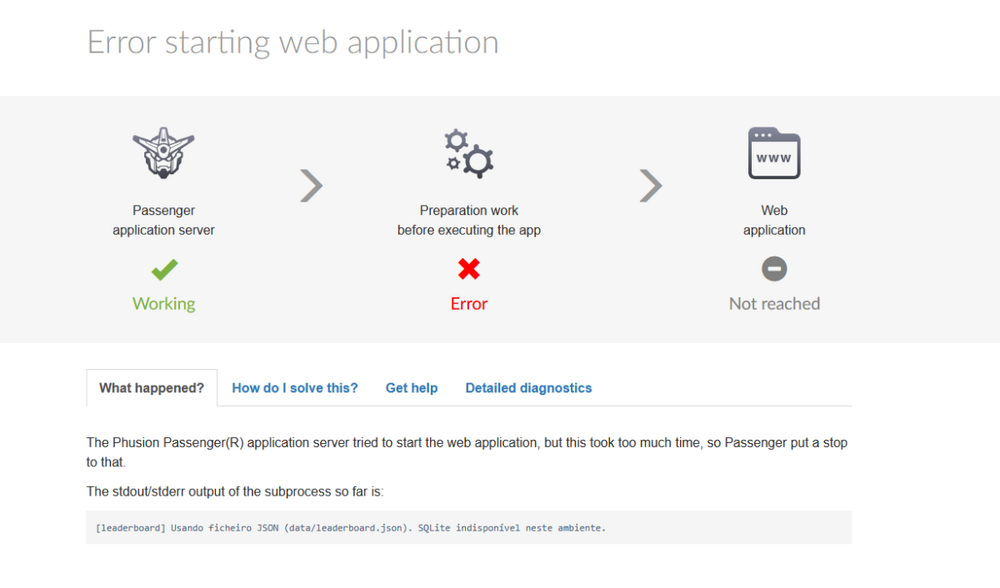
 Still doesnt show the error and now its says 504 Gateway Time-out doesnt load the page https://dead-run.helioho.st/api/health# https://dead-run.helioho.st/log/development.log and the log page stills says i cant see the logs yet if Krydos can take a look at the logs for me i would apreciate very mutch Update now the page is showing the error not api health but api scores I now have detailed diagnostics: Passenger times out at “Handshake with subprocess — 90s”. My Node process prints a log line but never reaches “app start listening for requests”. I realized my app was not calling listen() under Passenger. I’ve updated it to start the HTTP server with server.listen('passenger') when IN_PASSENGER=1 / Passenger env vars are set. I’ll redeploy and restart; this should fix the spawn timeout. Hi! I fixed it — the issue was Passenger spawn timeout because the app wasn’t starting to listen under Passenger. I updated the Node app to listen via the Passenger socket (server.listen('passenger') when IN_PASSENGER=1 / Passenger env vars are present). After redeploy + restart, /api/health returns JSON successfully (ok: true). Thank you for the guidance. thx 4 the help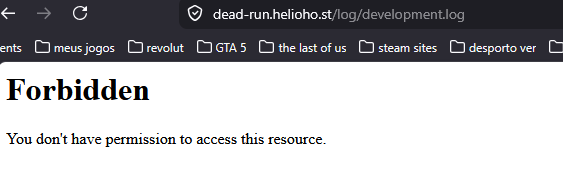
-

Request to increase max_input_vars to 5000 (PHP Settings)
costacja replied to costacja's topic in Escalated Requests
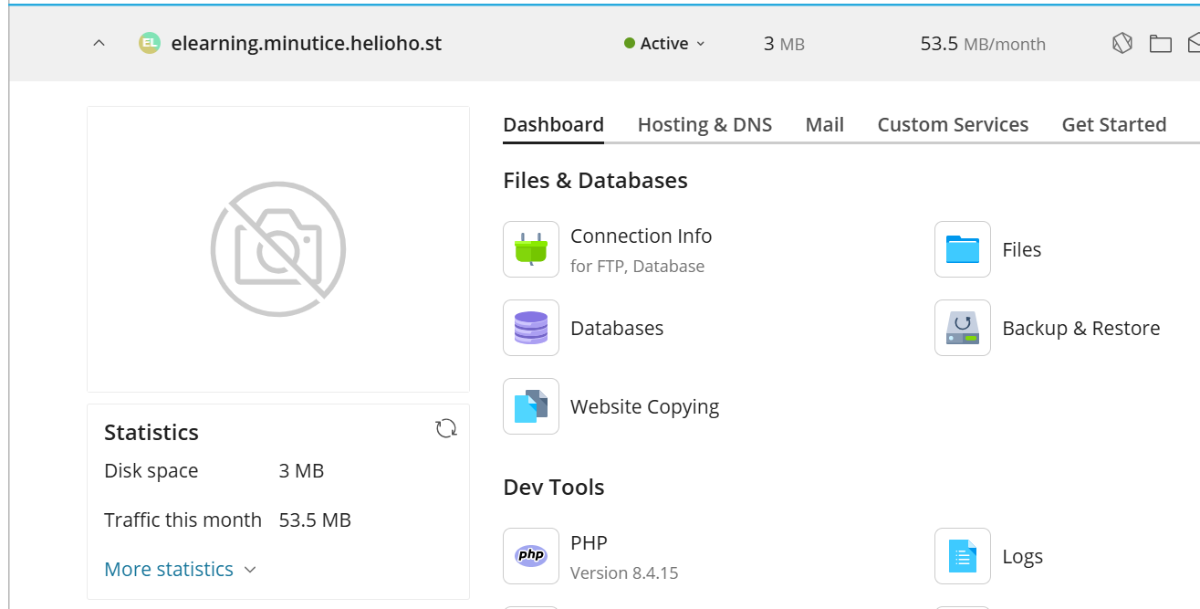
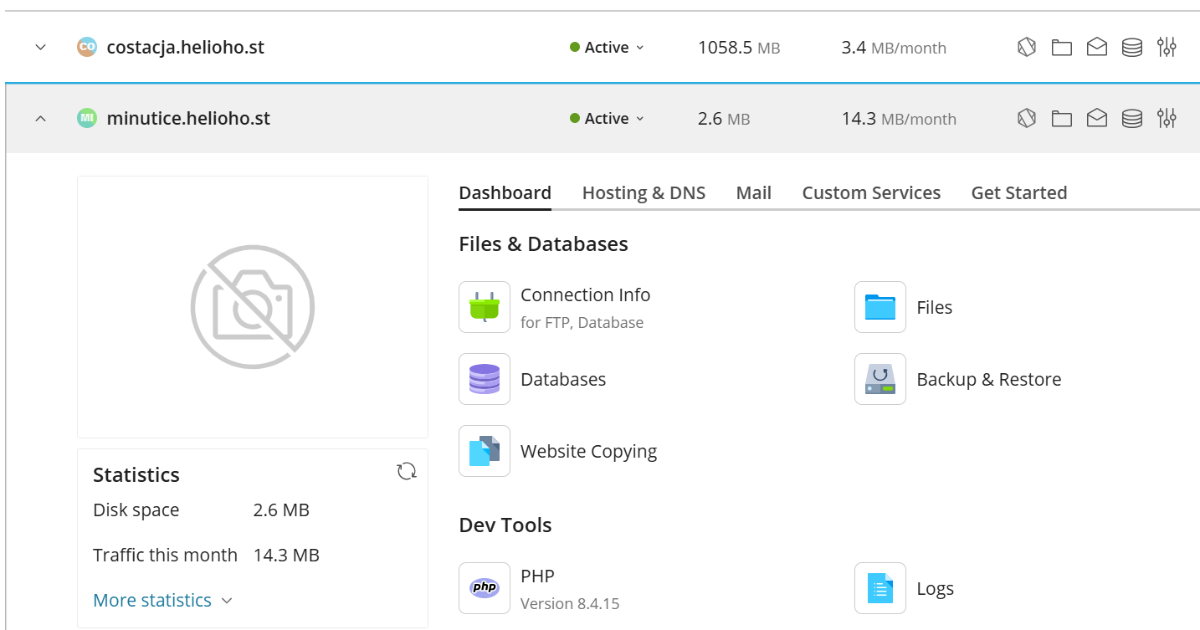
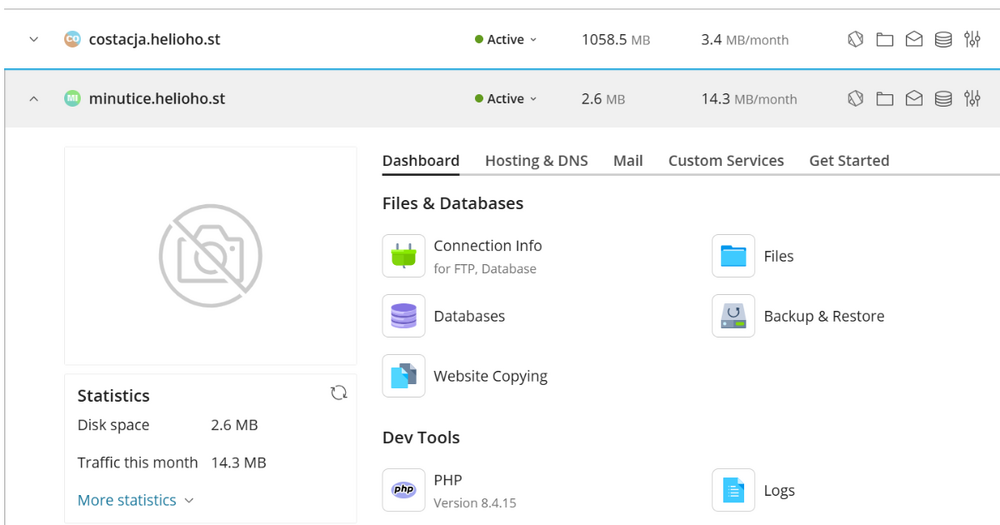
Hi, Your last question, no. I changed to PHP 8.4.15. on both instalations, as you can see on attached screenshots. Both works fine. Could you please update max_input_vars to 5000, at least on your end? If I can I will upgrade de moodle site elearning.minutice.helioho.st (moodle 5.0.3) by setting up a staging site and continue to update minutice.helioho.st (moodle 5.1.3) for a while. When I decide which installation works well for a personal hobby project, I will delete one of them and continue to maintain only one moodle installation. By the way, I don't have any backup on my main domain (costacja.helioho.st). I have only one backup of my elearning.minutice.helioho.st moodle installation on Softaculous (uses 74.34 MB). On costacja.helioho.st the site is the default one. Could you verify, why my account spends 1058.5 MB? Thanks. Best regards, Carlos Costa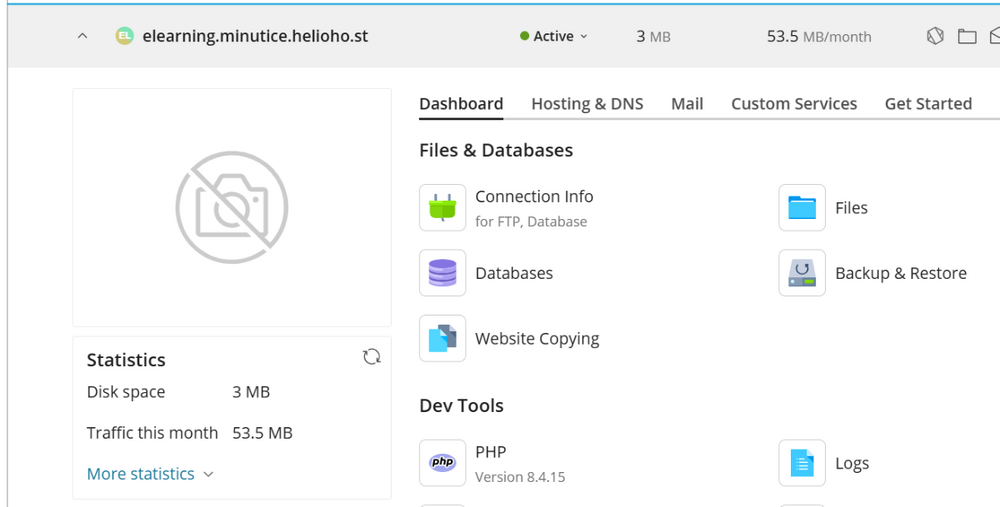
-
 s55f joined the community
 -
I downloaded it. Thank you.
-

[Solved] Need Hestia installed on new VPS Mars
serverdb replied to serverdb's topic in Customer Service
Hello, Please cancel my Hestia installation request. I will keep the VPS as it is and use SSH/terminal access. No rebuild is needed. Thank you. -
[Solved] Need Hestia installed on new VPS Mars
serverdb replied to serverdb's topic in Customer Service
Hello, my VPS has now finished building and I received the welcome email. I have not logged in via SSH and I have not configured anything on the VPS yet. I still want Hestia Control Panel installed. If needed, please rebuild the VPS and preinstall Hestia on a fresh system. Thank you. -
Hola, Acabo de comprar un nuevo VPS Mars y todavía se está instalando. Me gustaría que el panel de control de Hestia viniera preinstalado en mi VPS, por favor. Si ya no es posible agregar Hestia durante el aprovisionamiento, por favor avísame si puedes reconstruir el VPS e instalar Hestia en un sistema nuevo. Mi correo electrónico de cuenta es: flutterflow614@gmail.com Mi nombre de usuario de VPS es: serverdb Gracias.
-
serverdb joined the community
-
thx so i will check tomorrow again to try to see the logs
-
It takes up to 2 hours for a change to development mode to take effect. Wait 2 hours then try again and it should provide more information. If for some reason it does not, we can escalate it at that point so Krydos can take a look at the logs for you.
-
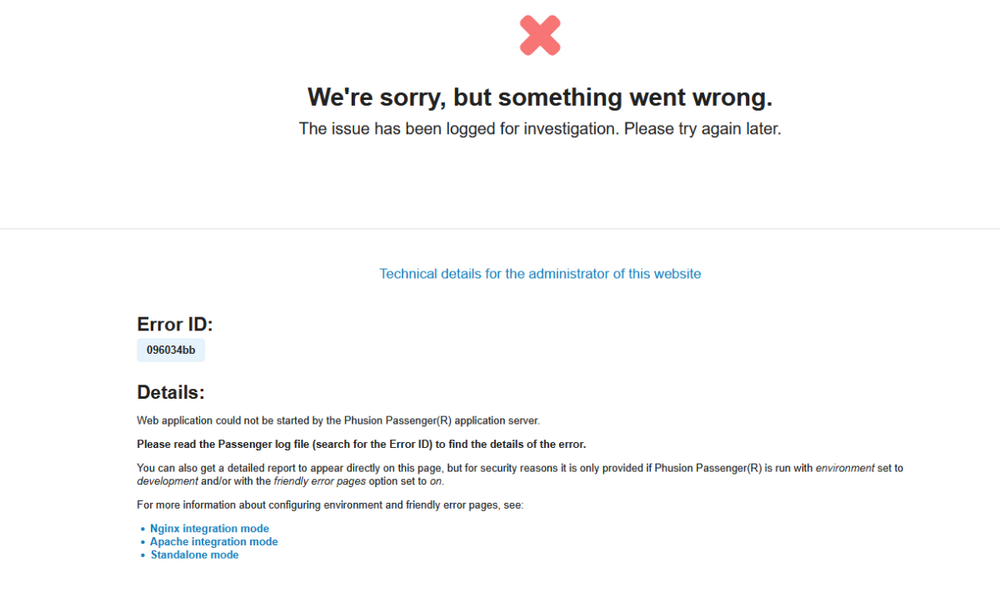
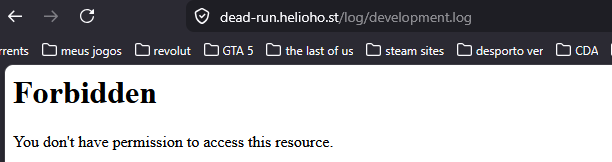
ok thx i will try to change to development to see if i can see the error both https://dead-run.helioho.st/api/scores# and https://dead-run.helioho.st/api/health# are getting 504 Gateway Time-out sometimes and when it loads its still the in the same state even that i already change to development it says i dont have permission to acess the log but i already switch to development
- Yesterday
-
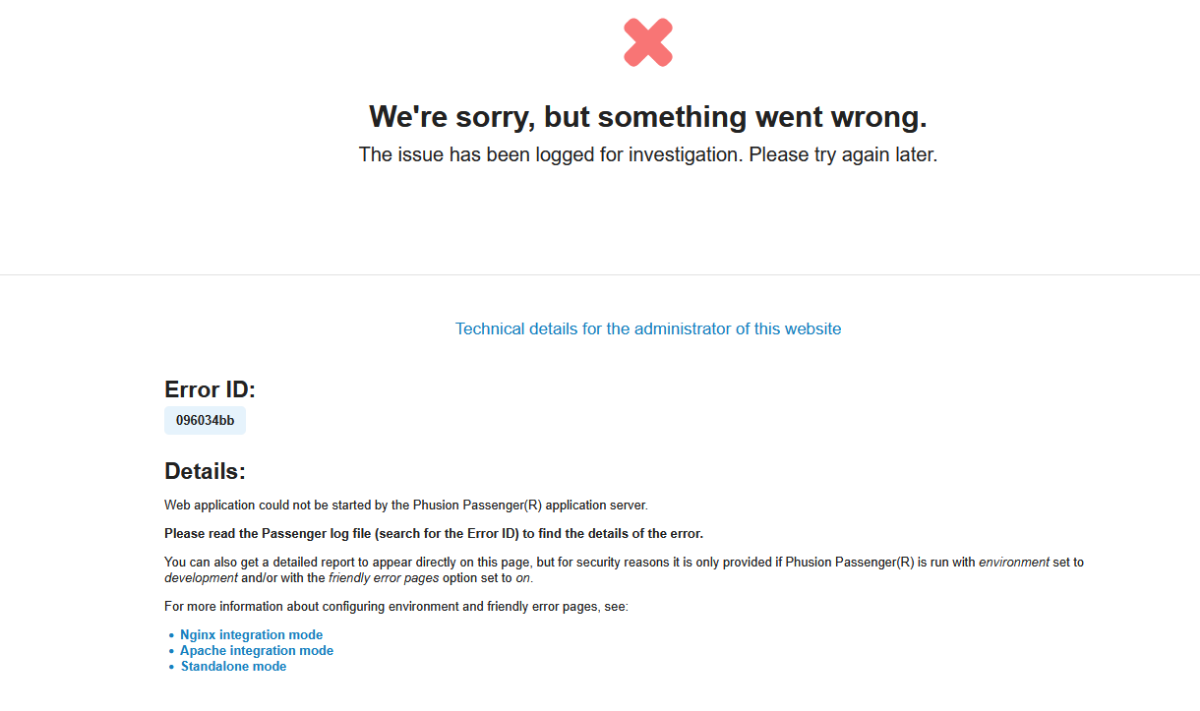
 The error message you posted says: "You can also get a detailed report to appear directly on this page, but for security reasons it is only provided if Phusion Passenger is run with environment set to development and/or with the friendly error pages option set to on." So if you want a detailed report to appear, then you need to set the environment to development. Since this is the second time you've been impatient about the unpaid volunteer staff not being able to help you immediately, I'd recommend you make use of the technical documentation in our Wiki: https://wiki.helionet.org There is a search function and detailed information on how to use Node on the shared hosting servers. It's unreasonable to expect any of us to drop everything at our paying jobs or school classes because you're not patient enough to wait for someone to be available to assist you, for free, in our spare time.
 -
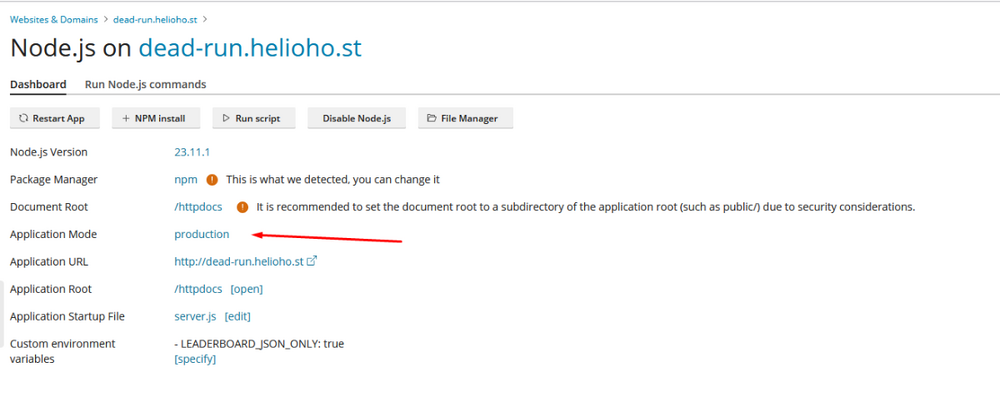
is this it
-
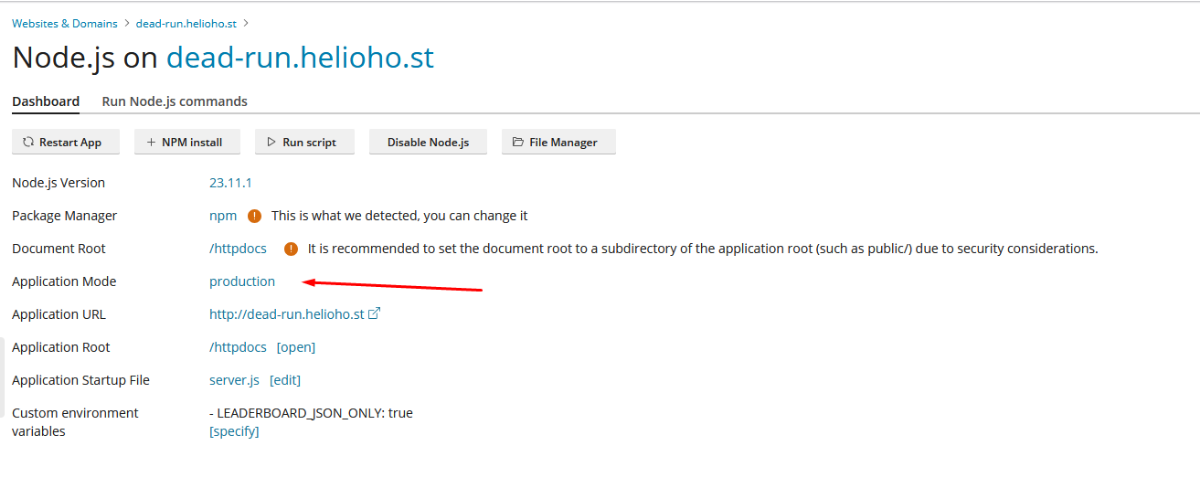
where do i see my environment ? i founded its production do i need to change to development ?
-

Changing to VPS: No need to move data or anything
Krydos replied to devzx's topic in Escalated Requests
Since the 20 days that were transferred from the Morty payment have been used up, there is no need for a trial period anymore, so the new link to pay is https://heliohost.org/vps/pay/?code=AsYrhPBG9TMml7Fd
.thumb.png.258d2f446c87cb4f4f6ea5435c15a535.png)