All Activity
- Past hour
-
Thanks for the informative reply! I have applied for transfer of the domain from the old hosting company to "Spaceship" (seems linked with Namecheap), and the transfer is in progress. Thereafter, you say that I have to add your name servers (ns1.heliohost.org and ns2.heliohost.org) at Spaceship for that domain. Now, I already have the free domain "sumanlal.heliohost.us" in your Tommy server. I put in a temporary "index.html" file as the folder contents were visible on typing the URL. Now, for this new domain which I will point to your space, in which folder should I upload the files?
-
Hello, I would like to request a complete reset/wipe of my account associated with the username sameerswedev. I understand that this action is permanent and that all data will be permanently deleted and cannot be recovered. I have already backed up any important data. Please proceed with the account reset. Thank you.
- Today
-
You suggested transitioning to morty. how does the work and what to do?
-
Sorry for trouble again, I am now available and can further reduce the load
-
My debit card has been expired and I want some time to get a new one. Can you please give me 14 days for that ?
-
Okay, thanks for the answer.
-
DNS recreated.
-
This support request is being escalated to our root admins who can fix the DNS.
-
I've added that domain to your account for you. Please note that it may take up to 2 hours for the domain change to take effect. If after a full 2 hours it doesn't work on your side, please make sure you clear your web browser cache: https://wiki.helionet.org/Clear_Your_Cache
-
My user name is bitstream. As part of the recent DNS issues it seems "bitstream.helioho.st" does not have a valid DNS entry. Could this be fixed? Thank you.
-
My user name is bitstream. Please create the add-on domain "kscaller.bitstream.helioho.st" in my account Thank you.
-

[Solved] can't reach this page
morganalexclappe replied to morganalexclappe's topic in Customer Service
still my website is not working , i am facing big issue while its live production dashboard its not just under test ! please help me to get it back -
 proybulobulo joined the community
 -
Try downloading your backup from https://heliohost.org/backup It should be working now. Yes, you're welcome to use our hosting again in the future as long as you aren't from a country that the US has active sanctions against.
- Yesterday
-
The basic process is: Request the domain be added to your account here, wait 2 hours, then change the name servers at your domain registrar to our name servers (ns1.heliohost.org and ns2.heliohost.org). Once the DNS updates propagate, you'll see the site you have hosted on Tommy instead of the site you have at your old hosting company (it can sometimes take a few hours before everyone sees the change, DNS doesn't update instantly). Note that we are not a domain registrar, so you can't handle the actual domain registration through us, only the hosting. If you are using the old hosting company for domain registration as well as hosting, you'll want to transfer the domain to a standalone registrar (we recommend Namecheap), then set the domain to use our name servers in the new registrar's control panel.
-
Hi, I already have a running domain in another server. The hosting space (working on CPanel) and the domain name, was purchased many years back on that server. I would like to move my registered domain to point to the space I procured from you on the Tommy server. What exactly is the procedure? Regards,
-
 lalsuman joined the community
 -
 ubaldoponzio joined the community
 -
That's helpful, thanks. I identified some PHP task, that shouldn't be left running. They are run once per day in the morning like notam_control.php and notam_collector.py. Perhaps not closed properly. I will correct that . Thanks
-
 Directory permissions are supposed to be 755, not 775. If you've broken your account by changing permissions I would recommend doing a reset.
 -
[Solved] Add domain laptoprecordsmanager
Krydos replied to dipeshshrestha's topic in Escalated Requests
Remote access enabled. host=65.19.154.90 port=5432 user=dipeshshrestha_dipeshshrestha dbname=dipeshshrestha_lrmDatabase password=<set in Plesk> -
Fixed missing DNS zone.
-
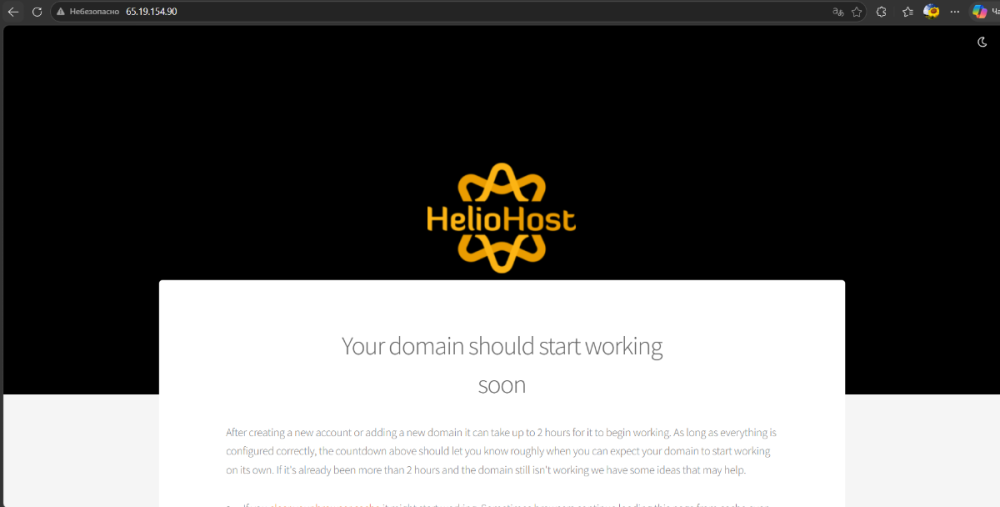
This is normal. The IP address is shared across thousands of websites on the same server as you, so it doesn't know which site to display unless you use the domain name. This is called Server Name Indication (SNI). Accessing your site directly via shared IP address is not supported. If you really need your site to work by entering the IP and not the domain, you would need to purchase a dedicated IP address (or switch to a VPS).
-
Hello, my username is sespr. Is it possible to edit the DNS settings so that IP 65.19.154.90 opens the same website as the domain: sespr.helioho.st?
-
 This support request is being escalated to our root admins.
 -
[Solved] Add domain laptoprecordsmanager
KazVee replied to dipeshshrestha's topic in Escalated Requests
This support request is being escalated to our root admins who can set up remote access. -
 unifyml2022 joined the community
 -
 tjacmm joined the community
 -
 devownai joined the community
 -
 shortnme joined the community
 -

[Solved] Add domain laptoprecordsmanager
dipeshshrestha replied to dipeshshrestha's topic in Escalated Requests
- Hosting account username: dipeshshrestha_dipeshshrestha - Database name: dipeshshrestha_lrmDatabase - Database user name you want to have remote access: dipeshshrestha_dipeshshrestha -
 Server: Johnny (johnny.heliohost.org) Path: /devashraf/waken.helioho.st/jpnew/ Directory permissions are 775 recursively Error: Could not create directory: Received error SSH_FX_FAILURE with description 'Failure' Cannot mkdir or write files, even though 775 is set Request: Please check if ACLs are restricting write access, or if there's a chroot security policy blocking writes to this directory. Note: Even file manager uploads fail with the error below: No upload response Some files were not uploaded due to an error. The remaining files will not be uploaded.