All Activity
- Past hour
-
Account has been reset, and a new invite has been sent to your email address. You can also download a backup of your account before the reset at https://heliohost.org/backup
-
Sure, that would be great, thank you. Maybe that is something that could be adjusted at some point, where when you delete your account, it actually deletes the username, so if you decide to come back in the future, you can enter your email and password on the login page and then receive an invite to create your account on the same server. I mean, what if you delete your account and come back at a later time and want a brand new account with a different domain and all that, I do like how you can log back in and recreate it so you don't have to donate for tommy again, but I think if you're going to do that, it should let you recreate it from scratch, and not just recreate the old account, in case you want a whole new domain, username, and even password, so you don't have to reset the account, just a thought.
-

Help me to remove my account suspension
Krydos replied to trycatchtales's topic in Escalated Requests
Since your account was hacked our policy is to require an account reset. Are there any files or databases that you need backed up? A root admin will need to check each file by hand to make sure it doesn't contain any credit card numbers, passwords, social security numbers, etc. so we're not going to check 20k files. If you need just a couple files they can be backed up though. -
We can reset the account for you if you would like, you should then be able to change your username from there.
-
I deleted my account and recreated it as I wanted to change my username, but all the damn thing did was recreate the old account. I don't understand how this works, it said to enter my email to get an invite, but I didn't get that it just created the account again. Can someone please help? I don't know what to do here, maybe the wording on that page should be updated if it's going to create it again with the same useername and domain instead of sending an invite like it said. Hopefully this can be fixed or someone can advise on what I should do. Thank you.
- Today
-

Help me to remove my account suspension
KazVee replied to trycatchtales's topic in Escalated Requests
Hello! Accounts do not get suspended "without any reason". Your account was suspended due to "malware / hacked", per the internal notes. Could you please provide further information about your site code? In the meantime, I'll escalate this thread so a root admin can consider your unsuspension request. -
[Krydos] I can’t SSH into my VPS, and the website isn’t working.
Krydos replied to jengcharat's topic in Escalated Requests
Sure, just let us know which directories do you need, and we can make the backup for you. -

Help me to remove my account suspension
trycatchtales replied to trycatchtales's topic in Escalated Requests
hello team can you help to get back my acount .. please revert -
Hi @wolstech I’m not sure what happened but it’s working now 😂 thank you!!
-
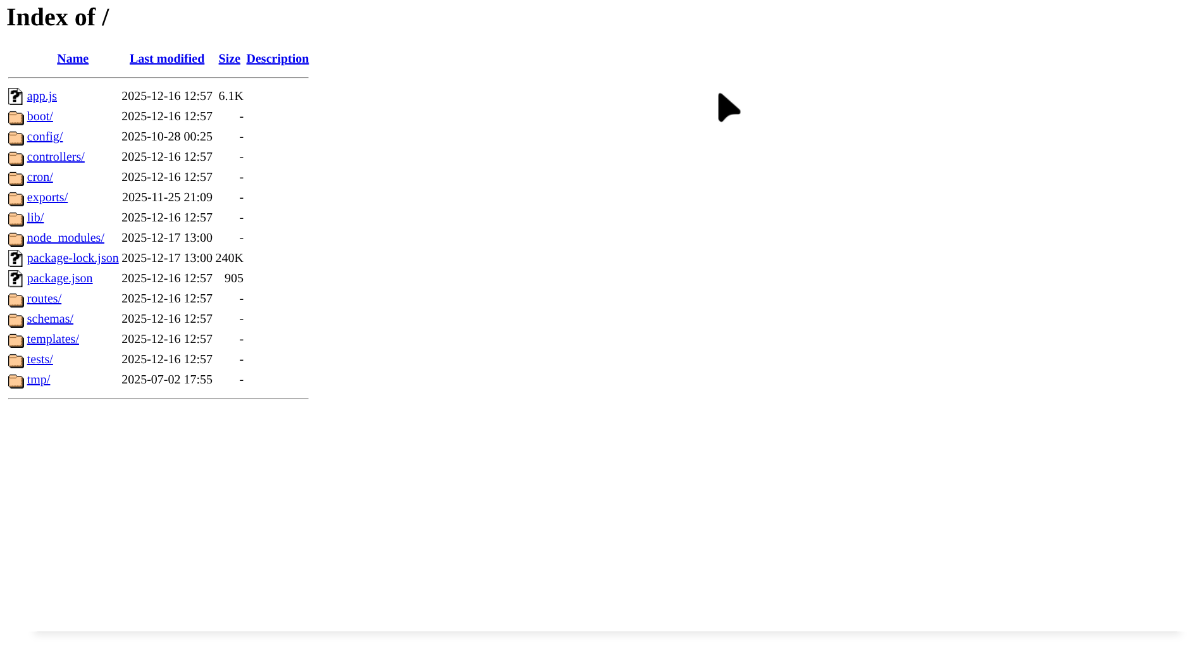
Looks like it might be working for me? I get this instead of a directory listing, which I assume is from your app:
-
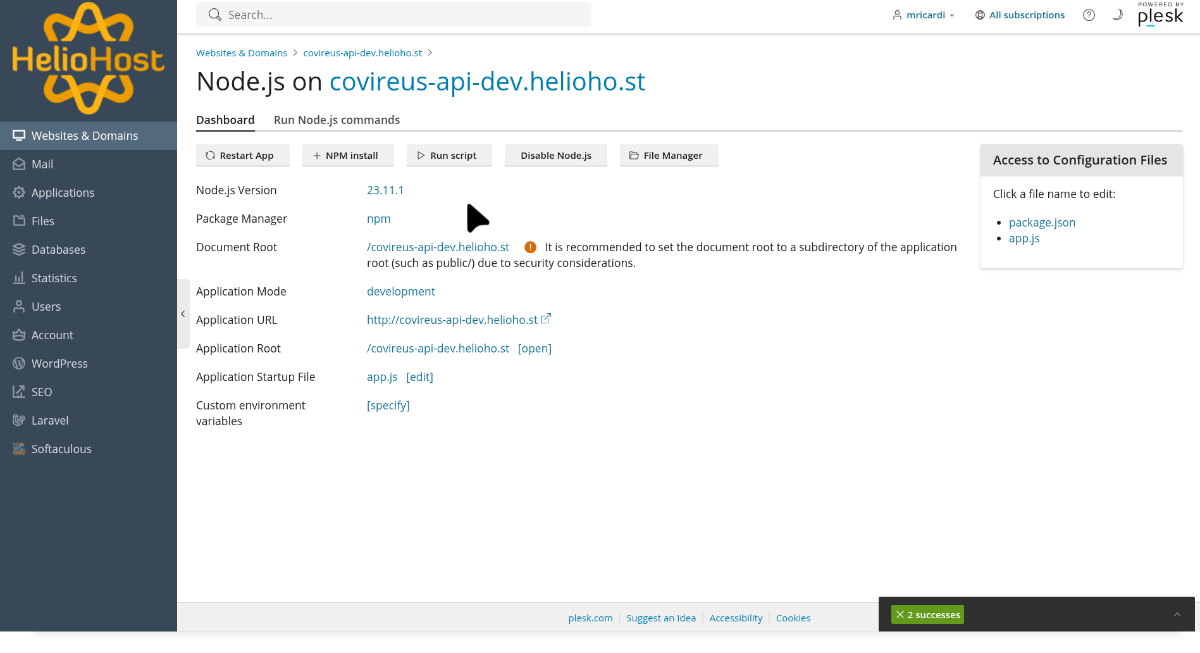
Hi guys, how are you? Today I was running some tests and noticed that my nodejs server isn’t working when I access the url it shows the directory listing instead of being handled by my nodejs server could you take a look at it pls? https://covireus-api-dev.helioho.st/ Thank you!


-

[Solved] Server error Plesk 500 Plesk\Exception\Database
wolstech replied to lombardonicolo49's topic in Customer Service
Morty's /tmp was full again. Another user's Node app was malfunctioning (or more correctly, missing, the user deleted the files without disabling node, causing Passenger to sit there and fill up /tmp with error logs until the server broke). The broken node app has been disabled, the /tmp folder was emptied, and Morty is now working again. -
 harizalan joined the community
 -
 sawan85991 joined the community
 -
 Hello, Before proceeding with the rebuild, I would like to ask if it is possible to back up and keep my website files, databases, and aaPanel data. If so, please let me know what information you need from me, or if there is anything I should prepare. Thank you very much for your assistance.
 -
 This morning again, my website is down and no longer connecting to the database because the server says it has run out of space, I had previously reported this problem, but it happened again, and my website is down again Server Error 500 Plesk\Exception\Database DB query failed: "DESCRIBE `SessionContexts`" Error code: 1 Error: SQLSTATE[HY000]: General error: 1 Can't create/write to file '/tmp/#sql-temptable-1e8349-3991aba-dd135.MAI' (Errcode: 28 "No space left on device"), query was: DESCRIBE `SessionContexts` Type Plesk\Exception\Database Message DB query failed: "DESCRIBE `SessionContexts`" Error code: 1 Error: SQLSTATE[HY000]: General error: 1 Can't create/write to file '/tmp/#sql-temptable-1e8349-3991aba-dd135.MAI' (Errcode: 28 "No space left on device"), query was: DESCRIBE `SessionContexts` File Mysql.php Line 68 You may be able to resolve the issue automatically using Repair Kit. If you are the server administrator, try resolving the issue using our troubleshooting tool, Repair Kit. Open Repair Kit You will be asked to enter the Plesk administrator password. Need help resolving the issue? Visit Plesk Help Center. That's what you can do Reload PageBack to Previous PageHome PageSearch for related Knowledge Base articles Report a problemDocumentationKnowledge baseForumYouTubeFacebook
 -
Never mind
-
 brianpeter930 joined the community
 -
i just did a fix so epic , just don't select all the text in the page
-
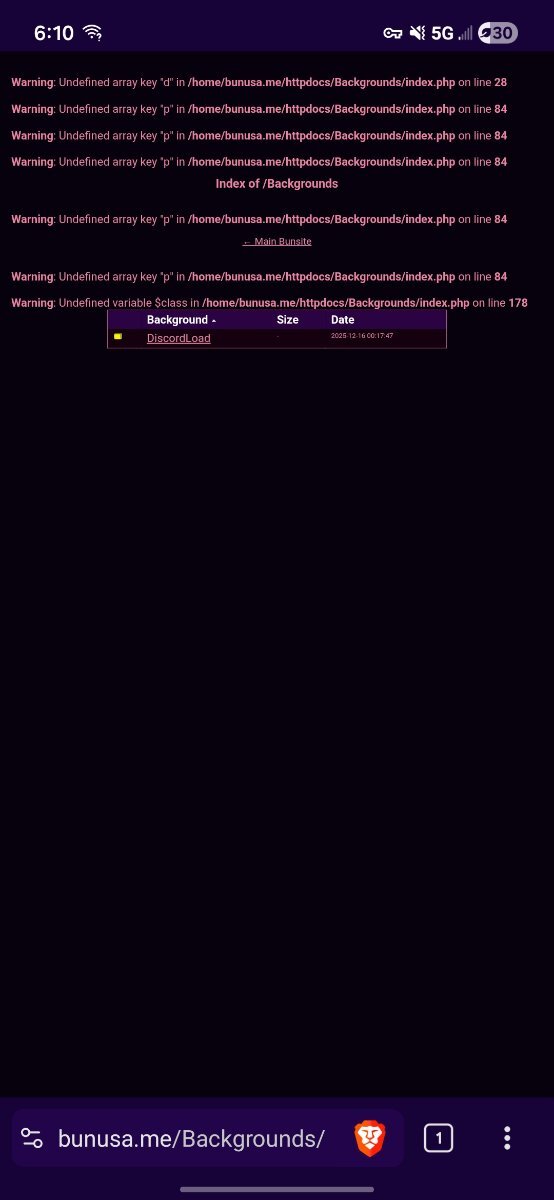
lol yeah, that's what i'm confused about, why are there all those errors
-
"Undefined array key" means PHP tried to access an array element key that does not exist. "Undefined variable" means PHP tried to use a variable that has not been defined.
-
All i see is PHP errors, have you tried clearing your browser cache?
-
yeah; try https://bunusa.me/Backgrounds/
- Yesterday
-
Closing due to inactivity since there has been no response in this thread for over a week. If you're still having this issue or need help with something else please open a new ticket.
-
I see a 404 error at that link. Does that page exist?
-
trycatchtales joined the community
-
My account got suspend without any reason help me to get my account unsuspend
-
also i have been getting weird errors on this one page for some reasoon, bunusa.me/backgrounds/ i'm not that versed in php but i didn't get these errors on other hosts, so i'm kinda confused
-
Since your account was transferred from cPanel I recommend doing the reset option 3 from above. These ancient accounts tend to have a lot of issues and strange bugs anyways compared to accounts that were created directly on Plesk. I went ahead and created a full backup for you which you can download from https://heliohost.org/backup You can read the instructions for extracting the backup at https://wiki.helionet.org/Account_Backups Let us know when you're ready to proceed with the reset, or what you'd like to do.