All Activity
- Past hour
-

Looking for beta tester for my Site and apps !!
Max Manning replied to Max Manning's topic in Other Discussion
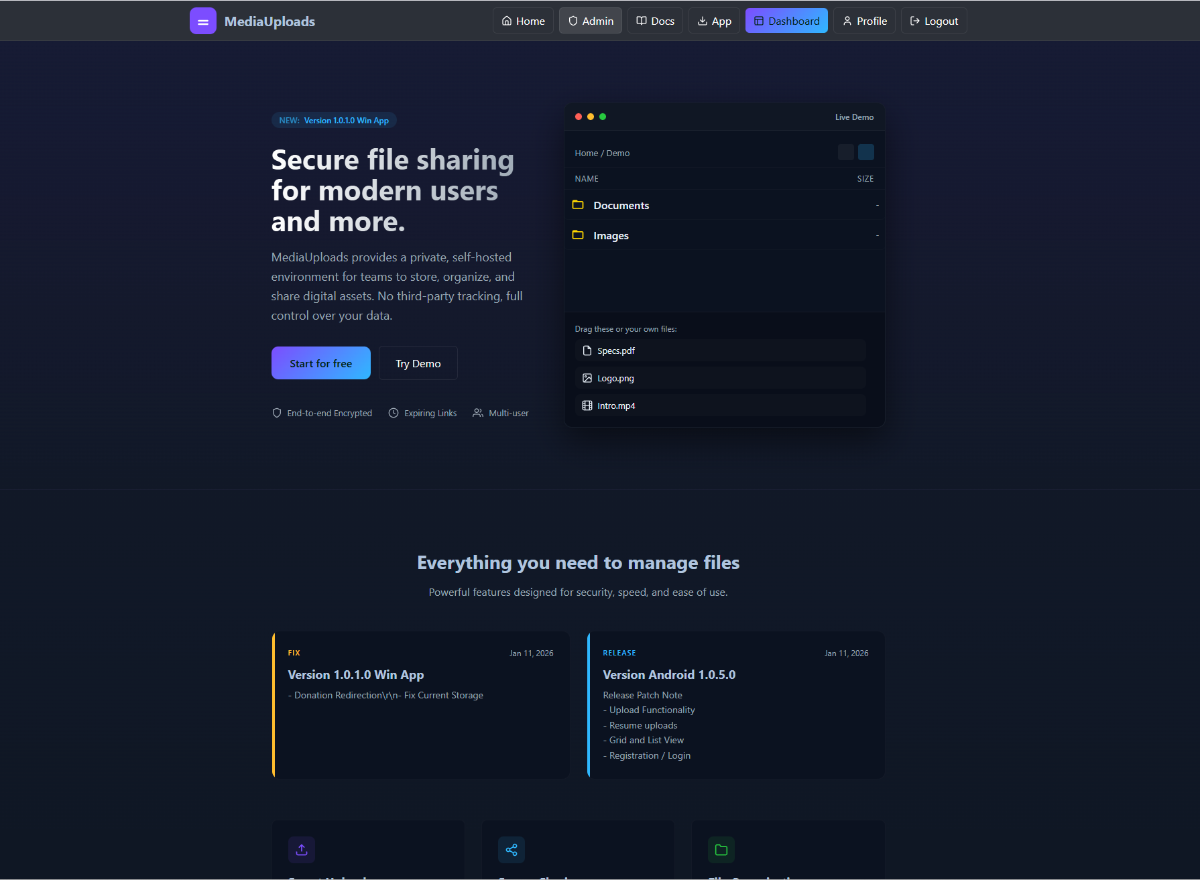
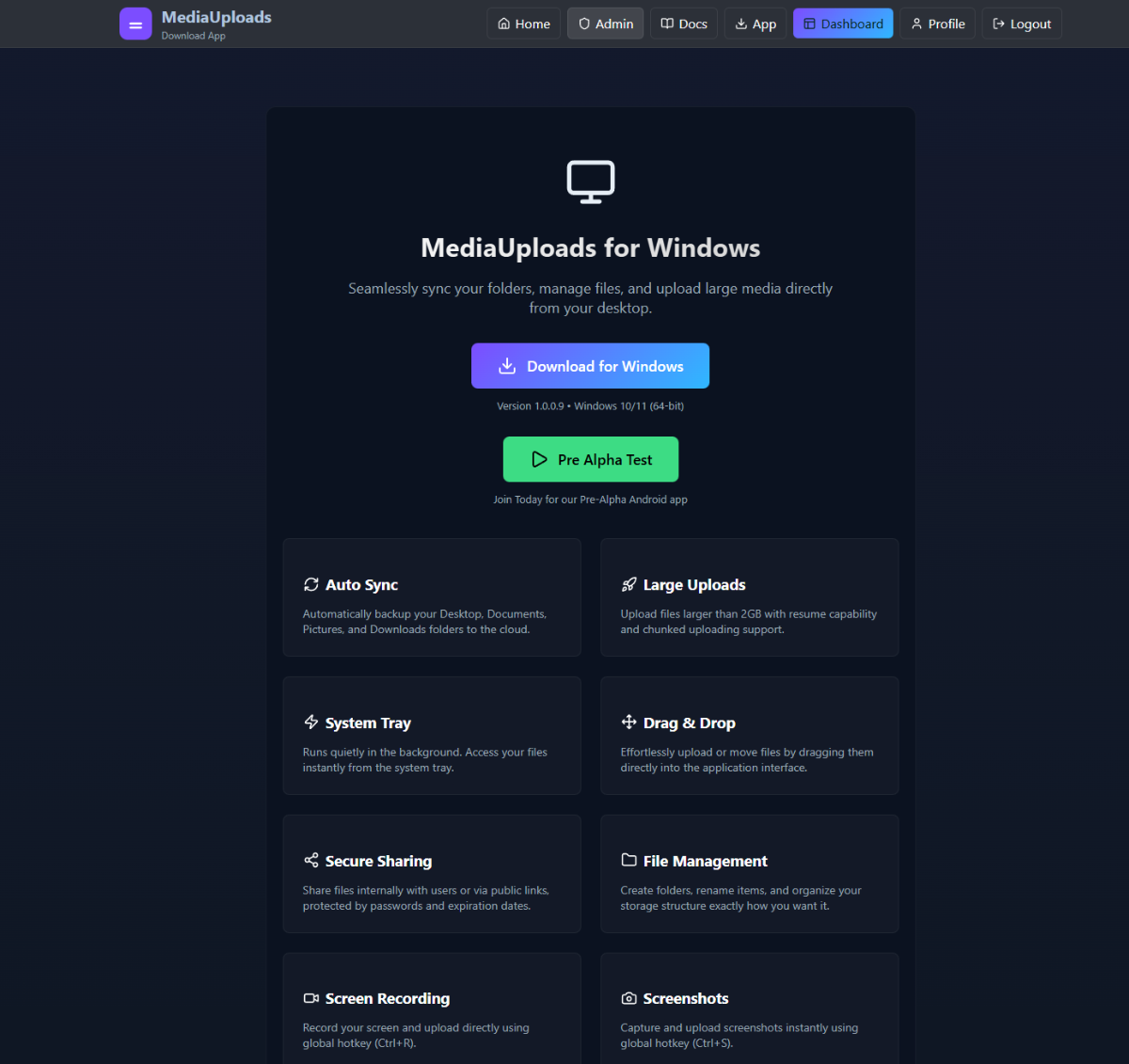
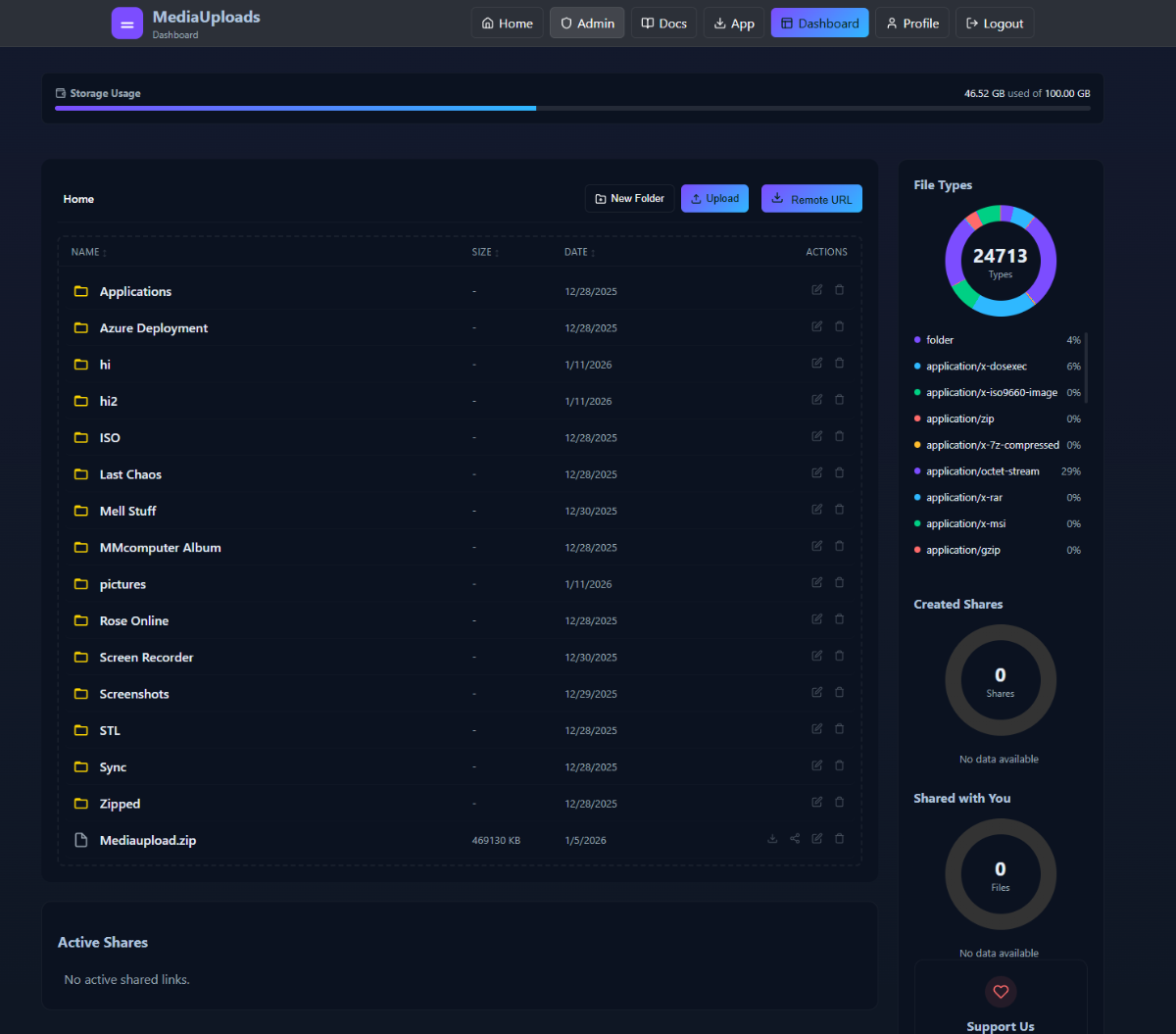
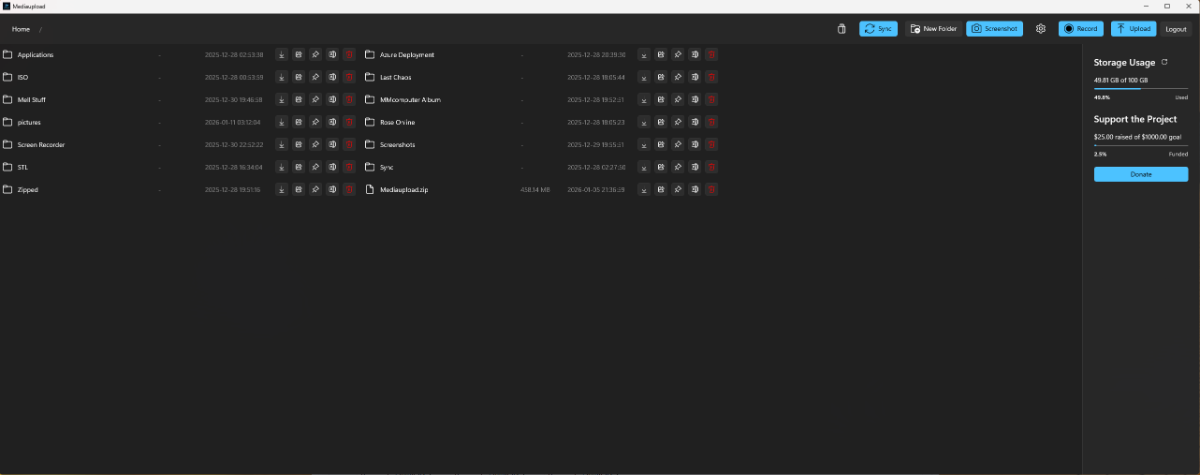
Many Features Changes: - UI Base change - Demo Test Page For users to test the uploads - Implantations new Header Functionality - AI Support Chat Intergration in users dashboard -
Hello, I am running Moodle on my website (davidsgraciaa.helioho.st). Moodle requires the PHP setting "max_input_vars" to be at least 5000. I tried to override it using user.ini and PHP Settings, but this causes a 502 Bad Gateway error or the value is ignored. Could you please increase "max_input_vars" to 5000 (or higher) for my domain at the PHP-FPM / server level? Additionally, I would like to ask if it is possible to add and use the domain academic.jgmun.com for this Moodle installation (as an additional domain or alias pointing to the same site). Thank you very much.
- Today
-
Thanks MoneyBroz
-
 Can you please explain how you plan to use this service? As a reminder, our Terms of Service prohibits you from using our service, which includes our free subdomains, to send spam or bulk marketing communications.
 -
 This support request is being escalated to our root admins.
 -
 l4nc1nant joined the community
 -
 imylh joined the community
 -
 HelioHost Account Username: codebreakers2005 Domain Name: https://aspirix.helioho.st Hello, I want to authenticate my heliohost tommy account sub domain to use it with Brevo (Email service providing company). Can you please add these DNS records for my subdomain? 01. Type: TXT Name: @ Value: brevo-code:3456ebbad6c4507bc3929938d39f1835 02. Type: CNAME Name: brevo1._domainkey Value: b1.aspirix-helioho-st.dkim.brevo.com 03. Type: CNAME Name: brevo2._domainkey Value: b2.aspirix-helioho-st.dkim.brevo.com 04. Type: TXT Name: _dmarc Value: v=DMARC1; p=none; rua=mailto:rua@dmarc.brevo.com Thank You for your support. codebreakers2005@outlook.com 2026-01-12
 -
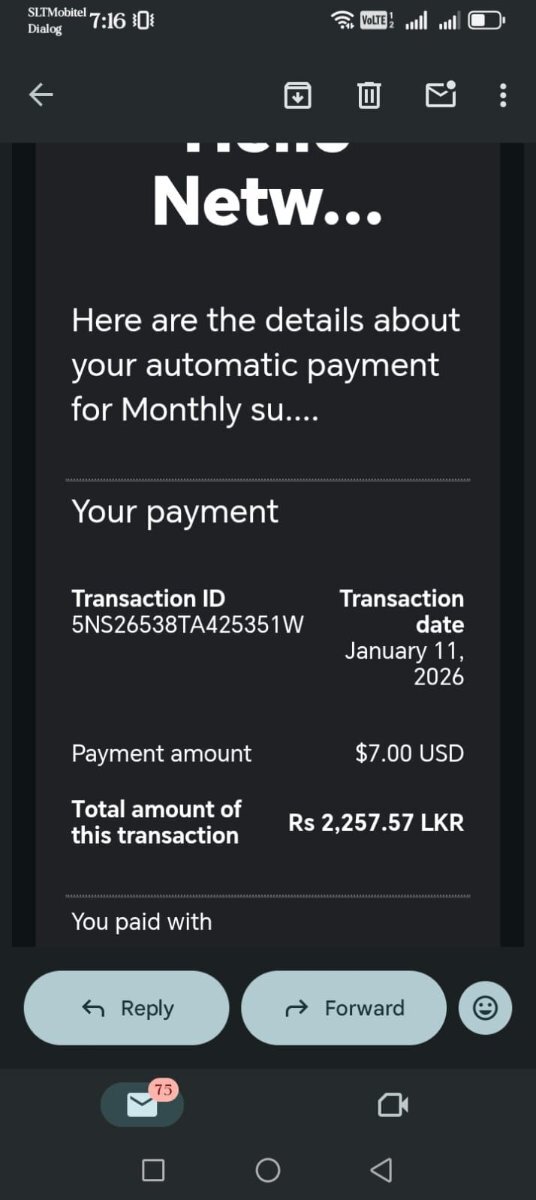
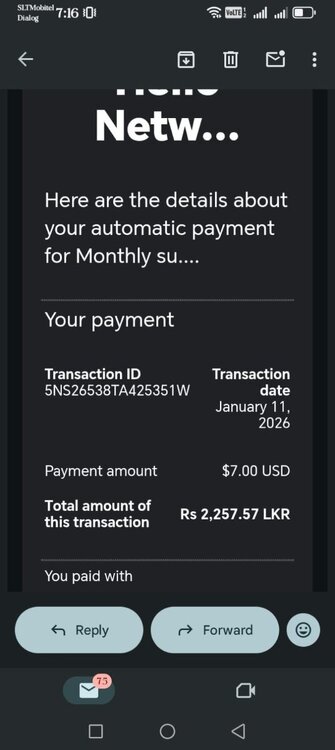
The new subscription has been linked to your VPS and it has been powered back on. Keep in mind, when your payment fails you get an email from PayPal, and then 5 days later you get another email from PayPal, and then you get an email from us, and then you have 24 hours to get a new payment set up. So that means you get 3 emails over 6 days prior to your VPS being powered off. You could avoid downtime for your VPS by fixing the issue during one of the 3 emailed warnings you get. If you're not receiving any of these emails you might want to check your spam settings.
-

[Solved] Why was the account suspended?
KazVee replied to luisasierra's topic in Suspended and Queued Accounts
You're very welcome. 🙂 Please let us know if you need help with anything else! -
 faktor joined the community
 - Yesterday
-

[Solved] Why was the account suspended?
luisasierra replied to luisasierra's topic in Suspended and Queued Accounts
Thank you so much 🙏 I assure you this won't happen again. As I said before, it was just a test out of curiosity, nothing more. And if I ever try it again in the future, I'll make sure to read this tutorial: https://wiki.helionet.org/Node.js#Node.js_Server_Resource_Usage. Thanks for the information, you were very kind. 🙏 -
[Solved] Why was the account suspended?
KazVee replied to luisasierra's topic in Suspended and Queued Accounts
If you want to run Node on the shared hosting, we recommend structuring your app similarly to the Node tutorial (in the Node.js link I posted earlier), since that will ensure Node uses Passenger, which will help to try to keep the load down. Our WordPress page (also linked before) has some recommendations for WordPress alternatives that will cause less load on the server. I've unsuspended your account now, please give it a few minutes to get up and running again. -
[Solved] Why was the account suspended?
luisasierra replied to luisasierra's topic in Suspended and Queued Accounts
Okay, I understand now. What you're saying is true. I noticed it had Node.js services and tried to test it, but since it didn't work, I deactivated it. When I tried to access the website, I couldn't, so I thought it was due to a PHP dependency. Then I installed WordPress to see if that would work, but since that didn't work either, I deleted it. I remembered I had a backup and restored it, and the site worked. But today I encountered this problem, so I sincerely apologize 🙏 for what happened -
[Solved] Why was the account suspended?
KazVee replied to luisasierra's topic in Suspended and Queued Accounts
When accounts are suspended, the user's website is replaced with a page explaining the reason for the suspension. In your case, you've been suspended for high server load: 204.28 GB memory in 24 hours, when the limit is 200 GB. The sudden drop is when your account was suspended. If you're not sure what caused the suspension, please let us know more about what you were running (Node.js and WordPress are notorious for causing user suspensions, for example), and we can try to offer suggestions on how to reduce your account load. Please let us know when you're ready to fix the issue, since if we unsuspend you and no code is changed, a suspension will happen again pretty quickly, and there are only a limited number of times an account can be unsuspended.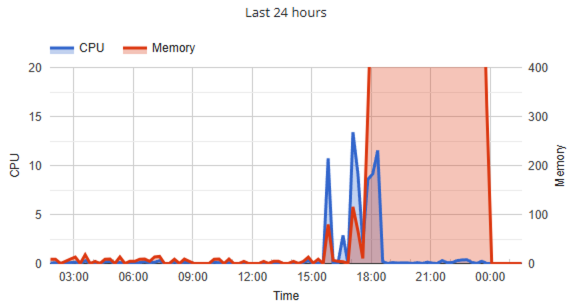
-
I really don't know what rules I violated to justify these actions. Could you please give me details about my suspension and what I need to do to recover my account?
-
Accounts mrmezo and mrmezo2 have been unsuspended. I've renamed the binaries for the ASP app on Lily to prevent it from running until you fix it. The accounts may take up to 2 hours to function.
-
Thank you for the detailed explanation. I sincerely apologize for the high CPU load and any disruption caused to the server’s stability; it was never my intention to impact the performance of the Lily server. I am completely fine with that. Thank you for your patience.
-
.thumb.gif.c66cf850f92d3226d378ecfc1c4df766.gif)
Looking for beta tester for my Site and apps !!
OnEnemy replied to Max Manning's topic in Other Discussion
Approved as an advertisement. Please refrain from reporting spam unless something suspicious is found onsite -
Max Manning changed their profile photo
-
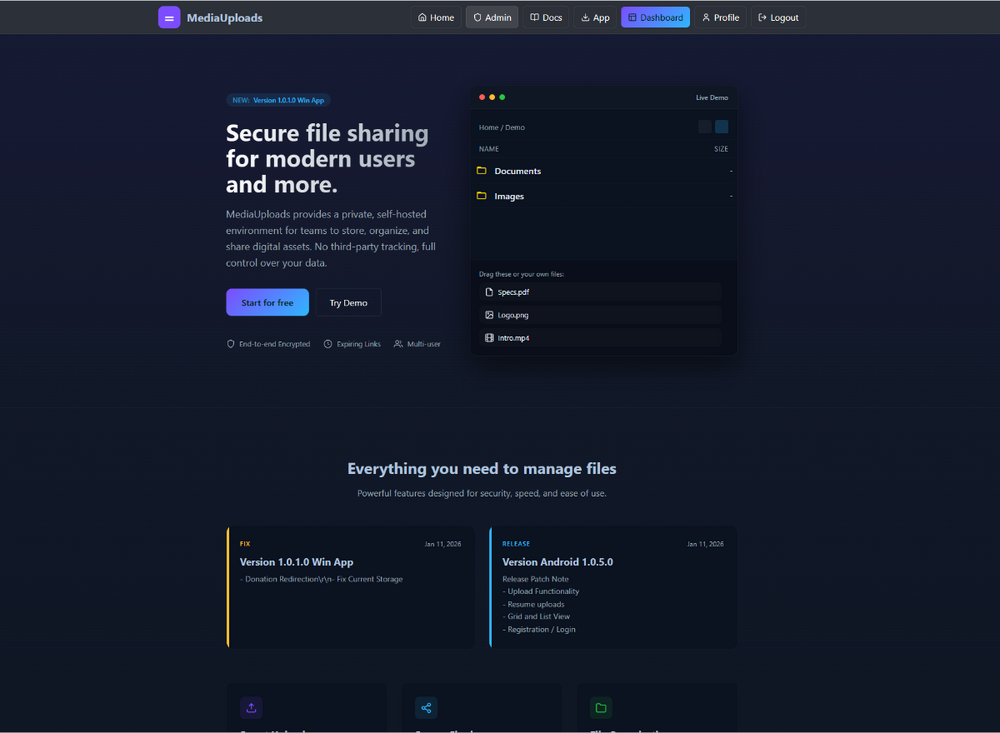
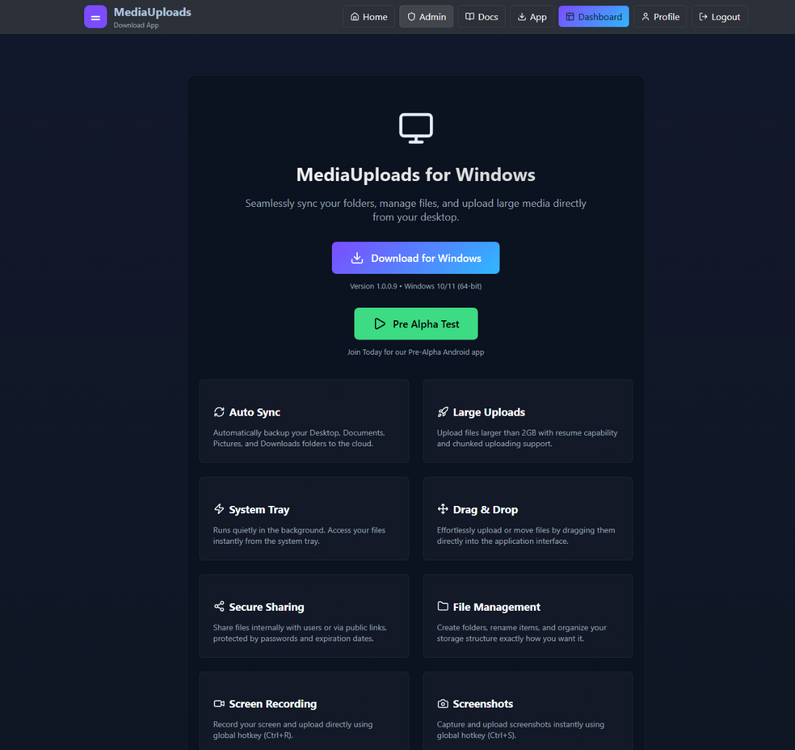
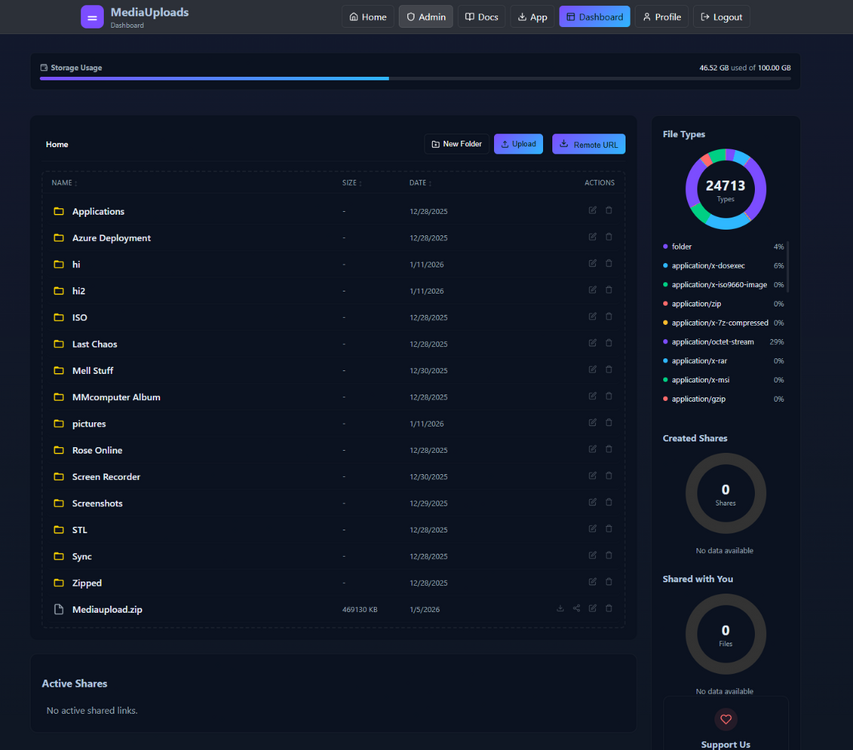
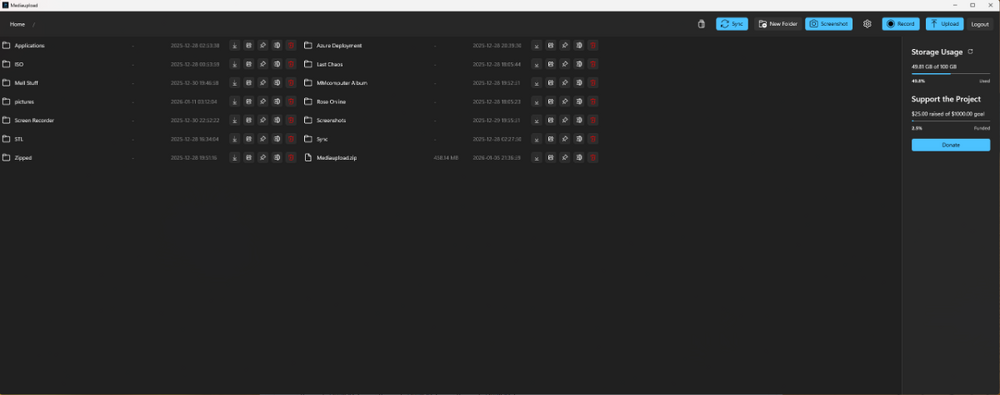
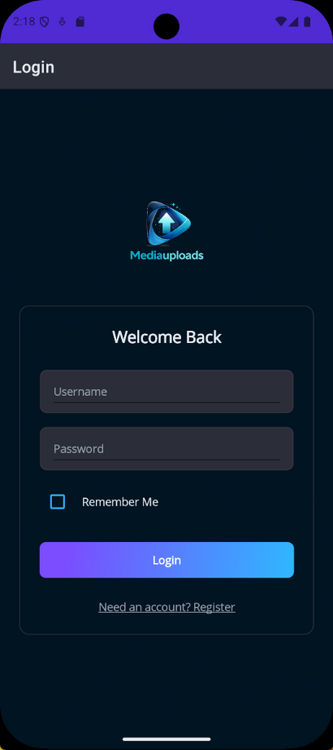
Join MediaUpload Alpha & Get 50GB Free Storage! Hello everyone! 😊 We’re excited to invite you to join the MediaUpload Alpha testing program on the Windows App / Website/ Google Play Store! As a valued tester, you’ll get 50GB of free storage to explore the app’s features before anyone else. If you’d like to help shape the future of MediaUpload and be among the first to try it out, simply: 1️⃣ Visit: https://mediaupload.ca/apply.php 2️⃣ Fill out the short application form. Once you’ve applied, please send me a message with the subject “I have applied” and include only the email address you used in the form. I’ll then send you the Google Play Store testing link so you can get started right away. We truly appreciate your interest and support—thank you for helping us make MediaUpload even better! Looking forward to having you on board! 🚀 Please do not Hesitate To ask Questions here. And if any issues Found or got any suggestions please send us feedbacks via https://mediaupload.ca/feedback.php can access this area via profile
-
I want to add this domain to my hosting: rvan.net
KazVee replied to mohamedabdelshaf's topic in Customer Service
Looks like you made a duplicate request for the same thing here: https://helionet.org/index/topic/66686-hh459697-i-want-to-add-this-domain-to-my-hosting-rvannet/ Please do not create duplicate forum threads for the same issue. All helpers are unpaid volunteers who donate their time to assist others. Asking the same question in multiple posts can lead to wasted effort and slower support. It seems you've already been asked last August not to create multiple threads for the same request: https://helionet.org/index/topic/61957-solved-i-want-to-change-the-main-domain-for-hosting-to-agropeonycom/ You were then asked again last October not to create multiple threads for the same topic (https://helionet.org/index/topic/66685-i-want-to-add-this-domain-to-my-hosting-rvannet/#comment-297586). The same recommendation applies to not post a request from your forum account and then duplicate the request via email support. Please note, I am now asking you a third time not to create multiple threads for the same request. Please take a moment to review the Three-Strike Policy section of our Suspension Policy: https://wiki.helionet.org/Suspension_Policy#Three-Strike_Policy For guidance on where and how to ask for help, see: https://wiki.helionet.org/FAQ#Where_do_I_ask_for_help? To understand how Community-Powered Technical Support works, visit: https://wiki.helionet.org/FAQ#How_does_community-powered_support_work? For support response timelines (SLAs and ETAs), check: https://wiki.helionet.org/ETA Posting the same question multiple times may delay answers to your request. I'll lock this thread to prevent duplication of unpaid volunteer staff effort and time. Please monitor the other thread for replies. -
This support request is being escalated to our VPS admins.
-
 I want to add this domain to my hosting: rvan.net
 -
I've completed the payment. Can you please activate my vps again.
-
Your current balance is $13.1816 plus $15 is $28.1816. Based on your usage for the last month the new balance should last you until April 25th. Thanks for topping off your Morty account, and thanks for the donation.
-
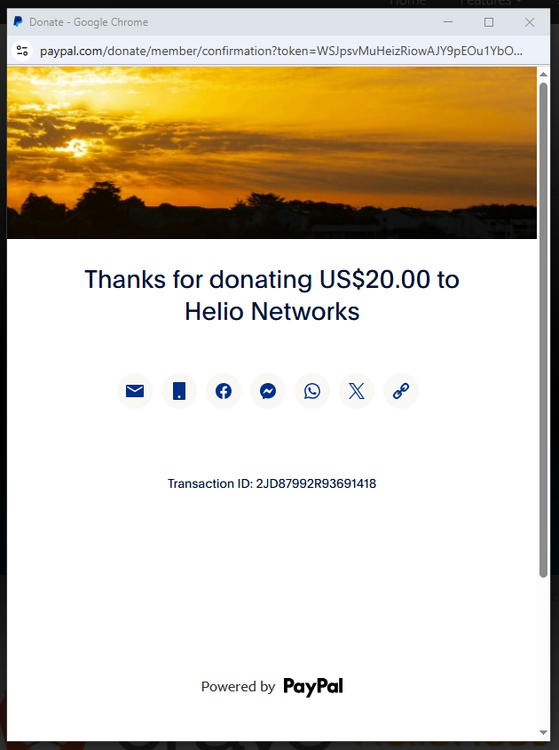
Thank you for the donation! 🙂 This support request is being escalated to our root admins who can confirm the PayPal transaction and add the funds to your account.
-
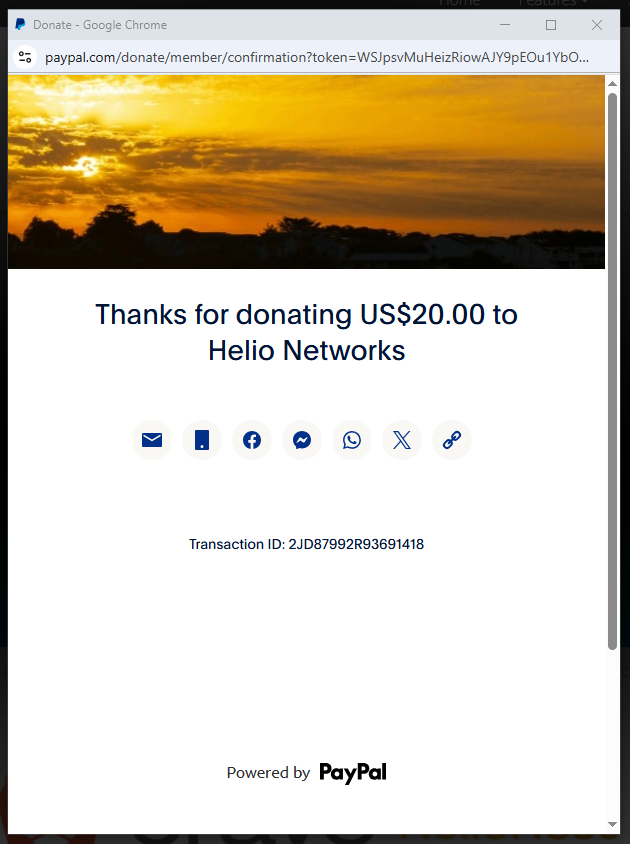
Hello, please add balance to my Morty account. I donated USD$20, please add USD$15 to softhauz, and the rest for Helio Networks. Thank you! Transaction ID: 2JD87992R93691418
- Last week
-
 user2c joined the community
 -
It's against US law to "enable access" or "make available" illegal content that's hosted elsewhere too (it's still considered copyright infringement), so your site cannot access/convert IPTV or other copyrighted streaming content that the user provides either. The high load was also the Lily app. It pegged the CPU at 100% and almost hung the server (in fact, it may have been the cause of a hang a few weeks ago, though I cannot verify that since I couldn't even log in at the time to see why the server was overloaded, it had to be restarted). That said, this app is way too heavy for Lily...a VPS is really the appropriate way to run something like this. Here's a screenshot of your IIS process using 97% of the entire server's CPU from when you got suspended...it was like that for about a half hour before we suspended you. That TempDuckUrls is indeed what triggered the porn detection. If that's just a cache, that's fine, it sounds like someone just went searching for that content and the cache kept the URLs. I didn't see any other mentions of adult content besides these, so just need to clear the cache. To be unsuspended, you'll need to: Remove the IPTV to video M3U functions (the other pieces of the tool that just provide non-video statistics like game scores and such should be fine to keep, it's the IPTV piece specifically that is a copyright issue) Delete the proxy PHP file on the plesk account. Make sure the image search tool doesn't cause excessive load, remove if load cannot be controlled. You'll probably need to ask to check your load on Lily since there isn't a way for you to see it like there is on Plesk. Fix the content filter on the image search tool. You mentioned it's supposed to have one, getting it working should solve the porn issue. Clear the TempDuckUrls cache. Would you be good with that? If so, I'll give you 24 hours to do so.