Leaderboard




Popular Content
Showing content with the highest reputation on 08/27/25 in Posts
-
to 3: Yes, I have read the news. My attempt to use php version 5.6.40 on tommy2 in the last week seemed successful. The error is only visible after the move. to 2: I have executed the instructions again, it leads to the same result, /arcor and the following subdirectories are password protected. On tommy2 only the directory itself was protected, the protection was not inherited to further subdirectories. I remember that Krydos had also checked or changed something in the server configuration for this in the past.1 point
-
Your account has been reset. Click the link in the email I sent you just now to take the next step in the reset process. I also created a full backup for you prior to resetting your account in case you find you need something from the old account. You can download the full backup from https://heliohost.org/backup/ if you need it. We have a wiki guide explaining how to extract it here https://wiki.helionet.org/tutorials/plesk/account-backups1 point
-
You're the second person to mention this so I'll make sure the password is synced before and after the move so others won't have to do a password reset after moving. Yeah, it's great. The old Tommy Plesk was getting so ridiculously slow.1 point
-
Did you read the news? It clearly states that PHP 5.4 is being removed, and PHP 5.6 will still be available. If your software won't run on PHP 5.6 you'll need to move to a VPS https://heliohost.org/vps/ Have you tried following these instructions again after being moved? https://wiki.helionet.org/tutorials/plesk/password-protect-directory1 point
-
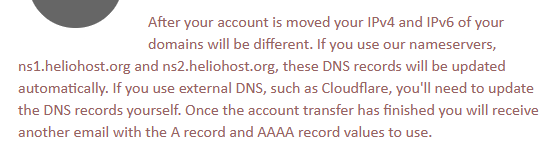
It not only tells people this in the email when they are moved, but it actually mentions it in BOTH emails when your account begins to move and when the move is complete.
 1 point
 -
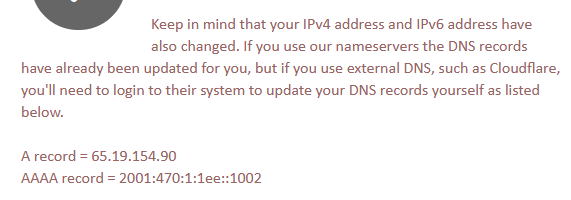
Did you update the IP addresses in Cloudflare to match the ones now shown in Plesk? The IP addresses are different on the new Tommy. You may need to turn off the proxy option temporarily too until everything works. Also, as a reminder, for the SSL settings on CF, the "SSL strict" option is not supported. Live migration doesn't work for Cloudflare users because we can't update your DNS and CF settings for you.1 point
-
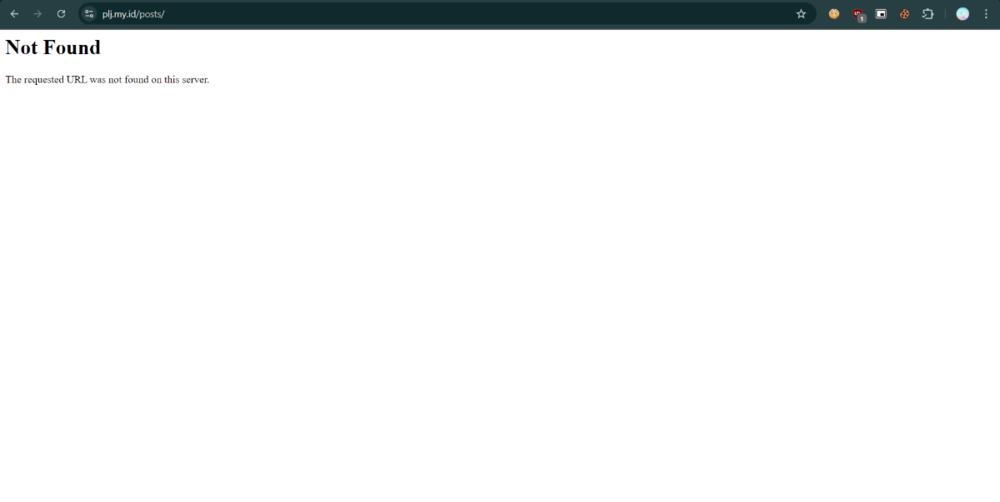
this is after i clear my cache
 1 point
 -
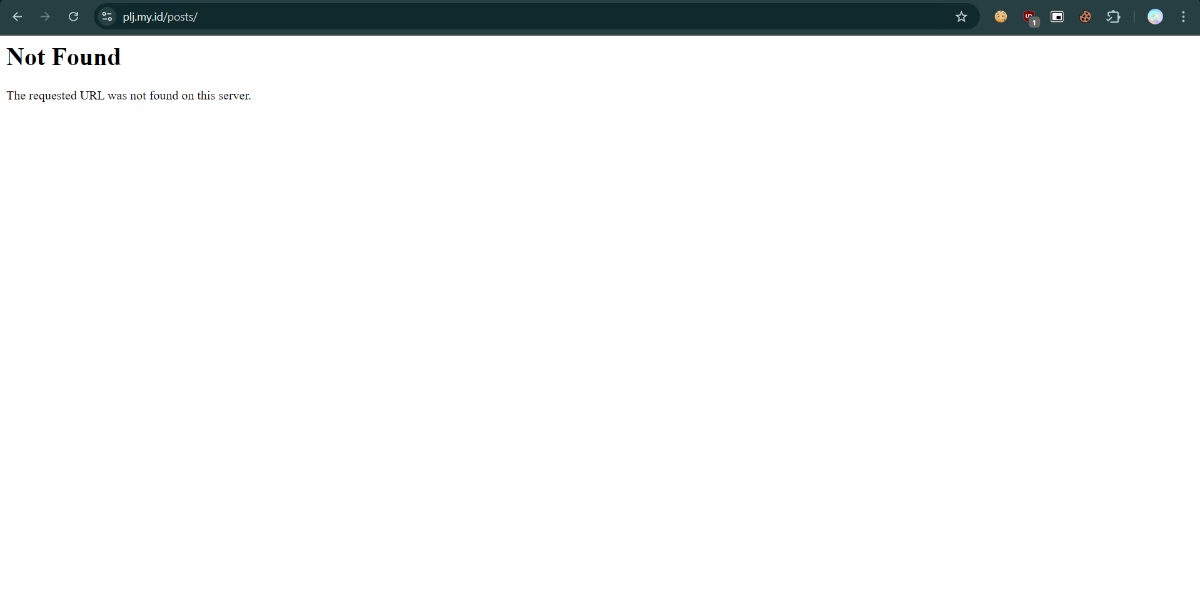
Please clear your cache. The domain plj.my.id is working for me.1 point
-
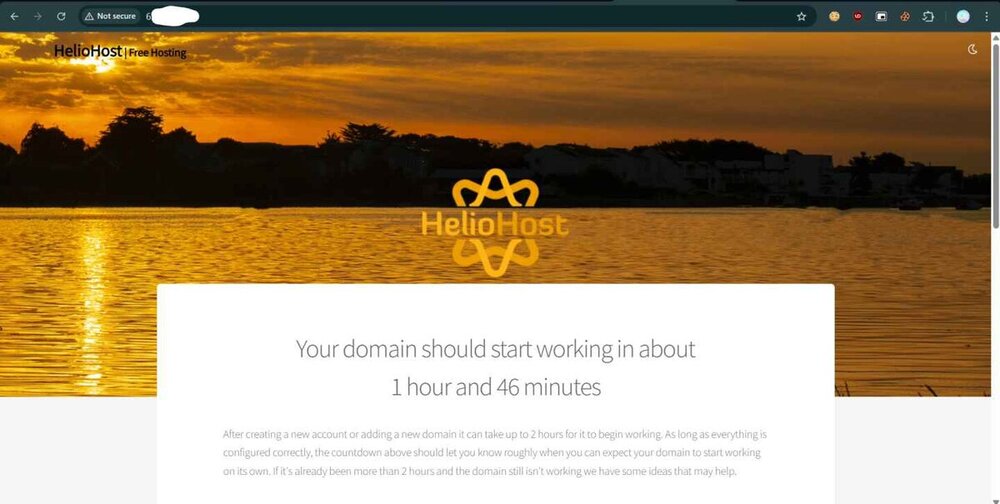
and oh yeah, why is this taking so long.... it's been 4 hours
 1 point
 -
Kudos! I will like to test the new version of tommy and kindly help me to reset my account.. I want to start afresh.. Username: ojplanet1 point
-
The first thing that i notice is i can't login with my usual password, but i can fix it easily with reset password and it's done. The plesk panel is soooo much snappier, i don't to wait like 10 second just to move around in plesk I need more time to test, but that is my first impression after migrate to the new server.1 point
-
Hi Krydos, thanks! After a short test, I recognized some small problems: 1. I had to reset my password to be able to log in to Plesk (solved). 2. I have a password protected subpage /arcor, another subpage of this /arcor/tmp is not password protected. However, the password is now also requested on the other subpages (still open). 3. I worked on tommy2 with php 5.4.45 and already changed to 5.6.40 in the last days. http://dl5ark.heliohost.org/blitzortung/blitzortung.php?graph_statistics=strikes_time&bo_lang=de&year=2024&month=01&radius=1 still seemed to work, now the diagram is not displayed correctly anymore. Unfortunately the script for lightning detection is from an external source and will not be developed further (still open).1 point
-
I just started your account moving to the new server as well. Let us know how it goes.1 point
-
I just started your account moving to the new server. Let us know if you have any feedback regarding the move process, or experience any downtime.1 point
-
I just started your account move to the new Tommy. We would appreciate any feedback on how well the move works, or if there are any issues.1 point
-
Refer to this wiki page https://wiki.helionet.org/tutorials/plesk/account-backups You can create your own backup through Plesk for the latest up to date backup, or you can download your backup from https://heliohost.org/backup/ but that is from 2024-09-01 Once you have the backup downloaded, and a suitable Z-Standard extraction tool installed you can find your emails in the file backup-filename.tar\domains\yourdomain.com\backup_domainmail_date.tzst1 point
-
How do I backup my email messages? I think I have everything else backed up already and stored in the cloud.1 point
-
I am happy to be a volunteer for V2 account name: an4s9111 point
-
If any Tommy people want to get upgraded to the new Tommy immediately, we can do a full backup, and then reset your account. We recommend doing a reset occasionally anyways to help clear out the clutter and keep the bugs from accumulating. A reset does delete everything off your account and resets it back to the factory defaults so be aware that you'll need to extract your backup and restore the parts you need, and add any additional domains again, etc. That's the fastest way to get on the new server though. We're almost done testing the account move script, and then we can start moving everyone over.1 point
-
Yes, you will receive an email when you are transferred. If you use ns1.heliohost.org and ns2.heliohost.org nameservers there will be zero downtime because we will keep the old account online for at least 4 hours for DNS to update. That way anyone who has your DNS records cached will see the old site, and anyone who doesn't have your DNS records cached will see the new site immediately. If you use Cloudflare we can't update the DNS records for you so the downtime is fully up to you. I would recommend switching to our nameservers for the next couple weeks if you're worried about minimizing downtime.1 point
-
Will we get a heads up that the account is going to be moved to “new Tommy” a few hours before the account is actually moved? That way CloudFlare users can update the IP Address ahead of time and decrease down time.1 point
-
Yes it will. New Tommy uses a single IP like Tommy2 did before that DDoS attack...1 point
-
I am on a different (supposedly temporary, but long term ?) IP, will it also change when I get moved to the new server? Just to be aware so I can modify my settings on Cloudflare when I get moved.1 point
-
Because a large number of our users run older software that needs them. Also, the vast bulk of PHP software available out there requires 5.6 or older even though it hasn't been supported in years. I even actively develop a 5.6 app myself. One of our priorities when it comes to supported features and versions is user retention.1 point
-
Just checked and versions 8.3, 8.2 and 8.1 are the only currently supported versions of PHP. Why are unsupported versions of PHP being supported on the upgraded server, when they can contain bugs and even exploits that are never going to be patched? Source https://www.php.net/supported-versions.php1 point
-
Thanks Sir all good now, wow the server is faster, you are the best1 point
-
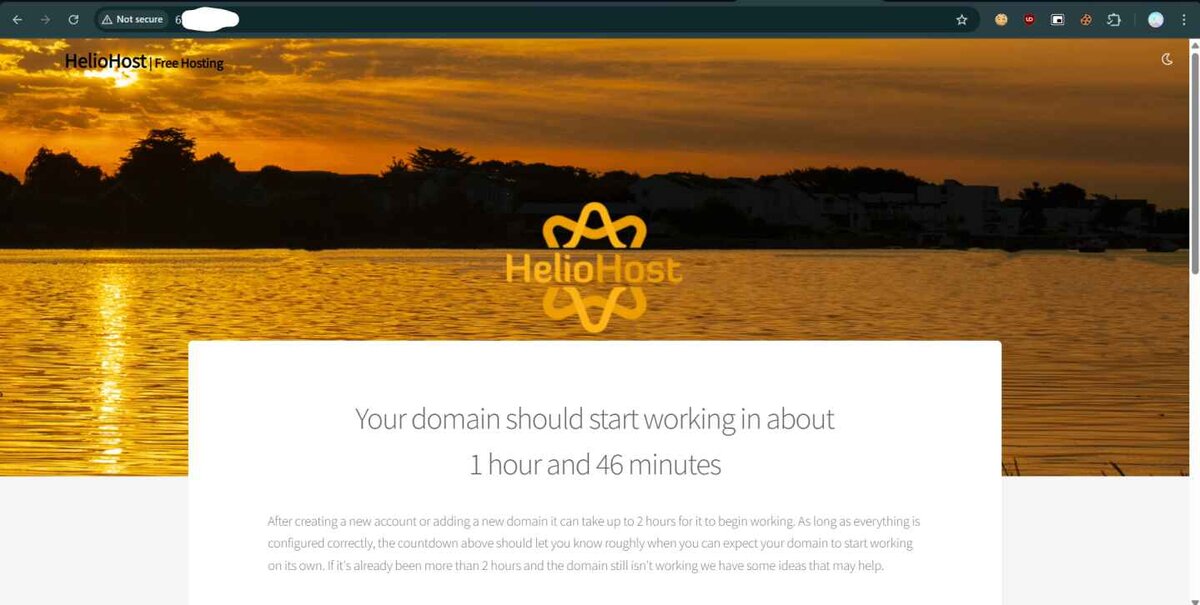
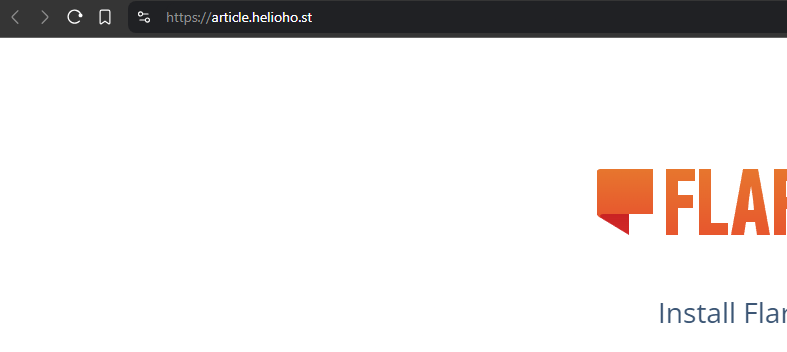
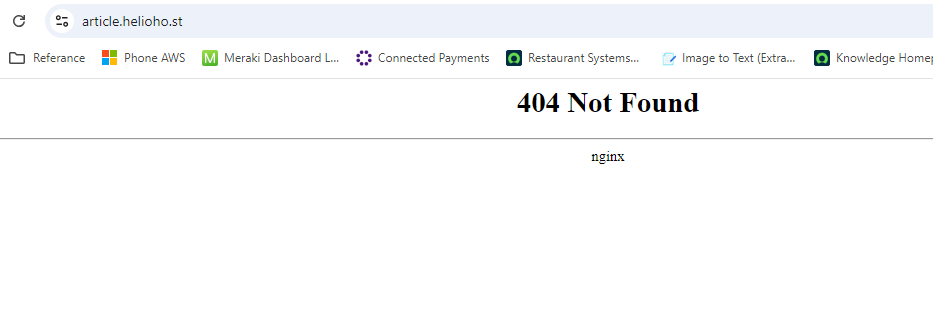
It works for me. The last Apache restart was 11 minutes ago and you posted this 16 minutes ago. After you create your account it can take up to 2 hours for your domain to start working because it requires an Apache restart. So 404 errors are expected if you try to run php prior to your domain working.
 1 point
 -
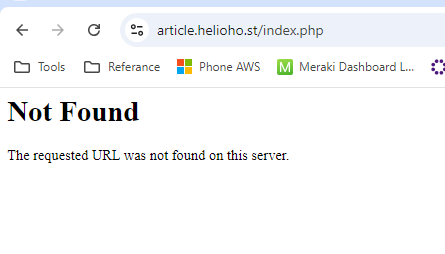
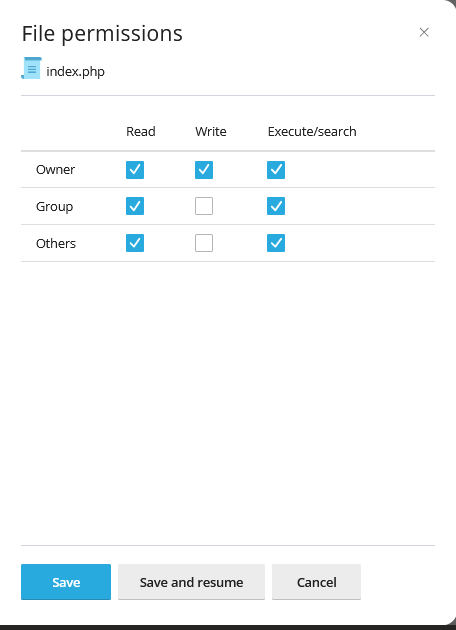
Hello Sir, the good thing that are faster but when i want to execute a php index.php file it shows not found, also if the httpdocs is empty
 1 point
 -
HelioHost offers free 1 year registration on domains for users who are active users of our service and productive members of our community To get a domain registered, you must have the following qualifications: 1) You must have been a member of HelioNet for at least three months. 2) You must have at least 400 posts. No Exceptions! For every new domain or domain renewal (domains must be renewed yearly) you request, you must have 400 posts. For instance, you may register a single free domain when you have 400 posts, but you will have to have another 400 posts (for a total of 800 posts) in order to renew it the following year. Similarly, if you want to register a second domain you will need to have at least 800 posts, assuming you haven't yet renewed your first domain. If you have met the above requirements, you may initiate a free domain request here. Make sure that this domain has not been registered yet! To do this, execute a simple WhoIs search for your desired domain. Include the following information in your thread: 1) Your full legal name 2) Your email 3) Your home street address 4) Your city, state/province (if applicable), zip/postal code, and country of residence 5) A daytime phone number where you can be reached, including country code (+1 for the USA) 6) Your organization (if applicable) 7) The domain you want to register. 8) The HelioHost account you want this domain to be pointed to. All the above information is required due to ICANN restrictions. If you are uncomfortable posting this information on our forum, please PM it to a Root Admin and post in this topic letting us know that it has been sent by PM so we can check our PMs for it. Be advised, however, that WHOIS information is public, and anybody can look up your information by running a WHOIS search on your domain.1 point
-
This is a VPS actually. Not much traffic in there0 points