


aitmf
-
Posts
43 -
Joined
-
Last visited
Posts posted by aitmf
-
-
Since you have given backup url in email, you can proceed to delete WordPress-x and unsuspend the account
-
I would like to move sites to vps, that, I tried to login to Tommy filemanager but it refused, seems I can't login when suspended.
-
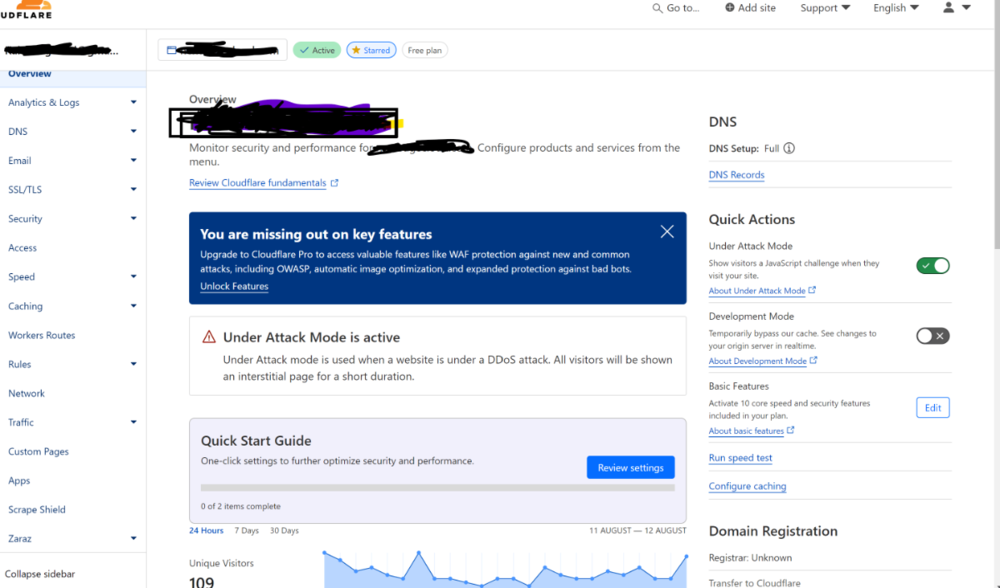
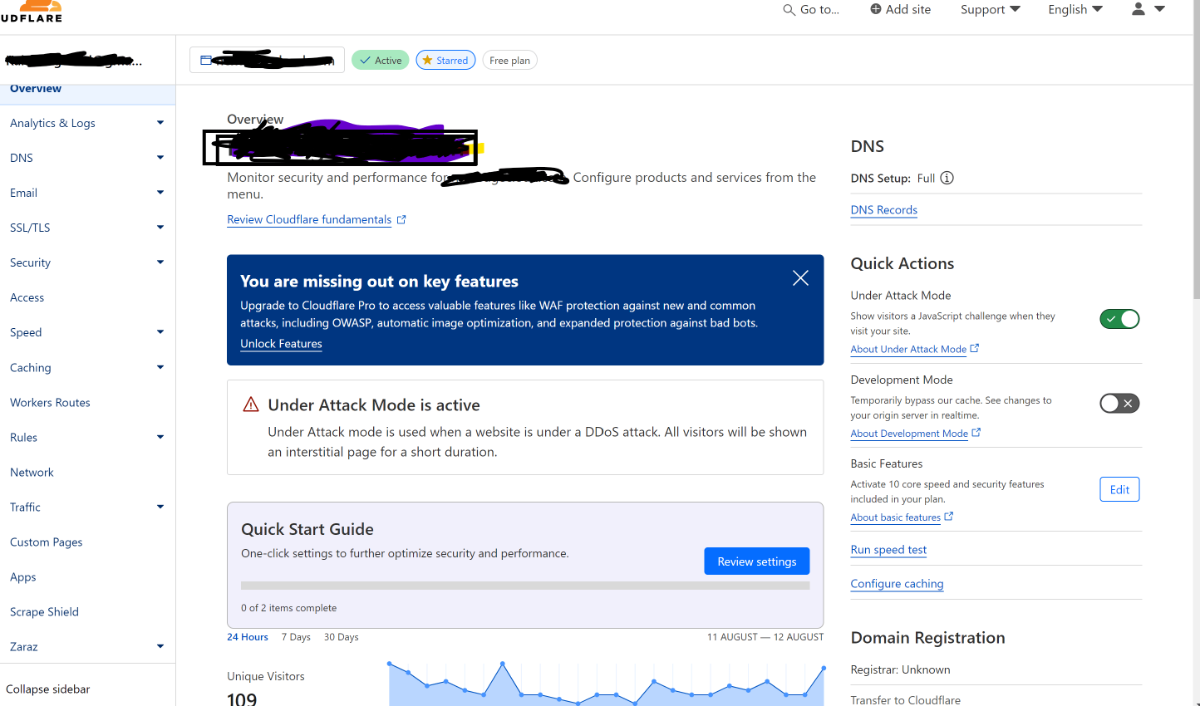
i have been monitoring the load but it is still high, I have enabled cloudflare under attack mode hopefully this will reduce the load in next few minutes, am also deleting unnecessary files from account to reduce on load
-
Thanks, when Morty comes out i will consider that.
-
The truth is, I no longer have what to write on these details for the unsuspension request cause am also tired of requesting it. but I humbly request for a re-examination of the script that suspends us, on parameter values that were set whether they are average. If I'm suspended when I have less than 10 concurrent users, what if they become 500????
i re-iterate, am not against suspensions but the values set in the suspension script should be average, at least to run 100 concurrent users on site.
-
For Emails, i was not sending many emails my account has never sent 5 emails a day intentionally, but this what was happening:
i had forwarders to gmail for every corresponding email. there was a site which had a contact form without recaptcha, so some bot would send fake marketing through that form, then corresponding spam email form filled and sent to me, would then be forwarded to gmail, that appeared as if i was sending many emails. with that implemented recaptha on form which stopped the bots
Tommy configuration
Then another thing is that when you send one email to 3people, with 15 cc or and 5 bcc, the way tommy is configured, it calculates it as 23 emails sent at same time, this what is not fair to us. i have sent one email, but it has seen it as 23, am i one wrong? but still i was not doing even more than 5 people in single email.
This time high load
on this time of highload, its WordPress that i was changing theme and loading plugins. but will be fine after done with it.
-
user name google12
-
suspended due to high load,
-
i did not alter or add any files for last 30 days why all of sudden account suspended for load spike??
account:google12
-
i have a website that was working on localhost where there is no fastcgi, but when i uploaded it on tommy it brought turns of errors, after long hours of finding the cause of errors i found it was because tommy was serving php scripts with fastcgi.
To prove my assumptions, i created a new virtual host on localhost and activated fastcgi, it reproduced same turns of errors. deactivated fastcgi and it worked fine on local host.
am finding away to to turn off fastcgi on this particular website similarly on tommy.
-
Account could have suspended due to excess in file quota.
-
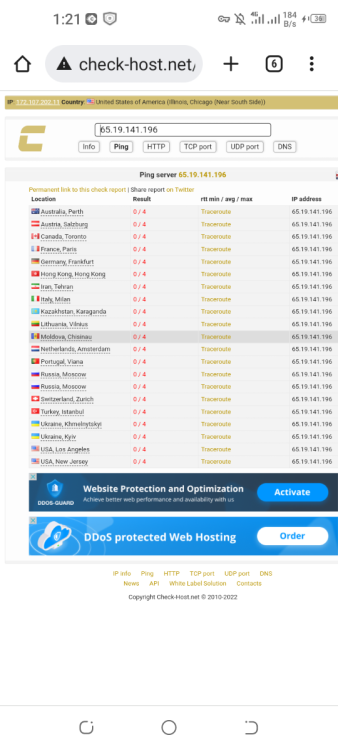
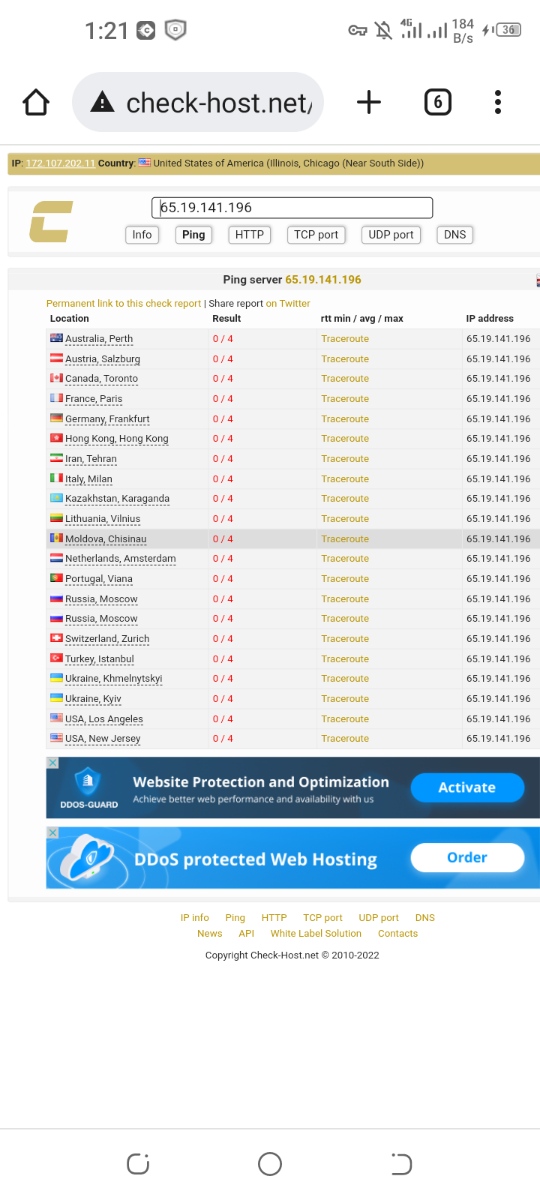
I recieved a notification that server has gone down. 3 times now when i checked it i found it off.
How can we always restart the vps when they are down without Heliohost support team.
as of this post its still down. vps39
-
Just now, aitmf said:
nothing i have all ready added so no file, no program installed, no anything.
sofar
i had run the following commands
sudo apt-get update
sudo apt-get install nginx
sudo get-install tightvncserver
sudo apt-get install snap
sudo snap install code
sudo snap install gdm3
vncserver -start
//when it started and i found screen blank, i tried to run
sudo dpkg - - reconfigure gdm3
//when it still failedi tried
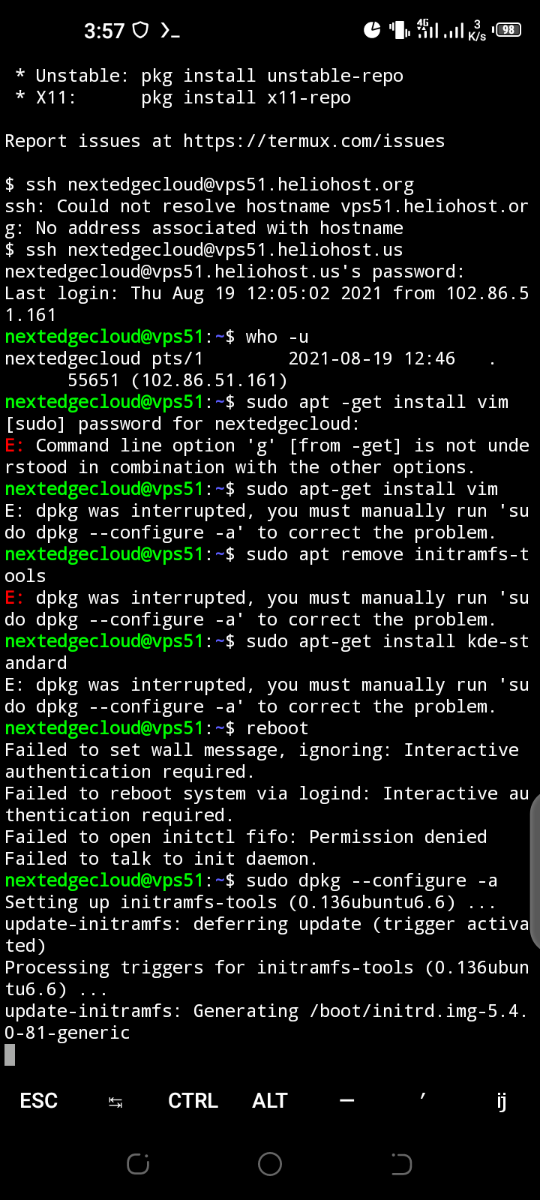
sudo apt-get install ubuntu-desktop
thats when it got stack on
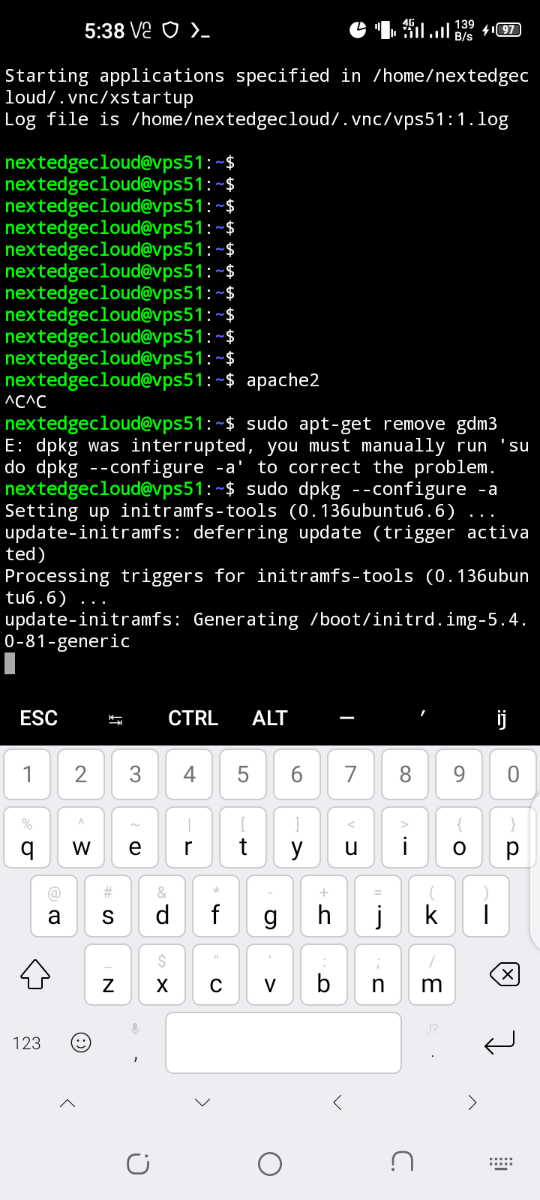
"update-initramfs: Generating /boot/initrd.img-5.4.0-81-generic"
its now 10 hours, i don't think it will pass there, i restarted but cant do any dpkg command it brings this error.
"E: dpkg was interrupted, you must manually run 'sudo dpkg --configure -a' to correct the problem."running that command take you back to same stack process.
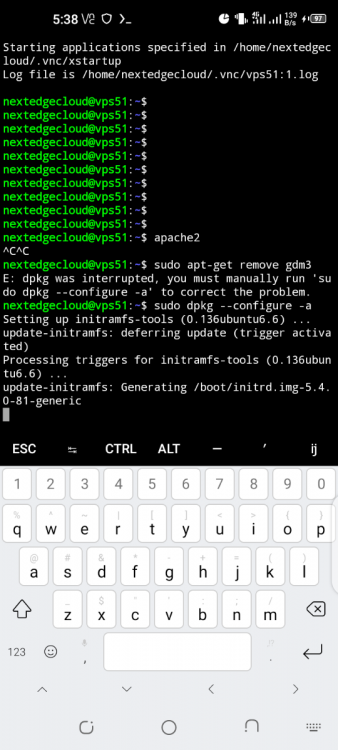
typing error on snap install gdm3, it was apt-get install gdm3
-
nothing i have all ready added so no file, no program installed, no anything.
sofar
i had run the following commands
sudo apt-get update
sudo apt-get install nginx
sudo get-install tightvncserver
sudo apt-get install snap
sudo snap install code
sudo snap install gdm3
vncserver -start
//when it started and i found screen blank, i tried to run
sudo dpkg - - reconfigure gdm3
//when it still failedi tried
sudo apt-get install ubuntu-desktop
thats when it got stack on
"update-initramfs: Generating /boot/initrd.img-5.4.0-81-generic"
its now 10 hours, i don't think it will pass there, i restarted but cant do any dpkg command it brings this error.
"E: dpkg was interrupted, you must manually run 'sudo dpkg --configure -a' to correct the problem."running that command take you back to same stack process.
-
The reason why i rebooted was because of this process stack at this, now its back after reboot
-
33 minutes ago, aitmf said:
finally it connected but took long abt 15min
But for sure, the previous vps was working fine with gdm3, and i has installed vscode to keep using while editing files.
But this one, it has failed display manager, nano is hectic and when it comes json its crazy. vim is slightly somw how but also.
code and sublime text are good but cant work over ssh. down is my vnc viewer but nothing.
let me try on lightdm, if it also fails to display,i don't know.
look at add virtual hists in apache over nano, so hectic
-
finally it connected but took long abt 15min
-
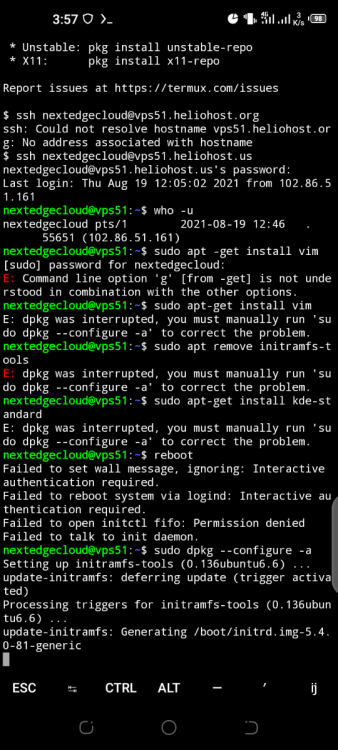
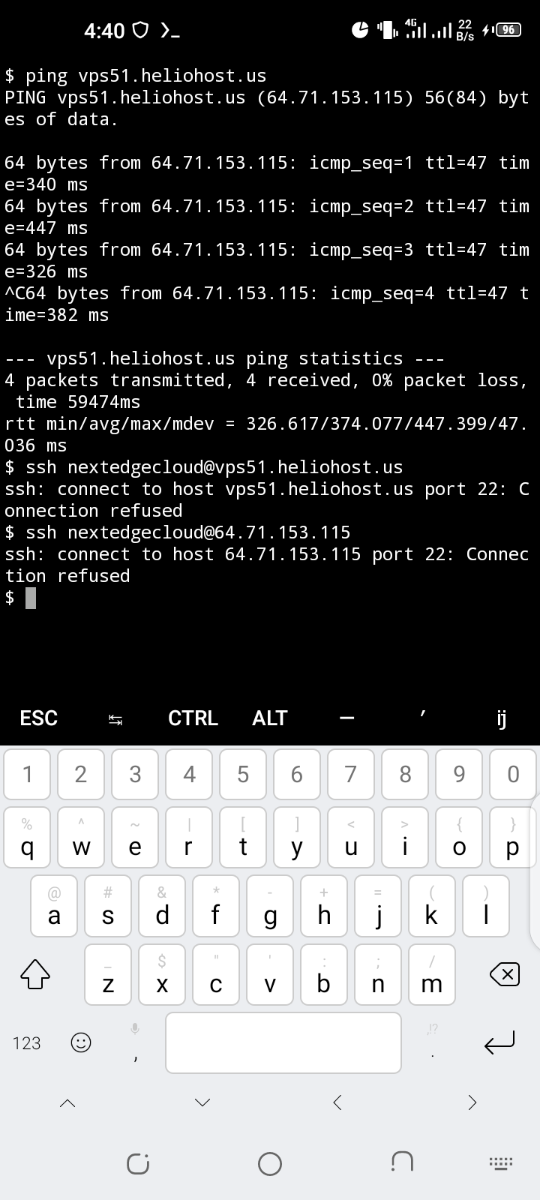
my vps51 got stack while installing apt packages, so i was advised to reboot it, on discord
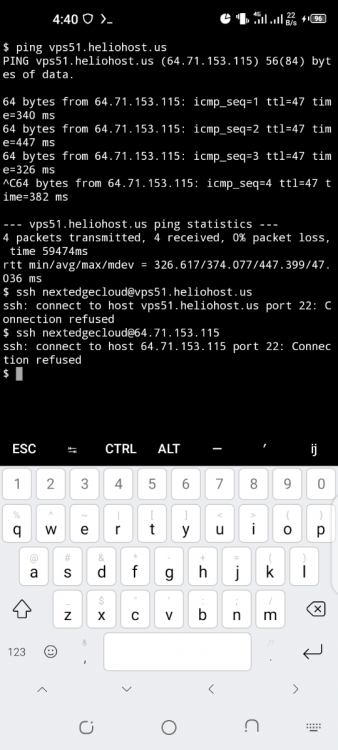
on pressing "sudo shutdown - r now" i was disconnected as usual but it didnot come back. the connections to port 22 are refused.
vps51.heliohost.us is vps.
-
Again there was a promo that you get extra 1gb of ram on any package you buy but me did not get.
-
Yes I have ,but I see u gave me another domain vps51.helionet.us
-
Host name: nextedgecloud.com
-
OS I had wanted windows 10 NOT windows server, but since we are having issues of migrating from cpanel to plesk, I would want to add another labour to you our lovely technicians, Just drop there Ubuntu 21.04
-
Hello krydos,
I paid vps with email n**cloud@gmail PayPal for my email failed to login. I tried to reset and they asked for phone that got lost. So I created a new PayPal email account and paid for vps
Transaction id 51758447K29919844
Transaction time: 2021-08-16 11:50:56GMT
So I don't know how you will link it to account google12
-
In vps selection i did not find windows 10 but i found windows server
[Inactive] Request for unsuspension dns and files allready changed
in Escalated Requests
Posted
i thought its only wordpress that brings overload, even node???????LOL? anyway unsuspend me after i get my card details settled i will atleast subscribe back my vps and move my account to morty, for now unsuspend account, keep sites deactivated except nirvana.heliohost.us.