smel
-
Posts
8 -
Joined
-
Last visited
Everything posted by smel
-
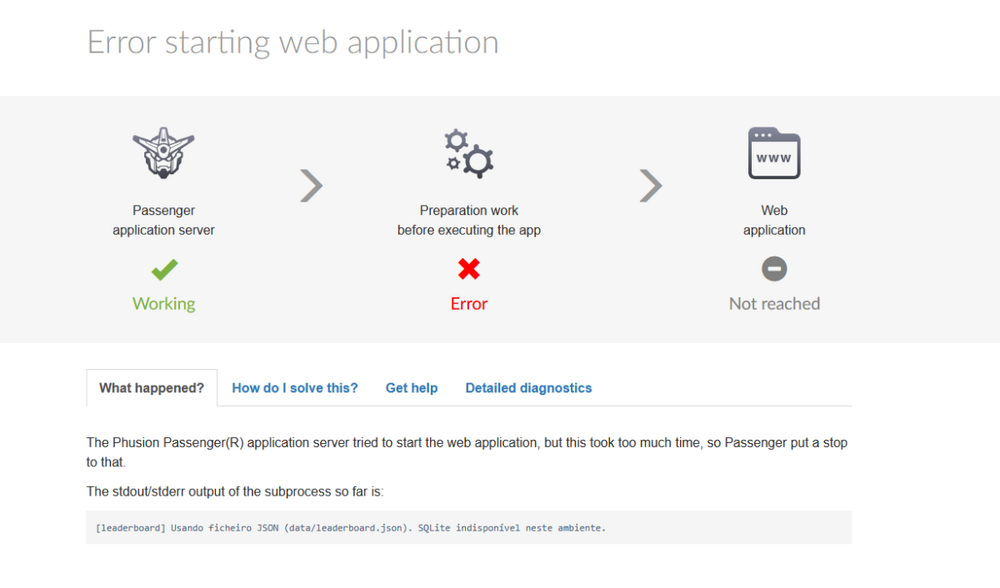
 Still doesnt show the error and now its says 504 Gateway Time-out doesnt load the page https://dead-run.helioho.st/api/health# https://dead-run.helioho.st/log/development.log and the log page stills says i cant see the logs yet if Krydos can take a look at the logs for me i would apreciate very mutch Update now the page is showing the error not api health but api scores I now have detailed diagnostics: Passenger times out at “Handshake with subprocess — 90s”. My Node process prints a log line but never reaches “app start listening for requests”. I realized my app was not calling listen() under Passenger. I’ve updated it to start the HTTP server with server.listen('passenger') when IN_PASSENGER=1 / Passenger env vars are set. I’ll redeploy and restart; this should fix the spawn timeout. Hi! I fixed it — the issue was Passenger spawn timeout because the app wasn’t starting to listen under Passenger. I updated the Node app to listen via the Passenger socket (server.listen('passenger') when IN_PASSENGER=1 / Passenger env vars are present). After redeploy + restart, /api/health returns JSON successfully (ok: true). Thank you for the guidance. thx 4 the help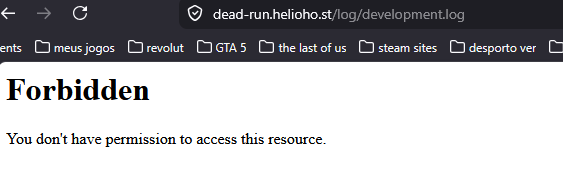
-
thx so i will check tomorrow again to try to see the logs
-
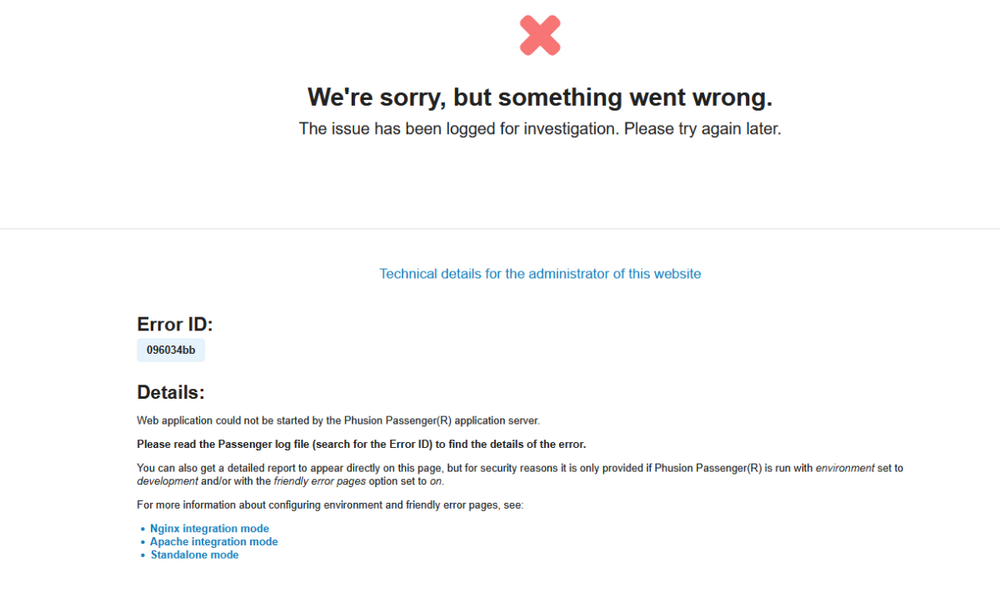
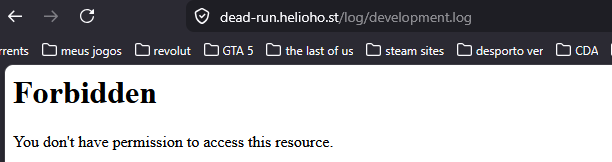
ok thx i will try to change to development to see if i can see the error both https://dead-run.helioho.st/api/scores# and https://dead-run.helioho.st/api/health# are getting 504 Gateway Time-out sometimes and when it loads its still the in the same state even that i already change to development it says i dont have permission to acess the log but i already switch to development
-
is this it
-
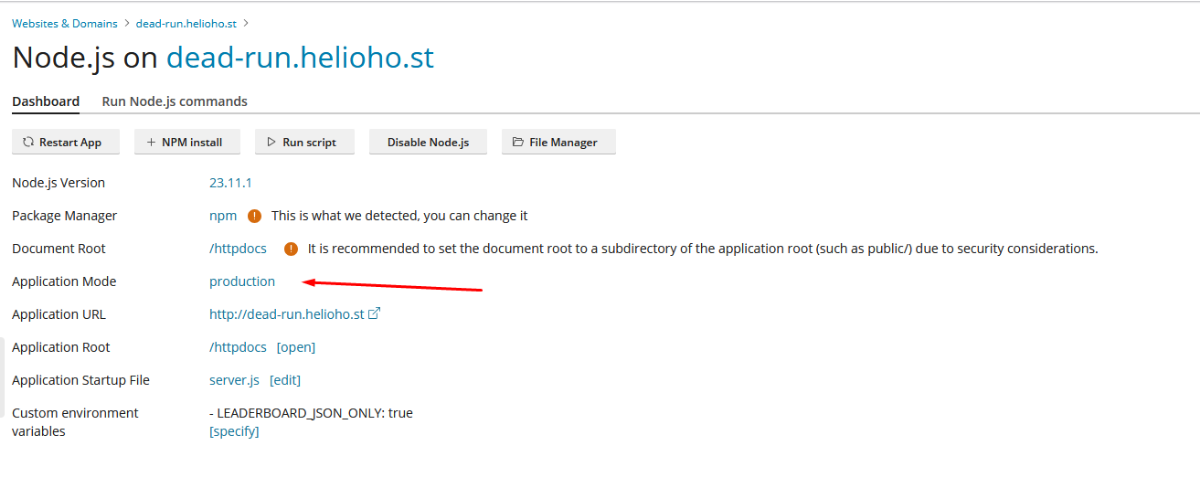
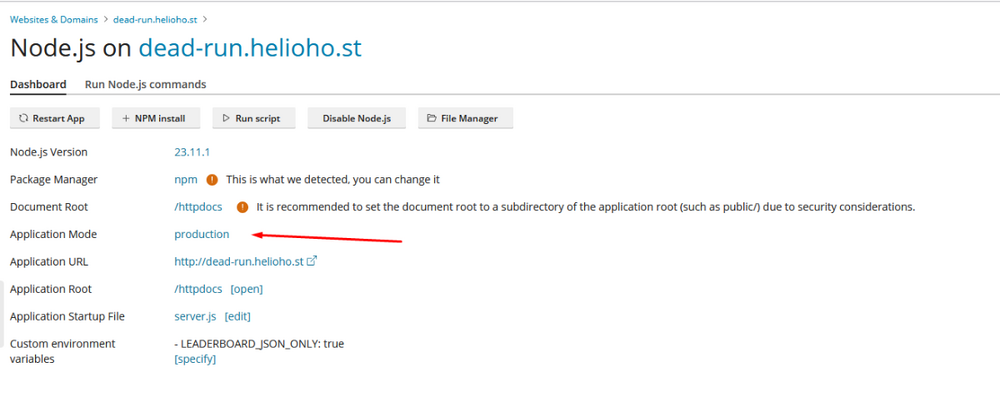
where do i see my environment ? i founded its production do i need to change to development ?
-
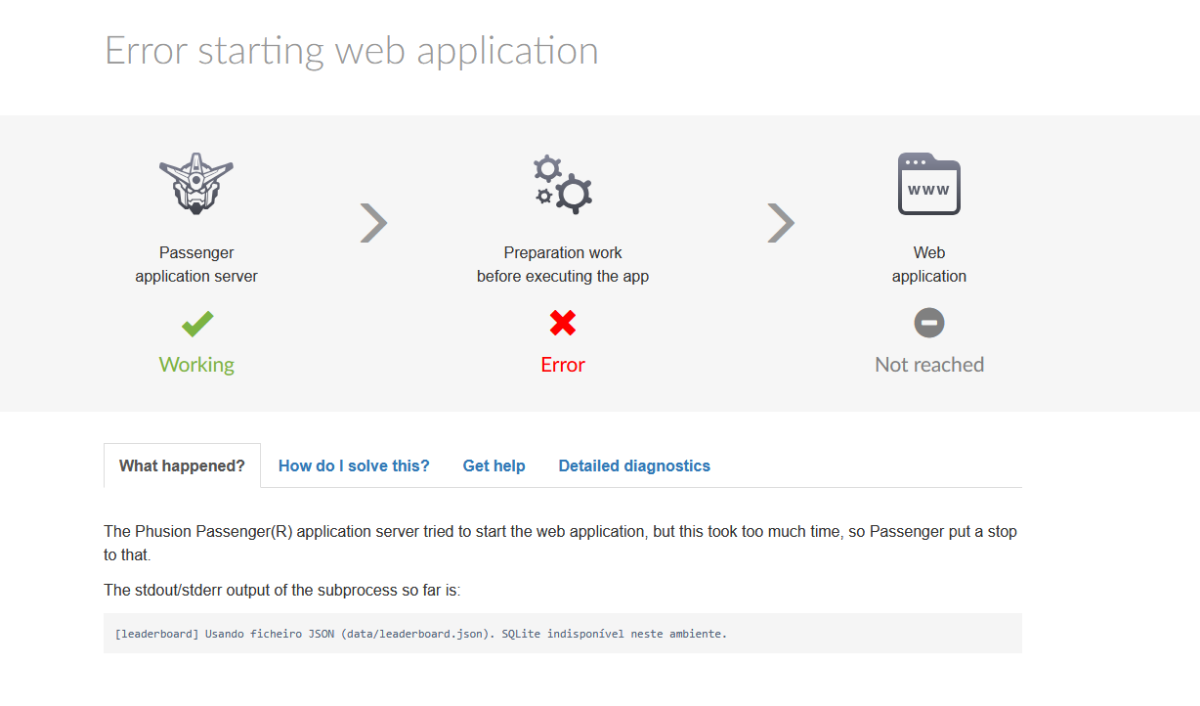
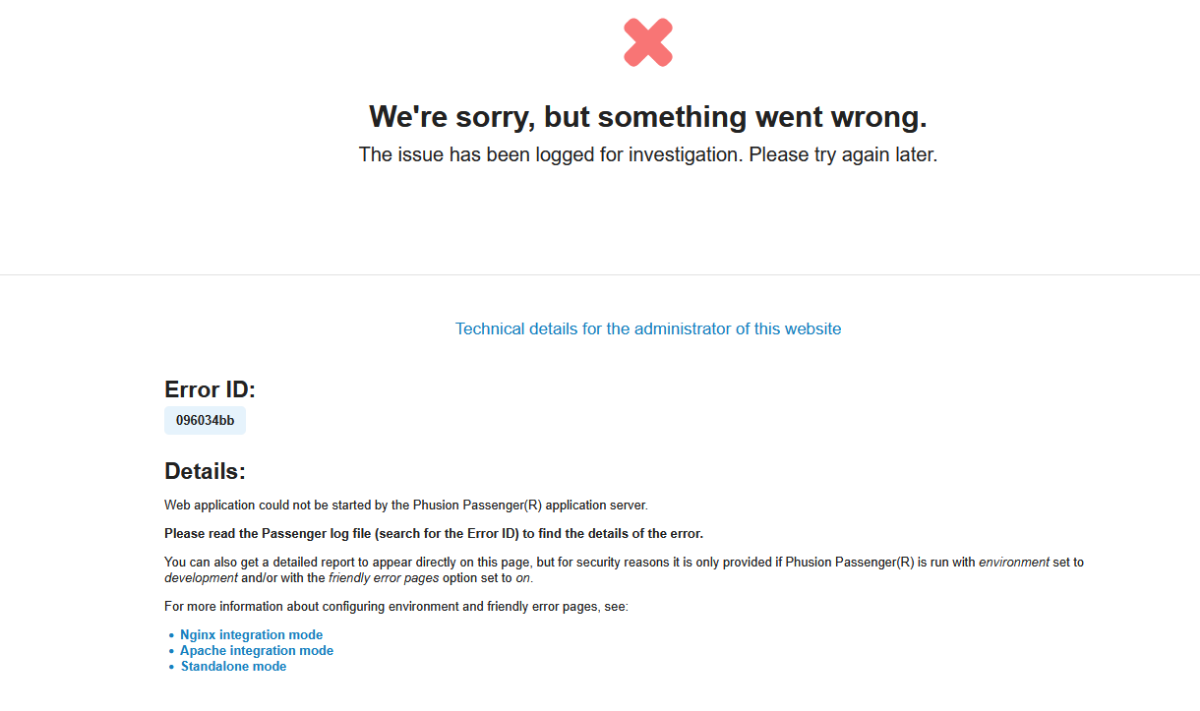
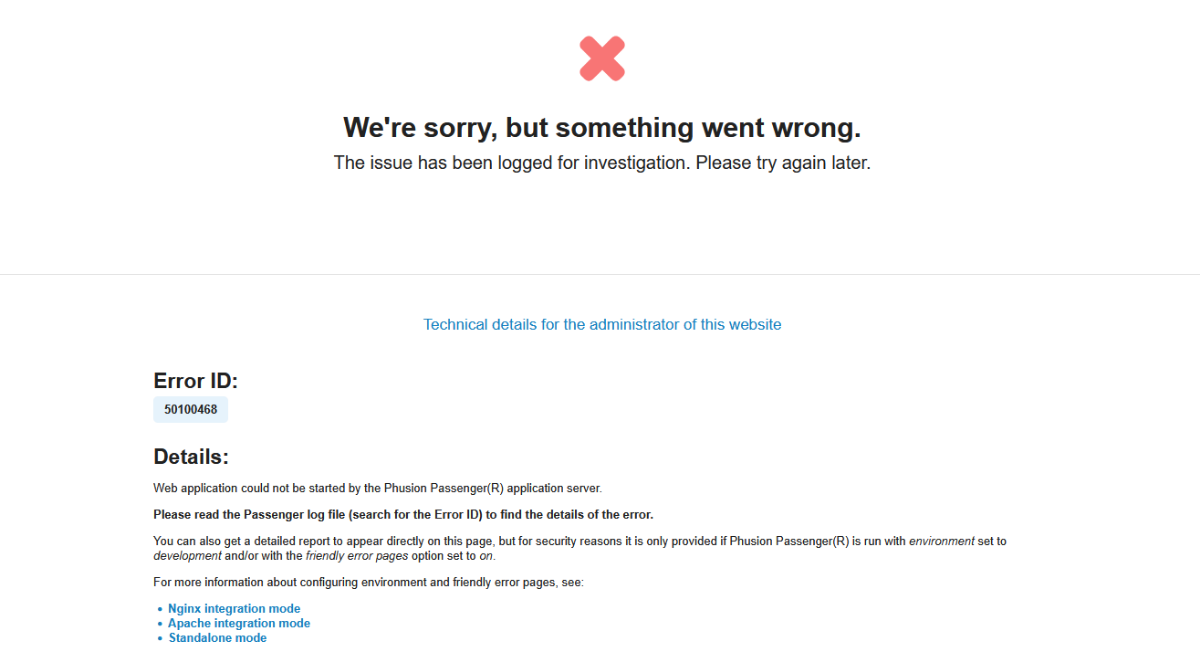
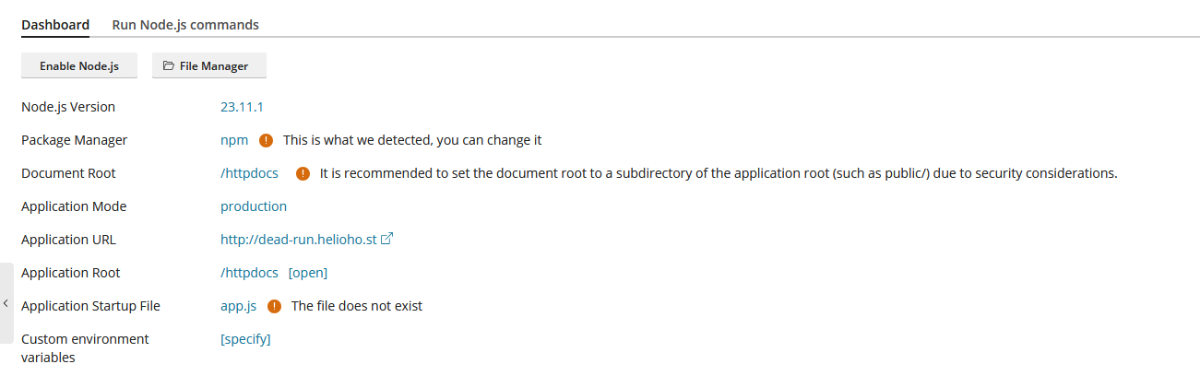
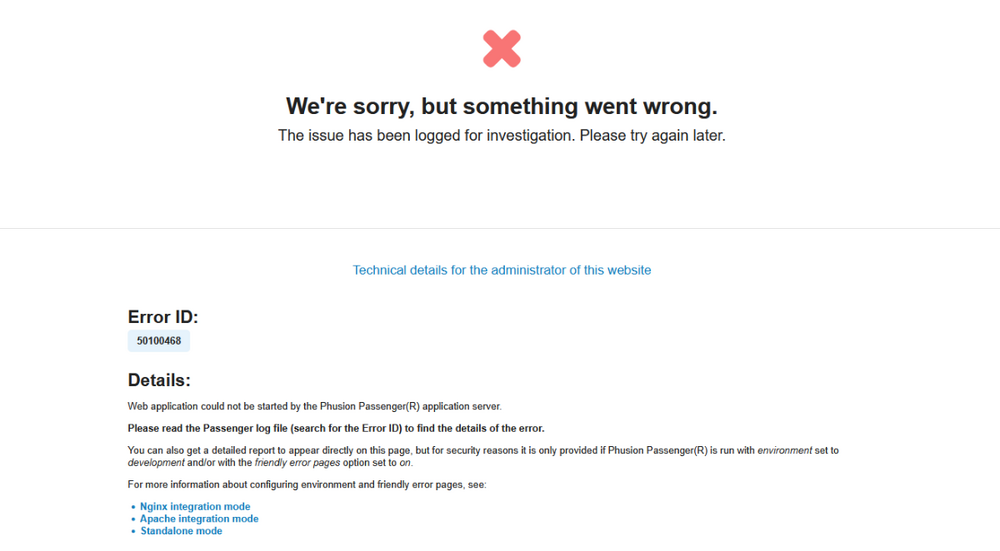
Hello, I am hosting a Node.js API on dead-run.helioho.st (HelioHost / Plesk). The app never starts: every request shows the generic Phusion Passenger error page (“We’re sorry, but something went wrong” / “Web application could not be started by the Phusion Passenger application server”). The Error ID changes on every refresh, so I assume the process crashes on startup each time. My setup Application root: /httpdocs Document root: /httpdocs Application startup file: server.js Node.js version (panel): 23.11.1 Package manager: npm (I run NPM install from the panel and Restart App) Custom environment variable: LEADERBOARD_JSON_ONLY=true (to avoid native SQLite; the app can fall back to a JSON file) What I have already tried Uploaded a CommonJS server.js with module.exports = app (no listen() under Passenger). Dependencies: Express 4 and cors in package.json; removed native better-sqlite3 from the critical path when using the env var above. Deleted node_modules and ran a fresh npm install, then Restart App. Confirmed server.js, package.json, and node_modules are under /httpdocs. Cleared browser cache; waited after changes. What I need from you Please check the Passenger / Node.js logs for my account/domain and tell me the real stack trace (e.g. missing module, permission denied on data/, Node version issue, etc.). I do not have access to /var/log/passenger/passenger.log from my side. If something in my Plesk Node.js settings is wrong (application root vs document root, Node version, or permissions on /httpdocs / data/), please advise what to change. Sample Error IDs (if helpful): I can provide the latest ID from the Passenger page if you tell me where you prefer I paste it. Thank you for your help. Best regards, smel Domain: dead-run.helioho.st
-
its solved
-
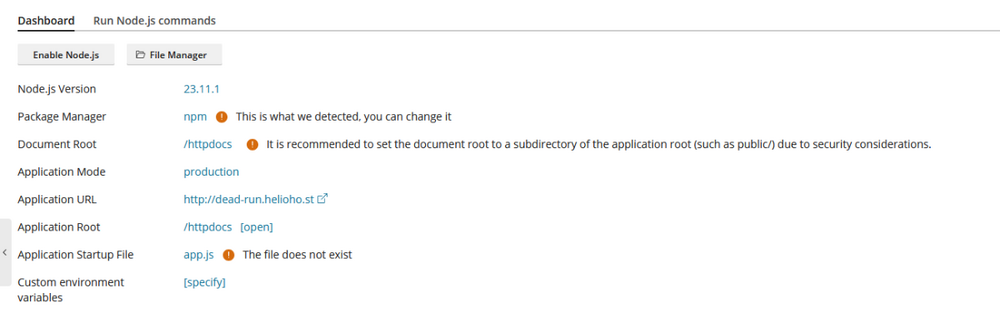
I cant find where and how do i changethe Application Root and Application Startup File anywhere, can someone help me ? Since no one is helping me in Discord support, I came here to ask, and even chatgpt doesn't know how to help me either.