ahuckphin
-
Posts
4 -
Joined
-
Last visited
ahuckphin's Achievements




-
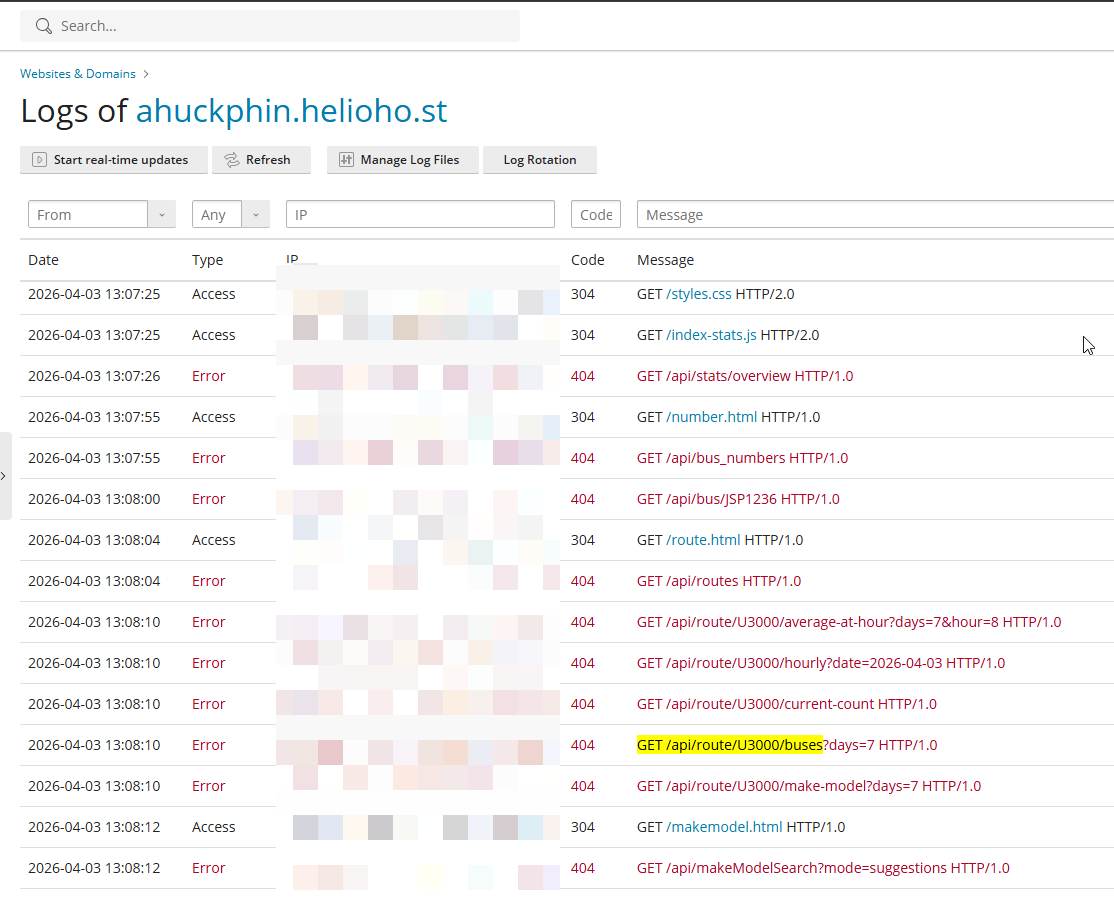
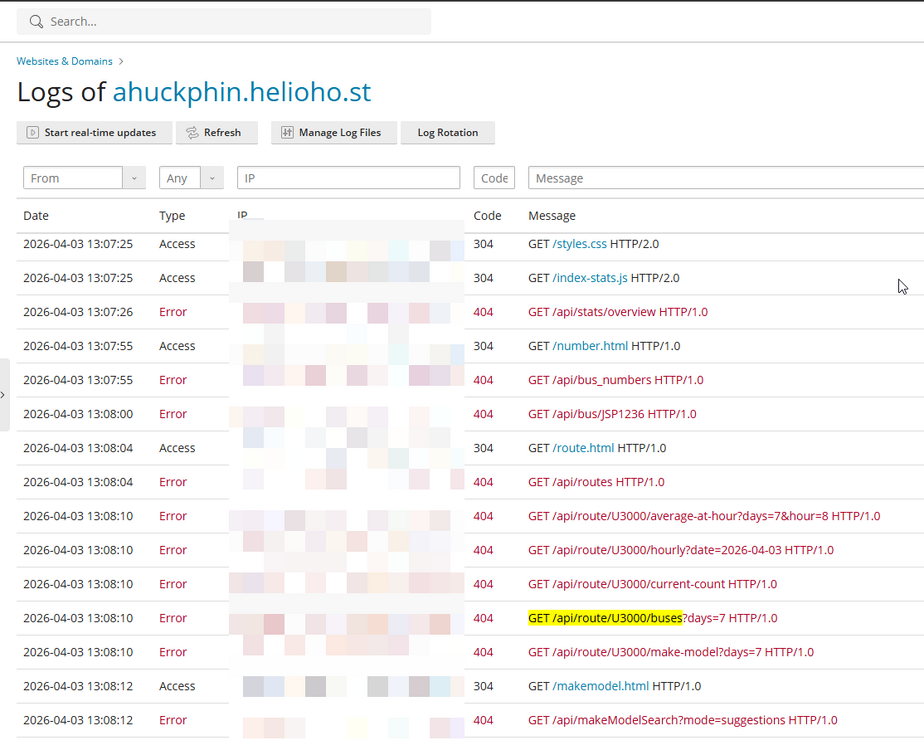
My apologies, the issue described previously with 404 errors, at least this time (after reset) does seem to be related to waiting for an apache restart.
-
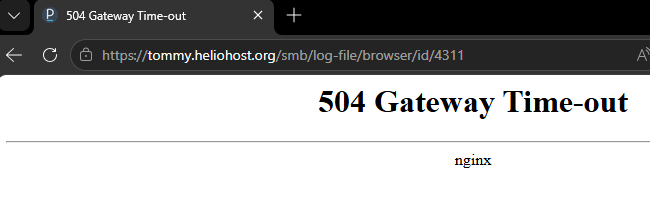
The log page doesn't load faster after the reset with node.js enabled. Received 504 gateway time-out error once. I reckon perhaps it's something to do with my website code (?). The reset did resolve an unrelated issue I had with 404 errors. However, this issue came back later (after the reset). My website works as expected. I then disable, then enabled node.js, with no change to code or file structure, my website stops working as expected with 404 errors . I'm not sure if this is hosting related or my code related. At this point, I am looking into switching to VPS upon further review of Passenger limitations.
-
Thanks for getting back. The reset page (https://heliohost.org/dashboard/reset/) says to open a support ticket for resting an account. Can I just request here to reset my account? I acknowledge it is a permanent change involving deleting data.
-
I'm currently on the Tommy plan. The log page in Plesk takes >5 mins to load when my Node.js is enabled. Would upgrading to the Morty have a log page that loads more instantaneous? If I disable my node.js app, the log page will go back to loading quickly but enabling back on my node.js app is another pain point.